Table of Contents

AI is becoming a standard part of service desk software. Eighty-seven percent of organizations already use AI in ITSM or expect to adopt it within the next 24 months. Vendors are adding it to five everyday workflows: employee self-service, request triage, incident handling, approvals, and routine IT and HR workflows.
AI is also shaping buying decisions. Among organizations adopting it, 97% say AI capabilities will influence their choice of the next ITSM platform.
For IT leaders, the question is no longer simply whether AI can provide faster answers. Research already points to shorter resolution times and fewer tickets reaching agents. The more useful question is how these capabilities fit into day-to-day service desk operations.
That matters especially when employees already turn to Slack for help. With AI reportedly handling 40–60% of L1 tickets and deflecting up to 66% of tickets, the connection between Slack and the service desk plays an important role in capturing and managing support requests.
This guide looks at how that works in practice.
TL;DR
An AI service desk in Slack should start as a controlled support workflow and then expand into automation once request detection, knowledge access, permissions, and handoffs have proven reliable.
The gist
- AI is now mainstream in ITSM: 87% of orgs use or expect to use it, and 97% say it affects platform choice.
- Slack works as the front door for IT, HR, and Ops requests, while ticketing, approvals, identity, and SLA workflows run behind it.
- A strong workflow detects real requests, collects missing context, searches approved knowledge, automates routine actions, and hands off unresolved issues.
- Teams can use existing ITSM AI, build their own agent, or buy a Slack-native AI service desk like ClearFeed.
- Rollout should begin with a few high-volume channels, private AI assistance, clear routing rules, and a two-week pilot.
Worth knowing: The piece argues against launching a fully autonomous bot everywhere at once. Start with assisted support, validate behavior, then automate repetitive work.
What Is an AI Service Desk in Slack?
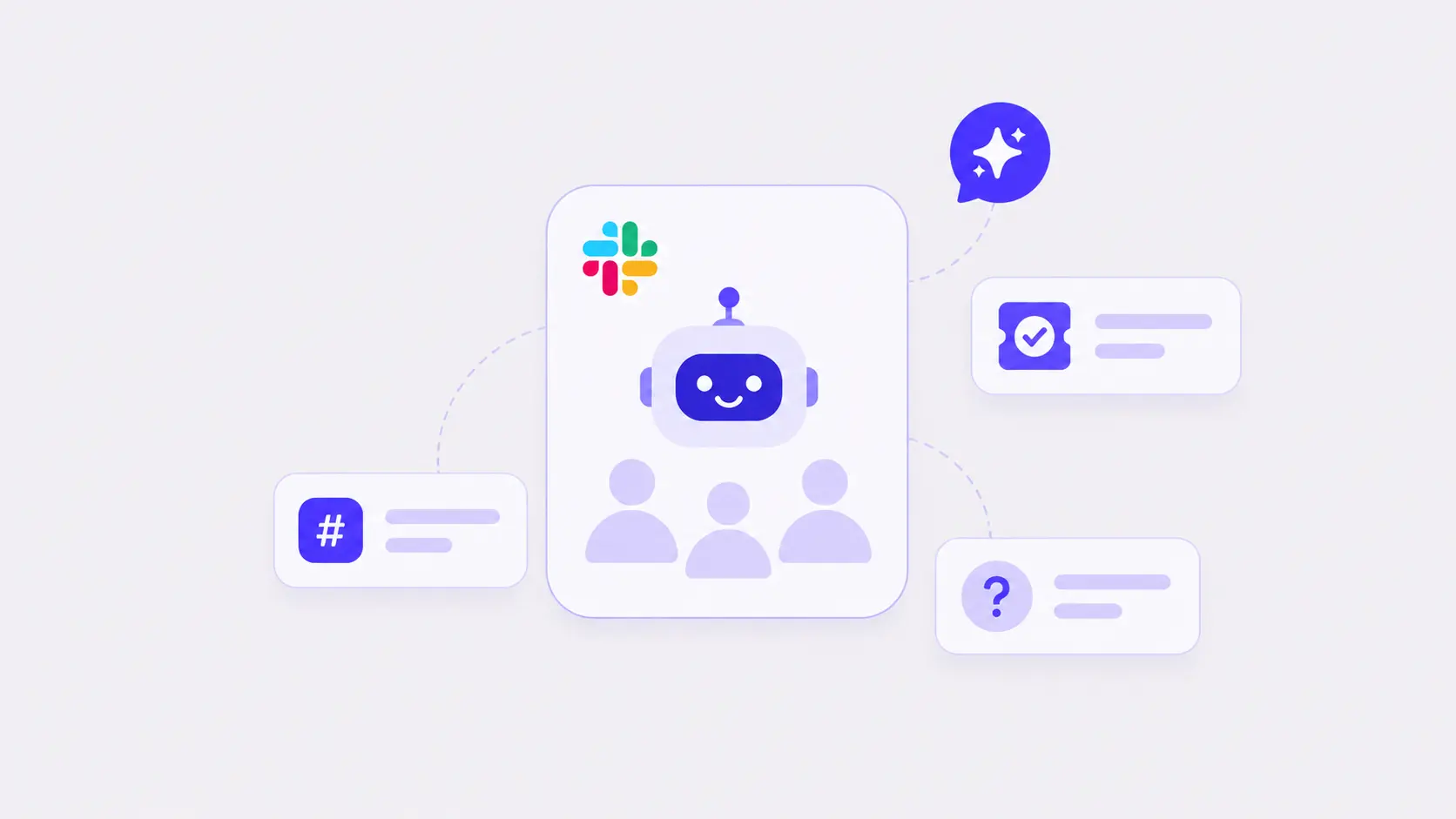
An AI service desk in Slack uses Slack as the conversational front door for employee IT and HR support. It applies AI to understand requests, collect missing details, connect to approved information and tools, automatically resolve issues where possible, and, where not, route work to the appropriate service team.
It also connects Slack conversations with service-management workflows such as ticketing, approvals, onboarding, offboarding, provisioning, and troubleshooting. Unlike a standalone chatbot, an AI Servicedesk is a comprehensive solution that helps move employee requests from intake through resolution while orchestrating AI bots, support agent assignment, and manager approvals, while maintaining detailed stats for every stage of the ticket lifecycle.
Why Do IT, HR, and Ops Teams Need an AI Service Desk in Slack?
As the dominant communication tool inside Slack-native organizations, Internal support already has a tendency to happen in Slack, leading to a host of issues:
- Employees post in request channels like #it-help or #ask-hr.
- IT admins add chatbots to solve problems automatically - but there is no clear handoff to human agents.
- It is impossible to monitor every new conversation (or the follow-up responses therein) - this leads to missed requests and uneven service.
- Asking employees to file every ticket in a portal adds friction and lowers compliance.
- The lack of an easy way to raise private queries in Slack forces employees to message IT staff directly. This leads to siloed conversations and even poorer response and closure.
- There is no easy way to measure the efficacy of AI or its ability to fill knowledge gaps.
An AI service desk gives both sides a cleaner arrangement:
- Employees continue asking for help in Slack - on Channels or via private messages (to a Service desk bot)
- All relevant queries are identified and tracked by the Service Desk bot.
- Queries not answerable by AI are converted to tickets and handed off to the right team - whether IT, HR, or Operations.
- Service teams work from a central triage queue with visible ownership, priority, and SLA status. Internal investigations stay private.
- A formal ticketing system - whether a Slack-native one like ClearFeed or another connected ITSM tool with good Slack integration remains the system of record when needed.
- Relevant replies and status changes by the service team sync to the original Slack thread.
- Detailed analytics are available on the efficacy of AI, including where it receives positive and negative responses and where there are addressable gaps in its knowledge.
How Does an AI Service Desk Work in Slack?
A well-designed service desk can move that request through the following workflow:
- Detect the request. AI distinguishes the issue from greetings, acknowledgments, and casual conversation.
- Acknowledge it. The employee receives a prompt response while an SLA timer starts. During non-business hours, an OOO message that sets response-time expectations is appropriate.
- Collect context. A Slack form or follow-up request asks for the affected system, the role being used, the error message, and a screenshot. AI can glean some of the required details from the user’s message.
- Search for an answer. The service desk checks approved runbooks, IT SOPs, and the internal knowledge base. It can suggest a workaround privately or reply publicly, depending on the configured AI mode.
- Take automatic action where possible. If the request matches a routine service request - for example, granting Salesforce access via Okta, or a standardized onboarding/offboarding request - the AI agent can execute the action directly, with approval if required.
- Hand off the request to support agents. If the request cannot be answered or resolved automatically, classification rules assign it to the right IT or HR team.
- Manage incidents. If multiple employees report the same disruption, the service desk groups related requests into a single incident, assigns it to the appropriate resolver team—such as network, security, or the internal application team—and keeps affected employees updated in Slack.
- Sync progress. Specialist team updates flow back to the service desk, and the employee receives a clear status update in Slack.
- Close and learn. The incident or service request reaches the correct final state. The resolved conversation can reveal a missing runbook or a recurring configuration or access problem.
The employee experiences one conversation. Behind it, the service desk coordinates knowledge, ownership, ticketing, approvals, identity, and device actions, and SLA management.
What Are the Different Ways To Implement an AI Service Desk in Slack?
The first step in implementation is to pick a vendor and/or a technology strategy. The market offers a plethora of choices to IT and HR admins to implement an AI Service Desk. Broadly, some categories of solutions can be identified as follows:
- Buy your existing Ticketing vendor’s AI products:
- Pros: Less risk. Some functionality will just work out of the box. Security and privacy controls required by Enterprises come baked in. Continuity of existing Support team workflows.
- Cons: Vendor Lock-in, poor Slack integration, lack of compatibility with systems outside the ticketing vendor’s walled garden. Usually complex.
- Example Vendors: Jira Service Management (with Atlassian Assist for Slack integration and Rovo for AI) and ServiceNow (with Moveworks for AI).
- Build a home-grown AI Agent and plug into Slack and your existing Ticketing system:
- Pros: Powerful and flexible.Will connect to all your systems, including other internal home-grown ones, and enable you to connect to any AI Model.
- Cons: Requires expertise and time to build your own. Follow-on maintenance is an invisible cost. Good Slack experiences for employees and integration with the ticketing system can be tricky.
- Example Technology Stack: Pi or Hermes for open-source agents or Glean/Claude, etc., for commercial ones, AI Models from OpenAI/Anthropic or OpenRouter, Document Search from vendors like Algolia, Glean, and others.
- Buy a Slack-Native AI Service Desk: Pick an independent vendor who specializes in providing a Slack-native AI Service Desk:
- Pros: Open systems that connect to your existing ticketing systems, tools, and knowledge. Provides a brilliant Slack experience along with Enterprise controls and “Just-Works”.
- Cons: Yet another vendor to deal with. Potentially more expensive than using the Ticketing vendor’s AI.
- Example Vendors: ClearFeed, Atomicworks, Ravenna, Serval, and several other new-age AI Service Desk vendors.
There are, of course, many more vendors than can be outlined in a small section like this.
How to Rollout and Implement an AI Service Desk in Slack?
Once you have made a decision on Build-vs-Buy and identified a technology partner, the safest rollout is to be narrow enough to inspect and useful enough to expose real problems. The tips below assume that an AI Service Desk bot will be deployed to perform the indicated actions when applicable.
1. Start With the Channels Where Internal Support Already Happens
Identify the Slack channels (e.g., #it-help, #access-requests, #ask-hr, #onboarding) that generate meaningful support volume. Do not monitor the entire workspace on day one. Starting with a small set keeps the signal readable and limits the impact of bad detection or routing rules.
2. Identify and Categorize Requests Using AI
Decide how the service desk should treat common message types before launch:
- Incident (something is broken — VPN down, can't log in, app unavailable) → create a ticket, group duplicates, page on-call if widespread
- Service request (access to a tool, new hardware, software install, role change) → route through the appropriate approval workflow
- How-to question → search runbooks and SOPs before creating a ticket
- HR / Finance request (PTO, expense, payroll question, onboarding document) → route to the relevant team
If every message becomes a ticket, the queue will fill with noise. If detection is too strict, real requests will be missed. Set up your AI system to classify incoming messages with examples and take follow-up action (whether through AI or human support agents) based on the category.
3. Use AI To Collect the Details Needed To Act
A vague Slack message should not become a vague ticket. Use forms or guided follow-up questions from the AI bot to collect the employee, affected system, error message, screenshot, business impact, and urgency before attempting to answer and solve it.
Structured context is important both for AI Agents and Support Agents. Reduces ambiguity, reduces frustration, and gives any support agent a better starting point. AI can also use prior queries from the same user to provide additional context on the current request.
4. Configure AI with Knowledge and APIs (Tools)
Connect sources such as IT runbooks, security SOPs, employee handbooks, HR policies, past tickets, Notion, Confluence, or Google Drive to AI. Then decide which sources are authoritative and which category of problem each source may be used for.
Restricted material (security runbooks, HR policies for a specific region) should not appear in answers shown to employees outside that scope. Outdated documents should not compete with current policy or runbook guidance.
Similarly, connect tools such as Okta (for Provisioning) or Kandji (for managing Assets), or BambooHR (for managing HR requests) to AI and whitelist specific API calls that AI can take on the user’s behalf. Some common examples include obtaining asset information or resetting passwords on behalf of an employee, and retrieving financial data (such as 401 (k) contributions).
5. Let AI Take the First Cut at Solving Queries
Now that we have categorized the request and collected all the information required, it’s time to let AI try to solve the issue. Choose a role for AI based on the nature of the request and the cost of a wrong answer. Below, we have listed some roles that AI can play at this point:
Most IT teams should begin with private assistance. Public automation should follow evidence that retrieval, permissions, and handoff behavior are reliable.
6. Handoff Queries Unresolved by AI to the Support Team
Create Tickets from requests that AI cannot resolve from the selected internal channels. Consider using a Slack-native ticketing system, such as ClearFeed or Atlassian Assist, that can route such requests to one or more private Slack triage channels. Or just convert to tickets in Slack-friendly ticketing systems like Linear Asks, Freshservice, or Zendesk. The key thing is to keep the conversation in Slack seamlessly synced, bi-directionally, with the Ticket, so users can continue chatting with Support Agents from Slack.
7. Run a Two-Week Pilot and Tune From Evidence
Start with a few high-volume channels and review:
- How many queries were resolved automatically by AI? Review the cases that were not handled correctly and enhance prompts and knowledge to increase coverage.
- Go over User feedback about AI answers and resolutions and identify areas of improvement.
- Make sure important constraints (like maintaining the privacy of internal information or taking actions in connected Tools with correct identification) were being honored by AI. This requires logging of all AI-generated answers and resolutions.
- How seamless was the handoff to Support Agents - whether information captured by AI was transmitted successfully to the Ticket, for example? Whether linked tickets and Slack requests synced seamlessly.
- Check whether agents could correct AI and routing decisions easily
Continuous tuning of AI Agents, KBs, and associated prompts is par for the course and should be expected. Launch is the start of service-desk operations, not the end of implementation.
How ClearFeed Helps Internal Support Teams To Build an AI Service Desk in Slack
At ClearFeed, we bring request capture, AI Agent assistance, triage, and downstream tools together in Slack. Employees can ask for help where they already work, while IT, HR, Sales, and Workplace Operations teams manage each request through a structured service-desk workflow.
- Centralizes request capture and triage: ClearFeed routes requests from internal Slack channels, private Slack messages, and the Employee Portal to a central triage channel. Each request includes its owner, status, priority, and SLA context.
- Filters out non-request messages: AI filtering distinguishes genuine employee requests from greetings, acknowledgments, and resolved messages, keeping unnecessary work out of the queue.
- Generates answers for employees: Answer Agents can respond directly through Virtual Agent mode or privately suggest responses for human review through Agent Assistant mode.
- Controls access to internal knowledge: Teams can connect to Confluence, Notion, Google Drive, internal runbooks, SOPs, and past ClearFeed requests. Tags help prioritize trusted sources and restrict sensitive information by department or workflow.
- Automates routine IT and HR actions: Configured AI Agents can perform actions in Okta and JumpCloud, including password resets, user activation or suspension, and group membership changes. They can also handle employee lookups and onboarding tasks in BambooHR, device actions in Kandji, and asset tracking through Asset Panda.
- Manages multi-level approvals: ClearFeed supports multi-level approval workflows for access grants, hardware orders, expense sign-offs, and compensation changes. Approvers can be assigned statically or selected dynamically based on the employee’s manager, department, or region.
- Assists service-desk agents: ClearBot Assist can summarize Slack threads, search connected knowledge bases, retrieve recent requests from the same employee, and help agents draft, edit, or post responses in the triage channel.
- Connects service management and engineering systems: ClearFeed integrates with Jira Service Management for ITSM and with Jira, Linear, GitHub, Asana, and ClickUp to assign work to engineering or specialist teams.
- Supports continuous improvement: Documentation Agents identify gaps or ambiguities in internal documentation. Research Agents help teams investigate recurring incidents, request trends, and identify the causes of SLA breaches.
We also support enterprise security requirements through SOC 2 Type II certification and compliance with GDPR and HIPAA. Organizations that want more control over the model layer can use an approved provider through an OpenAI-compatible API with BYOM support. Teams can also customize the bot’s name and logo on supported Slack surfaces.
Implementing an AI Service-Desk is also not a one-time affair and requires a technology partner to provide onboarding support and ongoing assistance. With 160 reviews and 4.6 stars on G2, our team is known for its excellent Support and solutions-oriented approach to working with customers.
Start With Assisted Support, Then Earn the Right To Automate
A useful AI service desk in Slack does not begin as an autonomous bot across every channel. Start with a controlled workflow across a few key channels: detect genuine requests, assign an owner, assist agents with approved knowledge, connect to the system of record, and alert the team before an SLA is missed.
Once that workflow proves reliable, automate the repetitive parts. Let AI answer well-documented questions, execute routine service requests through Okta, JumpCloud, or BambooHR, collect missing details, and perform actions where permissions and approval rules are clear. Slack makes internal support easy to access. ClearFeed helps teams manage that accessibility without losing context, ownership, or control. Get started with a 14-day free trial or book a personalized demo today!