


🚀 Looking for a Halp alternative?
See how we compare


Create a Shared Inbox in Slack to receive and respond to Emails. Manage customer requests across Email, Chat, Slack & Teams - all in one queue.








.webp)












14-Day Free Trial
No Credit Card Required
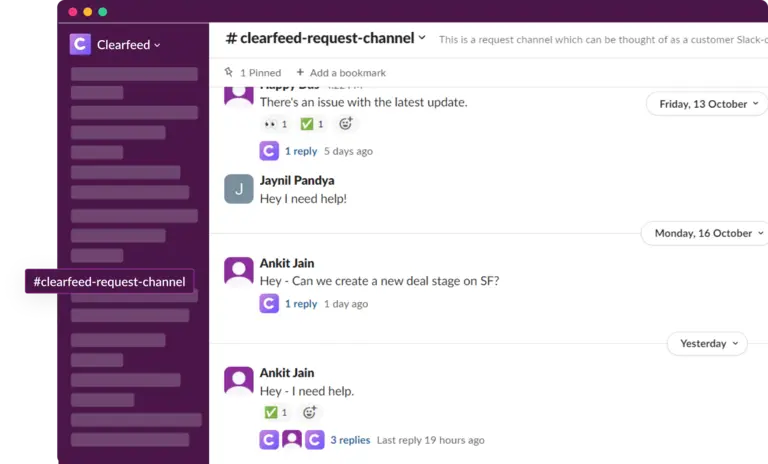









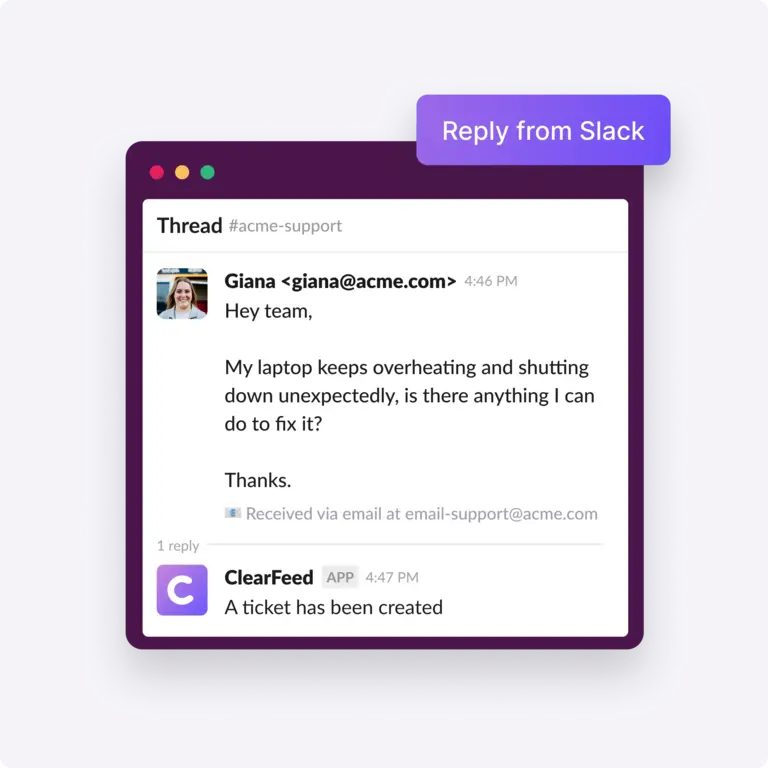
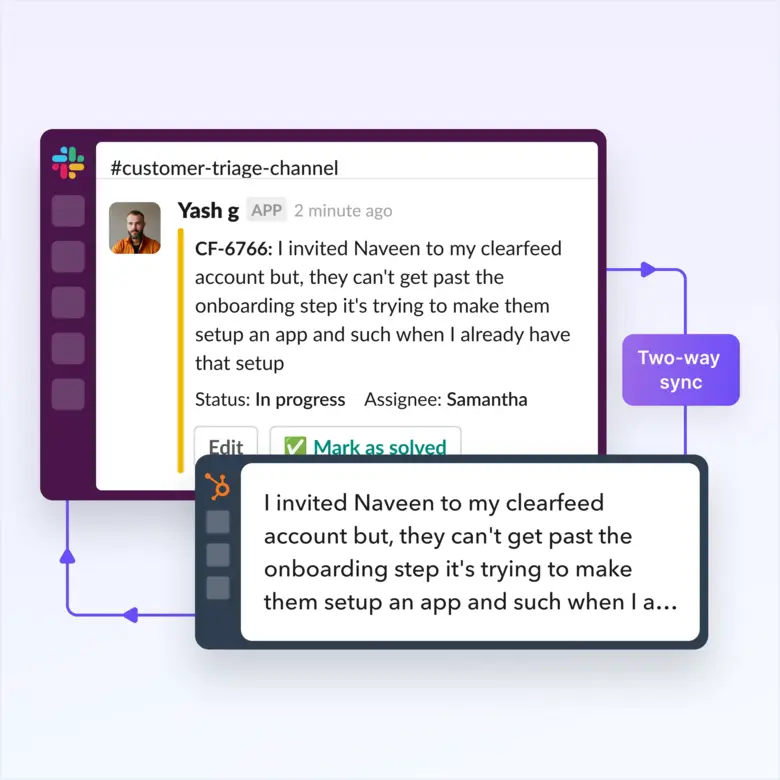
With ClearFeed's Slack-Email integration, your team can reply to customer emails right from Slack. You can collaborate internally with team members in Slack, while working on cutomer queries. This makes communication smoother and reduces the need to switch between different tools, saving time and boosting efficiency.
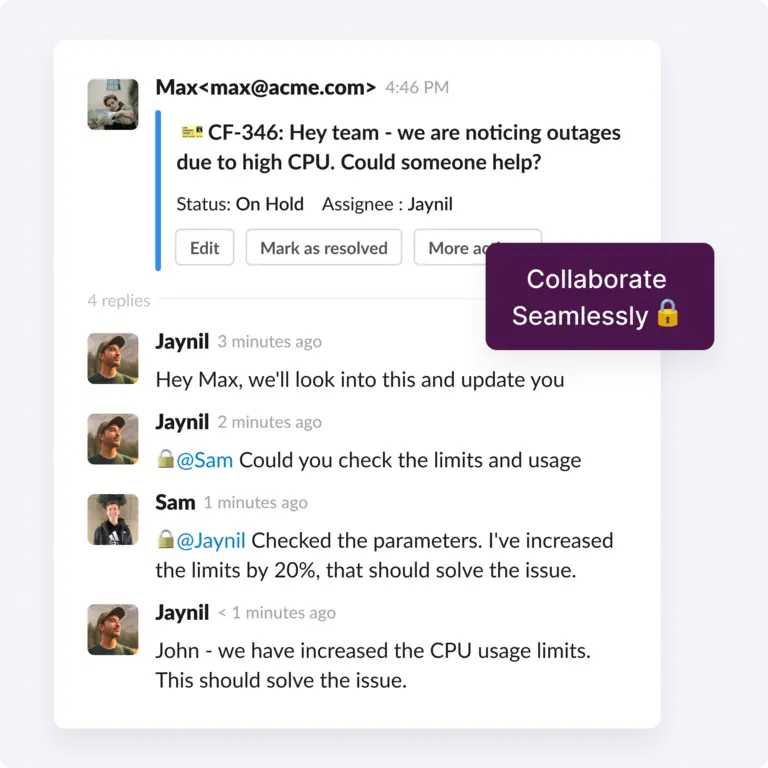
Absolutely. ClearFeed’s integration keeps email conversations visible in Slack with status, assignee and priority fields, helping teams track all interactions in real time and stay on top of customer requests. It can track response & resolution time and SLA breach status for each email ticket.
Yes! ClearFeed uses AI to suggest automated responses to common email queries, reducing manual effort and enhancing support efficiency.
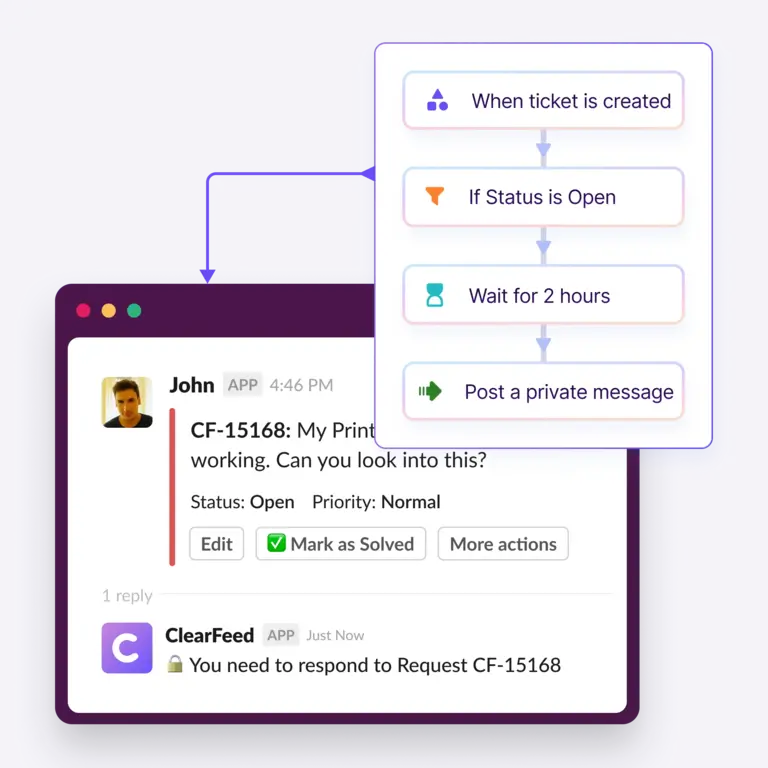
With ClearFeed’s integration, you can escalate email issues to the appropriate team members within Slack, ensuring faster resolution of urgent customer requests. Escalation can be based on fixed rules (like sender) or categorization using AI (eg: detecting urgency in an incoming message)
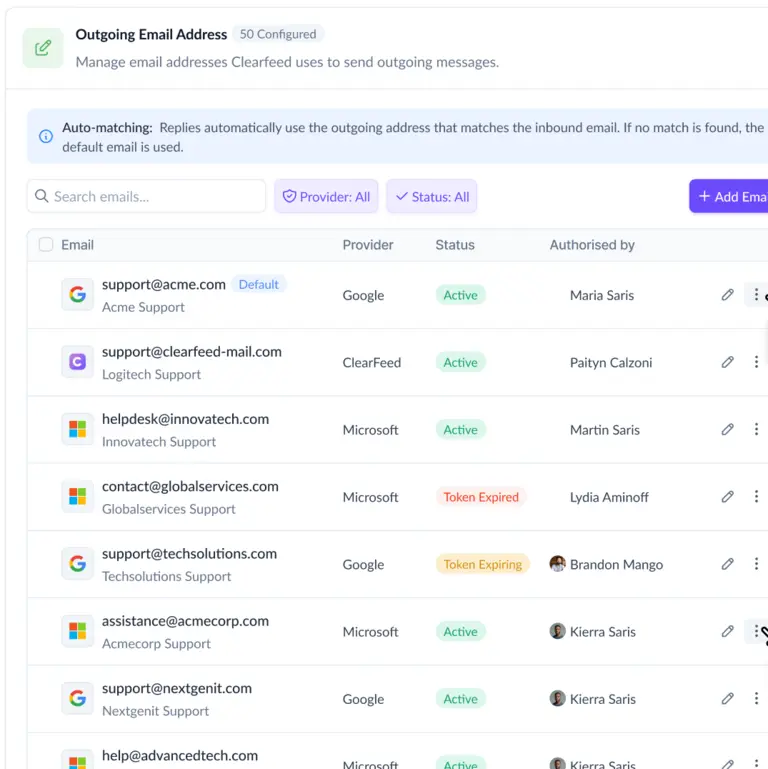
Yes, ClearFeed can be configured to support as many custom Email Addresses as you want. These Email Addresses can be used for both incoming and outgoing email. Email tickets can be routed flexibly to different Triage Channels in Slack. The setup process is simple, and the interface is intuitive.
Yes, teams can collaborate on email responses directly within Slack (or the ClearFeed webapp), leaving private comments, assigning tickets, and tracking progress.
ClearFeed processes and stores email data using AWS infrastructure in US-East. All data is stored encrypted at rest. Users can set data retention to control how much historical data is retained.


