Table of Contents

Slack isn't just for messaging anymore. With agentic AI in the mix, support, IT, and ops teams can now do real work inside Slack without switching tools or writing custom code. These AI agents live in Slack, handle tasks autonomously, and collaborate with humans as needed. They're not just chatbots — they're workers.
This guide breaks down what agentic AI really means in Slack, how it works, and where teams are already using it to speed up workflows, cut ticket volume, and reduce context switching.
TL;DR
Agentic AI in Slack goes beyond answering questions — it takes action across connected tools, making it fundamentally different from chatbots and from Slack's own built-in AI features.
The gist
- The core distinction: a chatbot finds answers from knowledge, an AI agent uses tools to complete tasks. Given a laptop request, an agent can look up the requester's role, check asset management for their current device age, apply the upgrade policy, and either create a ticket or deny the request, all autonomously.
- Slack AI (built-in summaries, search, recaps) and Slack agentic AI are not the same thing. Slack AI helps you understand work; agentic AI gets work done.
- The six-step loop under the hood: trigger, collect context, decide next step, call tools, continue until resolved, stay within guardrails and permissions.
- Highest-ROI use cases by team: support (intake triage, context-rich answers, safe account actions, clean escalations), IT (access requests, onboarding provisioning, troubleshooting, incident deduplication), ops (policy-driven approvals, structured workflows).
- End-to-end resolution without humans is realistic only for bounded, repeatable workflows like password resets, standard access requests, and how-to questions from approved docs. Anything high-risk or ambiguous should be handed off to a human with a full summary.
Worth knowing: Total cost has two components: Slack seats and an agent platform. ROI is strongest with high-volume, repeatable work. Low-volume or bespoke request environments are harder to justify.
What Is Agentic AI in Slack?
Agentic AI in Slack can do work inside Slack, not just respond with an answer.
Instead of requiring you to spell out every step, a goal like “help with this support request” can help identify missing information, ask follow-up questions, choose the next step, and take action through approved tools (such as your billing system, ticketing system, documentation, asset, identity, and HR management systems). It can then update the thread to keep everyone aligned.
In simple terms, it is a helper that can plan and execute tasks in Slack, based on the rules, permissions, and guardrails you set.
How Is an AI Agent Different From a Chatbot?
The term chatbot predates the new era of AI Agents and generally stands for bots that can answer user questions. Chatbots are usually connected to documents and other knowledge sources and answer questions, offer suggestions, and often follow predefined flows. They typically transfer a user query to humans, if they it involves anything more than a question they have a ready answer to.
An AI agent differs from a chatbot in that it can take action and complete tasks, not just answer from knowledge bases. Unlike chatbots, AI Agents are connected to tools (such as IT, HR, billing, and other systems) rather than just documents and knowledge. An AI agent can understand a goal such as “resolve this billing issue,” ask follow-up questions to gather the right details, and use connected tools to complete the work. For example, given a request for a new laptop, it can:
- Gather the email id of the user making the request
- Look up the manager, the department, and the role of the user making the request
- Lookup the age of the user’s current laptop from the asset management system
- Find the laptop upgrade policy that is best applicable to the user’s profile
- Based on the policy, take subsequent steps. For example, it can either create a ticket for a laptop requisition and trigger an approval workflow for the manager. Or deny the user’s request in accordance with the policy.
Put simply, a chatbot finds answers from knowledge. An AI agent goes far beyond planning and acting; it uses tools.
Slack Workflows vs. AI Agents: When To Use Each
Both Slack workflows and AI agents automate tasks in Slack, but they work differently and serve different purposes. Understanding when to use each—or how to combine them—helps teams maximize automation ROI.
Slack Workflows (Native Automation)
Slack workflows are built-in automation tools that execute predefined sequences of steps. They’re best for structured, repeatable processes where the path is known upfront.
Ideal for:
- Simple step-by-step automations (e.g., “when someone reacts with ✅, post to #approvals”)
- Structured form submissions that trigger standard actions
- Notifications and routing based on channel or keywords
- No coding required; UI-driven setup
- Low implementation time (hours to days)
Limitations:
- Can’t make decisions based on context (no AI reasoning)
- Requires you to spell out every step
- Struggles with ambiguous requests or missing data
- Can’t pull external data and reason about it in real-time
AI Agents (Agentic AI)
AI agents combine reasoning, access to tools, and action to handle unpredictable or complex requests. They understand the intent, ask follow-up questions if needed, and decide on the next best step.
Ideal for:
- Variable, unstructured requests where the exact path isn’t known upfront
- Scenarios that require context from multiple systems (billing, asset data, docs, etc.)
- High-volume intake where requests arrive in many formats
- Decisions based on rules, policies, or data conditions
- Escalation with full context preservation
Trade-offs:
- Requires integration with external tools and data
- Needs upfront setup and configuration (days to weeks)
- Cost: typically includes agent platform licensing on top of Slack seats
In practice, teams often use both. A workflow might collect structured form data to feed into an agent, or handle the final notification after an agent completes work.
Is Slack Agentic AI the Same Thing As Slack AI?
No. Slack agentic AI is not the same as Slack AI.
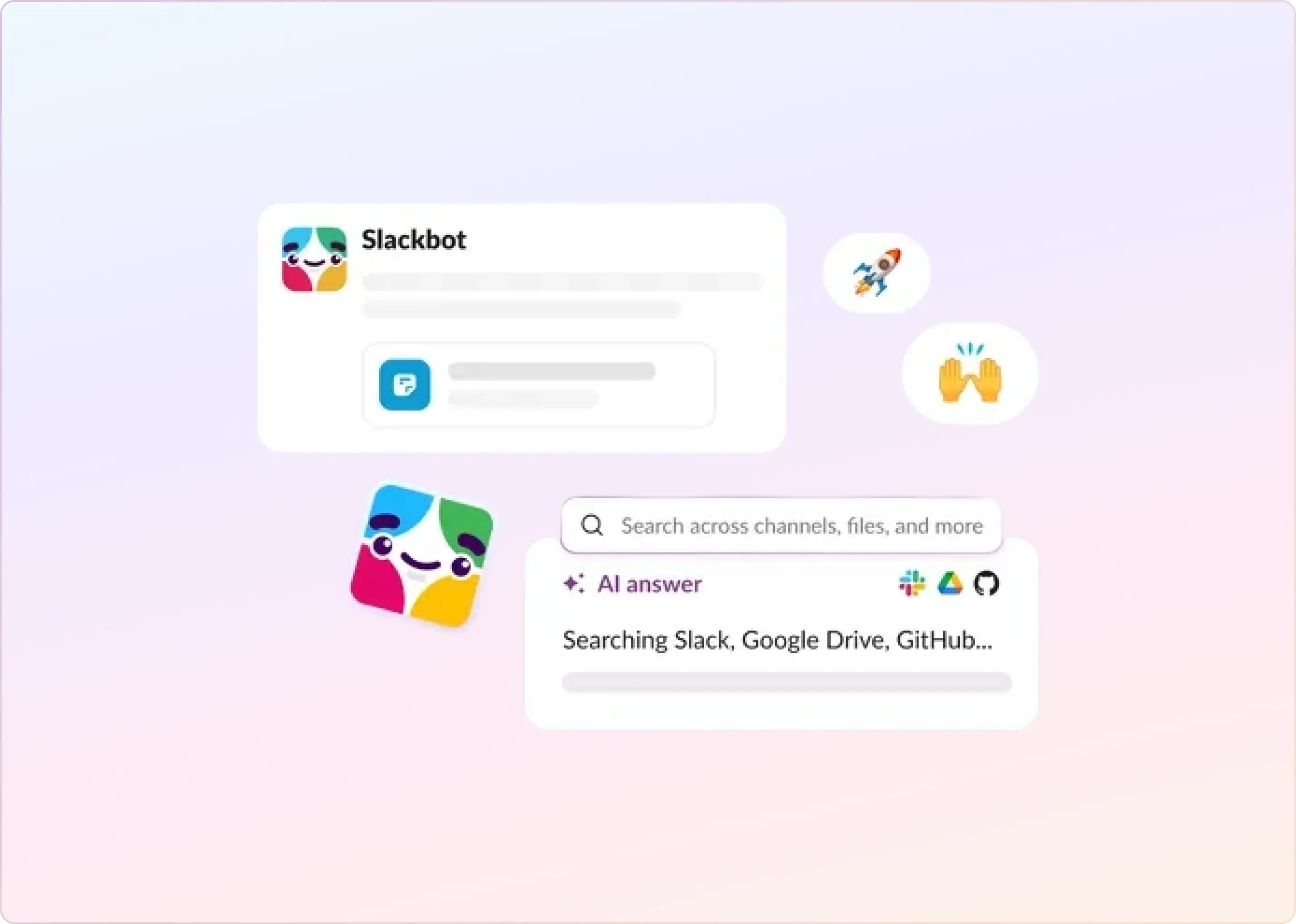
Slack AI refers to Slack’s built-in AI features that help you find information and catch up faster. This includes AI search, channel, and thread summaries, and recaps.
Slack agentic AI refers to AI agents that can take action inside Slack, not just respond with information. These agents can run workflow steps, use connected tools, and complete tasks aligned to a goal.
In other words, Slack AI helps you understand work. Agentic AI enables you to get work done.
How Does Slack Agentic AI Work?
Slack agentic AI operates as a workflow that runs within Slack. It listens for a request, understands what you want, and then uses tools to do the work, not just talk about it. Here is what happens under the hood:
- A trigger occurs in Slack: An agent starts when an event occurs, such as a new message in a channel, a form submission, a button click, or a workflow trigger. Slack is built for this kind of automation through apps and workflows.
- The agent collects context: It retrieves relevant details, such as the identity of the user who triggered the flow, the message text, thread history, the channel, and any permitted workspace information. If it is connected to other systems, it can also fetch related data, such as customer records, past tickets, and employee profile information.
- The AI model decides what to do: It determines intent, extracts key details, and chooses the next step. For example, it could ask one follow-up question, create a ticket, take some actions autonomously, or route the request to the right team.
- It uses tools to take action: This is the key difference from a standard chatbot. The agent can call tools, such as looking up employee profiles and asset data, and changing a user's subscriptions. Tool calling usually operates in a loop: the model requests a tool, your system runs it, and the tool's result is returned to the model so it can continue.
- It continues until it reaches a result: If the first action does not complete the task, it can take another step, such as requesting missing information, updating the ticket, and posting a status update in the Slack thread.
- Guardrails and permissions control what it can do: Agents run with clear access rules, app permissions, and admin controls. Slack also has guidelines for AI apps in the marketplace, including rules around data use.
What Use Cases Are There for Support Teams Using Agentic AI in Slack?
For customer support teams, agentic AI delivers peak value in Slack by doing more than just drafting a reply. The real jump happens when the agent can pull the right customer context from connected tools, use your documentation to reason about the issue, and then take safe, approved actions in the customer’s account, all while keeping the thread updated under the permissions and guardrails you set.
The highest-value customer support use cases usually cluster into four areas:
- Turn the first Slack message into a complete, support-ready request: An agent can detect a real support request (billing, access/login, bug, outage, feature question), set urgency, and collect missing details right inside the same thread. In customer support, “missing details” often includes the workspace or account ID, plan, environment, and the exact user impacted, not just a vague description of the problem.
- Answer with customer-specific context, not generic documentation: Instead of replying only from a knowledge base, the agent can combine docs with account context from tools like HubSpot (tier, owner, contract notes), Stripe (plan, invoices, payment state), and your product’s own admin or analytics APIs (usage, feature flags, errors). That’s what makes the response feel “smart” and reduces the back-and-forth.
- Take safe actions across the support toolchain: This is where agentic AI is meaningfully different from a chatbot. For repeatable workflows, the agent can execute approved actions such as resetting a password, re-sending an invite, extending a trial, toggling a feature flag, applying a credit, or updating a subscription status—and then document what it did in the thread and in the system of record. Actions should stay tightly permissioned and auditable, with approvals for anything high-risk.
- Escalate cleanly and keep the loop closed end-to-end: When it can’t fully resolve, the agent should still do the “support ops” work: create a ticket, attach the customer snapshot (billing state, tier, recent usage signals, key thread summary), route it to the right on-call or specialist, and keep posting progress updates back into the same Slack thread until resolution is confirmed.
What Are Use Cases for IT Helpdesk Using Agentic AI in Slack?
IT teams get the most value from agentic AI in Slack when it converts unstructured requests into standard, policy-safe workflows. The highest-ROI use cases include:
- Account recovery and access requests that follow policy: Handle password resets, unlocks, and access changes by collecting the required information upfront, verifying identity per your rules, routing approvals as needed, and escalating to admins only when automation cannot proceed.
- Employee onboarding and provisioning without back-and-forth: Capture laptop and peripheral needs, tool access, role-based permissions, and security requirements in one guided flow. Then create the right tasks for IT and security, and keep the new hire (and HR/manager) updated in the original Slack thread.
- Troubleshooting that starts with the right context and escalates cleanly: For WiFi/VPN issues, device problems, and common software breakages, agentic AI can collect environment details, error codes, and screenshots, suggest first-line fixes from internal docs, and then escalate with a complete summary when a human needs to step in.
- Operational control: incidents, status updates, and closing the loop: Detect repeated reports like “VPN is down” or “email outage,” create an incident-style thread, centralize updates and workarounds, and reduce duplicate questions. As work progresses, post clear status changes, nudge owners when requests stall, and confirm resolution before closing.
Can Agentic AI in Slack Resolve Issues End-to-End Without Humans?
Sometimes. But only in bounded workflows where the request is repeatable, the required inputs are known, and clear rules govern the actions. The moment a request becomes high-risk, ambiguous, or exception-heavy, agentic AI should hand off to a human with a clean summary and the right context.
Here’s where end-to-end resolution is realistic in most teams:
- Password resets and account unlocks: Works well when identity checks are defined, steps are approved, and the action is auditable.
- Standard access requests with predefined roles and approvals: Works when access packages are standardized (role-based), approvals are clear, and provisioning steps are automated.
- “How do I” questions answered from approved internal docs: Works when the knowledge source is curated, and the answer can be provided safely without interpretation or sensitive context.
- Basic troubleshooting with known, low-risk steps: Works when the playbook is predictable (collect symptoms, run safe checks, suggest first fixes) and escalation paths are clear.
Where Do Slack AI Agents Get Their Information From?
Slack AI agents get their information from the places you connect and allow. Information typically comes from four areas:
- Slack context: The agent can use what is in front of it: the message, the thread history, channel context, and basic metadata such as who asked and where the request was posted. This is what helps it understand the request and ask the right follow-ups.
- Your connected systems of record: If you connect business tools, the agent can retrieve relevant data from them. For support teams, that might be a help desk or a ticketing system. For IT, it might be identity and access management or device management. For Ops, it might be HR systems or procurement workflows. The agent only pulls from the tools you integrate.
- Your internal knowledge base and documentation: The agent can answer “how-to” and policy questions from sources such as internal wikis, runbooks, and approved policy documents, as long as those sources are connected and permissioned. This is usually what drives higher-quality, consistent answers.
- Rules, permissions, and admin settings: This is the guardrail layer. Admin controls determine which channels the agent can access, which tools it can use, what actions it can take, and which actions require human approval.
Can an Agent Use My Existing Helpdesk or ITSM Tools?
Yes. A Slack AI agent can use your existing helpdesk or ITSM tool, as long as it is connected through an integration or API.
The agent sits in Slack and then works within your system of record. It can perform actions such as creating a ticket from a Slack thread, adding context and logs, setting priority, assigning an owner, updating status, and posting ticket updates to Slack. This is how teams keep Slack as the front door, while Zendesk, Jira Service Management, Freshdesk, or another ITSM tool stays the place where work is tracked.
The key requirement is access and rules. You need the right permissions, field mappings (such as category and priority), and clear limits on what the agent can change without human approval.
This is the approach ClearFeed takes: Slack is where the conversation happens, and Zendesk, Jira Service Management, Freshdesk, Intercom, Salesforce, ClickUp, or HubSpot is where the ticket lives — kept in two-way sync.
Do Slack AI Agents Work for External Customer Support, or Only Internal Teams?
Yes. Slack AI agents can be used for external customer support and internal teams.
For external support, the common setup is Slack Connect, where you share a channel with a customer’s Slack workspace. In that shared channel, an agent can assist with intake, request missing details, create or update a help desk ticket, and post status updates in the same thread. Slack Connect is built for working with external organizations in shared channels, and external participants can access only the channels they are invited to join. Admins can also restrict and control external access.
If your customers are not on Slack, you can still use agents to support internal work by routing requests from email, web chat, or forms to Slack. In that case, the agent helps your team inside Slack, but the customer experience stays in the original channel.
If you support customers in Slack Connect, tools like ClearFeed can sit in the shared channel to standardize intake, run a Virtual Agent that replies directly to the customer, or use Interactive Agent Mode to hold a two-way conversation before handing off to a human — all while keeping ticket updates in-thread instead of pushing customers to a portal.
Is Slack Agentic AI Secure?
Yes, Slack's agentic AI can be secure, but it depends on how it is configured and what it is allowed to access.
Slack says its AI features are built to comply with Slack’s security and privacy commitments and respect existing access controls in Slack. Slack also states it will not use customer data to train generative AI models unless the customer opts in, and that Slack AI uses models hosted within Slack’s trust boundary, so model providers do not get access to your customer data.
Most security problems come from giving an agent too much permission or installing third-party apps without review. To keep it safe, use the least-privileged access, require admin approval for apps, and review the agent’s permissions before installing it in a workspace.
How Much Does Slack Agentic AI Cost, and Is It Worth the Investment?
There is no single price for “Slack agentic AI.” Your total cost typically has two components: Slack seats (per user) and an agent platform (per user, per usage, or both).
- Slack seat cost (per user): Slack is priced per user. Example: Slack Pro is listed at $7.25 per user per month (annual billing). Slack’s AI packaging has changed: AI capabilities are now bundled into newer plans, with more advanced features reserved for higher tiers.
- Agent platform cost (licenses and usage): Your agent platform cost depends on how the agent is built and how often it takes actions in Slack. If you use Salesforce Agentforce in Slack, pricing may include per-user add-ons (e.g., $125 per user per month for certain add-ons) plus usage-based credits tied to actions.
Is it worth the investment?
It is usually worth it when you have high-volume, repeatable work that an agent can safely handle (intake, follow-ups, ticket creation, summaries, status updates). It is harder to justify when volume is low, requests are mostly bespoke, or the agent cannot reliably act in your toolchain without creating risk or rework.
What’s the ROI of Slack AI Agents? Real Metrics and Time Savings
The true value of Slack agentic AI comes from measuring impact, not just features. Here’s what teams typically see after deploying agents in high-volume channels.
Common Metrics to Track
1. First Response Time (Minutes)
- Before: 20–60 minutes (agent waits for human on-call)
- After: 2–5 minutes (agent responds instantly in thread)
- Impact: Customers feel heard faster; teams respond during business hours only if needed
2. Tickets Requiring Human Escalation (%)
- Before: 100% of messages become tickets
- After: 30–50% (agent handles intake, context, and routing; humans only see quality summaries)
- Impact: Faster time-to-resolution; fewer duplicate requests; better handoff context
3. Time-to-Triage (Minutes)
- Before: 15–30 minutes (human manually categorizes, collects details, assigns priority)
- After: <2 minutes (agent auto-categorizes, asks follow-ups in thread, sets priority rules)
- Impact: VIP issues surface faster; medium-priority tickets queue in seconds
4. Follow-Up Questions Eliminated (%)
- Before: 40–60% of first responses need follow-up (“What’s your account ID?”, “Which environment?”)
- After: 10–20% (agent collects required data upfront via guided form)
- Impact: Fewer context-switching loops; customer frustration drops
5. Tickets Fully Resolved Without Escalation (%)
- Before: 0–10% (most issues need human intervention)
- After: 15–35% (agent resets passwords, updates subscriptions, applies credits, etc.)
- Impact: Frees human agents for complex/high-touch issues
In ClearFeed, teams track these outcomes directly with Virtual Agent filters that split every AI-linked request by Response (answered / unanswered), Outcome (deflected / escalated), and Feedback (positive / negative), and with Session Logs that record every tool the agent invoked in each session.
Can I Build Custom Agentic AI Agents for Slack, and How?
You can build custom agentic AI agents for Slack. At a high level, you create a Slack app (your agent’s interface), connect it to an AI and tool layer, and use structured forms to collect missing details before the agent runs anything.
How it works (in 5 steps):
- Create a Slack app and pick triggers: /command, @mentions, message buttons, or workflows
- Use modals/forms to capture required info upfront (so it doesn’t turn into 10 follow-ups)
- Your backend/agent decides what to do (classify, route, summarize, request approval)
- The agent takes actions via integrations (create ticket, update record, assign owner, post updates)
- Add guardrails: least-privilege permissions, confirmation-before-execute, audit logs, and human handoff rules
Two build paths:
- Slack App (Bolt) + your backend: most flexible, “true agent” behavior
- Slack workflow apps (Slack-hosted): faster for structured workflows, less custom logic
That’s it: Slack is the front-end, your agent is the orchestrator, and the value comes from structured intake + reliable actions + in-thread updates.
In practice, teams either build this action layer themselves using platforms like Dify or n8n — or use a Slack-native layer like ClearFeed to handle intake, routing, and ticket actions without rebuilding everything from scratch. If you want to see this in a real workflow, try ClearFeed's AI Agents in Slack on one high-volume channel (support, IT, or ops), measure the drop in follow-ups and time-to-triage, then expand once the basics feel solid.