Table of Contents

It is 4:47 P.M. You have 23 open tickets, 14 unread emails, and someone just sent a message in the IT operations channel asking about hardware access for the third time this week.
You already know where your users are. They are in Slack. They are asking questions, troubleshooting with peers, and solving problems without leaving their workflow. The challenge is not getting them to use a ticketing system. It is building a support process that works with how people actually communicate, not against it.
Here is what most IT teams run into. You can either keep Slack casual and risk losing track of requests or force everyone back to the portal, creating friction. Neither feels right.
This guide will show you a third option. It will show you how to use Slack as your front door for IT support while keeping the structure, accountability, and visibility your team needs actually to close tickets and stay sane.
TL;DR
Slack is already where IT requests land, but without structure they disappear into threads. Adding a Slack-native layer gives IT teams the speed of chat with the accountability of a real helpdesk.
The gist
- Four reasons IT teams move to Slack-first support: it's where requests already start, shared channel visibility beats legacy ITSM portals for collaboration, teams want structure without friction, and a ChatOps mindset is becoming the norm.
- Four failure modes of unstructured Slack IT support: requests buried in fast-moving channels and DMs, no ownership or status visibility (duplicate work or nobody working on it), no metrics or SLA enforcement, and a manual copy-paste gap between Slack and external tools like Jira or Freshservice.
- Five capabilities needed to make Slack a real IT helpdesk: automatic or manual ticket creation from any message, intelligent triage and routing (including approval workflows for access requests), two-way sync with Jira/JSM/Zendesk, custom SLA rules with proactive breach alerts, and AI auto-response for common queries like password resets.
- The framing throughout is that this isn't a choice between "Slack is casual" and "force everyone to the portal" — a Slack-native layer like ClearFeed resolves both sides.
Why Should I Use Slack as an IT Help Desk?
Today, IT teams are turning Slack into their help desk because that’s where work already happens. Instead of switching ticketing tools, chat, and email, they want everything to flow through a single, familiar workspace. Here’s what drives that shift:
- Slack is the real “frontline” for IT issues. Most IT requests start as a Slack message. This includes password resets and reports of software bugs. It is faster than using a form or a web portal. Employees are already working in Slack all day. Using Slack for help feels like a conversation, not like filling out a form.
- Visibility and collaboration matter more than forms. In Slack, everyone can see what is being discussed. That includes engineers, IT staff, and even end users. It is easier to loop in the right people, track updates, and reduce back-and-forth. That shared visibility is hard to recreate in legacy ITSM systems.
- They’re drowning in noise and want structure without friction. As teams grow, the number of messages increases. IT managers say their biggest worry is missing requests that get lost in chat threads. This is why they use Slack as a central hub. They add automation tools that sort, prioritize, and send requests to the appropriate systems, such as Jira or Zendesk.
- Teams are embracing a ‘ChatOps’ mindset. Slack is no longer just a messaging app. It’s now where decisions happen, and work moves forward. IT support teams now run approvals, sort incoming issues, and manage escalations directly inside channels. This is where the conversation and the action happen together.
Where Does Slack Fall Short When Managing IT Support Workflows?
Using Slack as an informal help channel can lead to a few painful problems. If you’ve ever tried to manage IT support through Slack messages alone, you’ll recognize these issues:
- Lost Requests in Threads and DMs: Slack moves fast. A request posted in a channel can quickly scroll out of view among 50 other messages. DMs to the IT team are even easier to overlook or forget. One sysadmin noted that while they officially had email/forms for requests, ‘a ton of things just get dropped in Slack channels or DMs’. It’s all too easy for a message like ‘Need VPN access’ in #it-help to get buried and go unanswered.
- No Visibility or Ownership: Slack by itself doesn’t show who is working on what. There’s no built-in way to assign an IT agent to a request or mark its status. As a result, the team lacks visibility into open issues. You might find multiple people accidentally tackling the same problem, or worse, nobody tackling it because each assumed someone else would. There’s no single queue of outstanding tickets, just a chaotic timeline of messages.
- No Metrics or SLA Tracking: Managing support in Slack alone means you have no easy way to track metrics like response and resolution times or backlog size. Did everyone get a reply? How long did users wait on average? Slack won’t tell you. There’s also no way to enforce SLAs or send reminders when something is unresolved. As one expert put it, Slack is great for quick chats, but ‘it’s just not a real ticketing system’ – DMs get lost, there’s no audit trail, and ‘reporting is basically nonexistent’.
- Disconnect From External Tools: Most IT teams use systems like Jira or Freshservice to track their work. Slack doesn’t connect to these tools on its own. This means when someone asks for help in Slack, the IT team must manually copy the request into another system. This creates duplicate work. Important details are lost between the Slack chat and the official ticket. Without a connection, the Slack discussion is not linked to the official record. This makes it very difficult to keep a history or perform an audit.
In a nutshell, Slack alone gives IT teams visibility but not structure. It is great for conversations, but not for tracking, prioritizing, or resolving requests at scale. That is where layering purpose-built workflows on top of Slack changes everything.
With the right system, every IT request, direct message, or casual question can automatically become a tracked ticket. This happens without leaving Slack. Let us look at how ClearFeed turns your workspace into a fully functional IT helpdesk.
How Do I Turn Slack Into a Fully-Functional IT Helpdesk?
ClearFeed is a Slack-native solution designed to bring order to your IT support chaos. Here’s how ClearFeed makes Slack work like a full-fledged IT helpdesk:
1. Automatic or Manual Ticket Creation from Slack Messages
With ClearFeed, any Slack message can be turned into a ticket. It watches your chosen channels and, when someone asks for help, ClearFeed captures that request. It opens a thread for the issue, assigns a ticket ID, and starts tracking it.
The user doesn’t have to leave Slack or fill out an external form – ClearFeed turns their standard Slack message into a trackable ticket in seconds. This means no request goes unnoticed.
2. Intelligent Triage and Routing
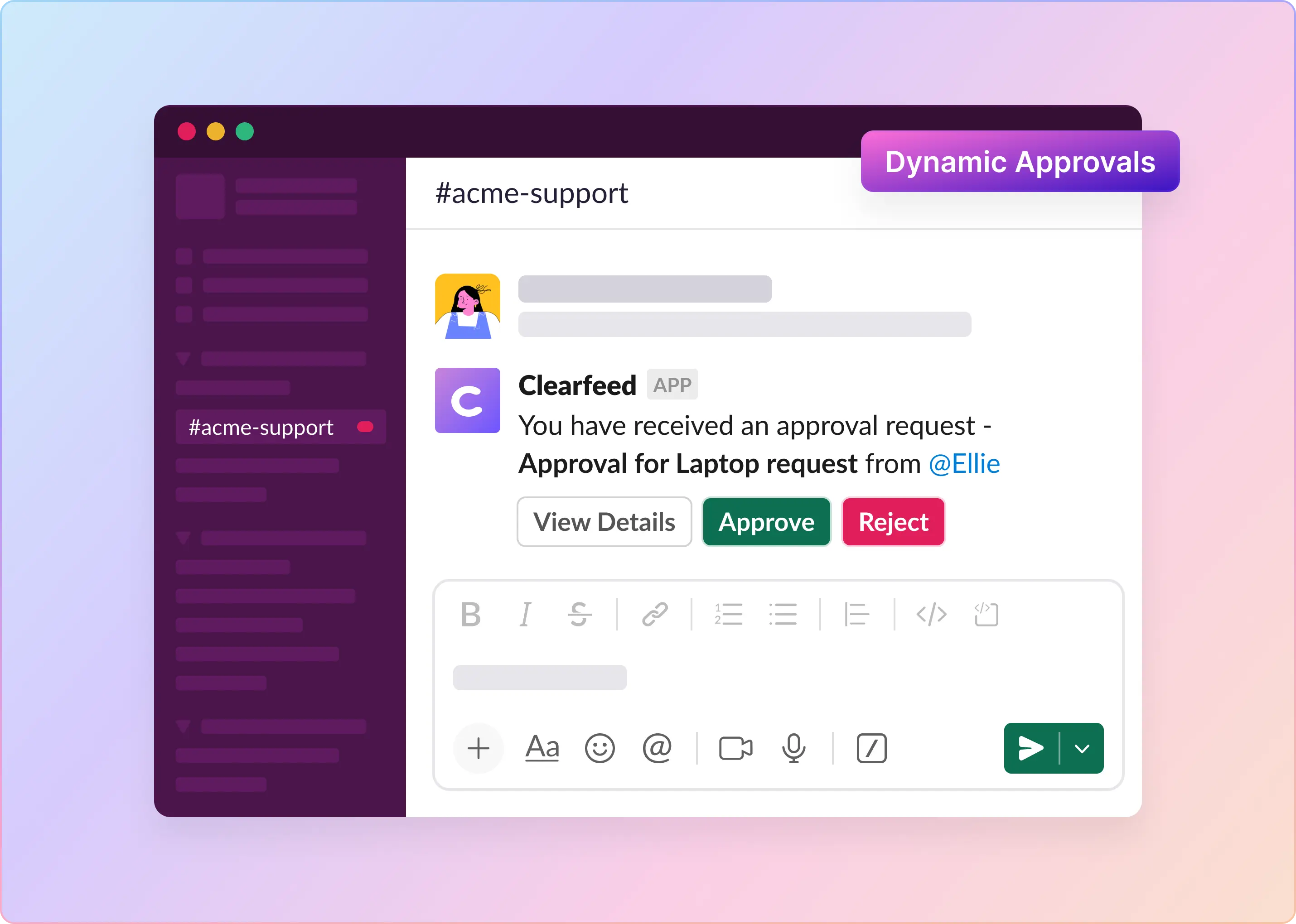
ClearFeed uses GPT-powered answers to automatically answer user questions before routing them to human agents in triage channels. It can detect the nature of a request (for example, by spotting keywords like ‘password reset’ to understand intent) and automatically categorize it. Tickets can be auto-assigned to the right team members or placed into sub-queues based on their type. If certain types of tickets need approvals - those can be automatically routed to approvers - before resolving the ticket.
This removes the manual step of someone sorting through the channel. If a request is urgent or breaching SLA, ClearFeed can also escalate it by alerting the team or a manager. One can
3. Two-Way Sync with External Systems
One of ClearFeed’s strengths is its deep integration with popular IT tools. It offers Slack connectors for Jira, Zendesk, Jira Service Management, and more. If your team still needs to maintain records in one of those systems, ClearFeed will ensure that every Slack ticket is also created or updated in those systems.
For example, an issue reported in Slack can be automatically logged as a Jira Service Management ticket with all the details, and any updates or comments sync back and forth. Agents can even execute actions in external tools from Slack. ClearFeed essentially bridges the gap between Slack and traditional ITSM platforms, so you don’t have to choose one or the other.
4. SLA Tracking, Reminders, and Metrics
ClearFeed provides the much-needed structure for SLAs and metrics. You can configure custom SLA rules (e.g., a first-response time of 15 minutes during business hours). It then monitors each ticket’s timeline. If an SLA is about to be breached, it will send a proactive alert in Slack.
It also keeps a complete timeline of each ticket (when it was opened, first responded to, closed, etc.), making it easy to pull reports. Managers get a dashboard of service metrics, including average response time, resolution time, backlog count, and SLA compliance.
5. AI Assistance for Faster Resolution
As mentioned before, ClearFeed isn’t just a routing tool – it also leverages AI to help resolve issues. It can auto-respond to common queries using GPT-4, pulling answers from connected knowledge bases or FAQs. For instance, if someone asks, “How do I reset my Okta password?”, ClearFeed’s virtual and AI agents might instantly reply with step-by-step instructions (saving your human agents' time).
If the AI isn’t confident, it can flag a human to take over – but even then, it might suggest a draft response. ClearFeed can also summarize long threads or provide AI-generated status updates. This AI augmentation means simpler questions get handled instantly and consistently, and your team can focus on the trickier problems.
What a Slack IT Helpdesk Needs Beyond a Ticket Emoji
For IT teams, Slack ticketing is only the starting point. The helpdesk also needs to protect sensitive requests, collect the right information, route work to the right owner, and keep a record of what happened.
A practical Slack IT helpdesk should include:
- Private ticket intake for HR, access, finance, device, or employee issues that should not be posted in public channels.
- Forms for request type, employee details, location, device, app access, manager, urgency, and business justification.
- Assignment rules so tickets go to the first responder, a rotation, a mapped team, or another configured owner.
- Business-hour SLAs for first response and resolution.
- Approval workflows for access, procurement, onboarding, finance, or compliance-related requests.
- Knowledge search so employees can get answers from internal docs before a human takes the ticket.
- Action integrations where configured, such as Okta password reset or user lifecycle actions.
- Reporting on ticket volume, response time, resolution time, SLA breaches, and recurring request categories.
This keeps the employee experience conversational while giving IT the controls of a service desk.
So, What Does All of This Add Up To?
You get the support of a full IT team without the friction of a legacy help desk. Requests don’t vanish into threads. SLAs don’t get missed. Your team doesn’t have to switch between three systems just to close one ticket. And your users get help without jumping through hoops.
Your IT Support Process Doesn’t Have To Be Either/Or
At the end, you do not have to choose between helping users where they are and running a structured IT operation. With the right setup, Slack becomes the interface your team prefers and the system you can manage.
ClearFeed is built for teams who want both. It provides the speed of Slack with the control of a real helpdesk. If you’re tired of copying requests between systems or watching issues get lost, it is worth a look.
Try ClearFeed free for 14 days. No credit card is needed, and setup is simple.
Frequently Asked Questions
1. Can Slack Really Be Used for IT Support?
Slack can be used for IT support by integrating ticket management tools like ClearFeed. While Slack enables users to report issues and ask questions, it lacks native ticket tracking. Integrations convert Slack messages into trackable support requests without requiring users to leave the platform.
2. How Can I Prevent IT Requests From Getting Lost in Slack Channels?
Prevent IT requests from getting lost in Slack by using triage channels or tools like ClearFeed. These tools identify unresolved messages, assign owners, and sync with helpdesk platforms to ensure all requests are tracked and resolved without manual follow-up.
3. Is It Secure To Handle IT Support in Slack?
Handling IT support in Slack is secure when configured correctly. Slack provides enterprise-grade security with SSO, granular permissions, and message retention. When using third-party tools, ensure they meet data protection standards such as SOC 2 and GDPR to maintain compliance.
4. How Can Automation Improve IT Support in Slack?
Automation improves IT support in Slack by routing tickets, sending real-time SLA alerts, and automating status updates. These actions reduce manual triage, keep users informed, and let IT teams focus on resolving issues rather than managing routine support tasks.
5. What Metrics Should I Track for Slack-Based IT Support?
Track key Slack-based IT support metrics such as ticket volume, resolution time, SLA compliance, response time, reopened requests, and CSAT scores. These metrics reveal support efficiency and help teams identify performance gaps and opportunities for improvement.
6. Can I Use Slack for Both Internal and External IT Support?
You can use Slack for both internal and external IT support. Internal teams manage employee issues directly, while service providers assist clients via Slack Connect. Ensure clear boundaries, response protocols, and escalation paths are enforced to maintain efficiency and professionalism.
7. Is ClearFeed Only for IT Teams?
Not at all. While IT and internal support teams love it, ClearFeed also helps engineering, customer support, and operations teams manage Slack-based requests, escalations, and approvals efficiently.