








Easily manage community requests from Discord directly from Slack using our two-way Slack Discord integration. Eliminate silos & accelerate response times.
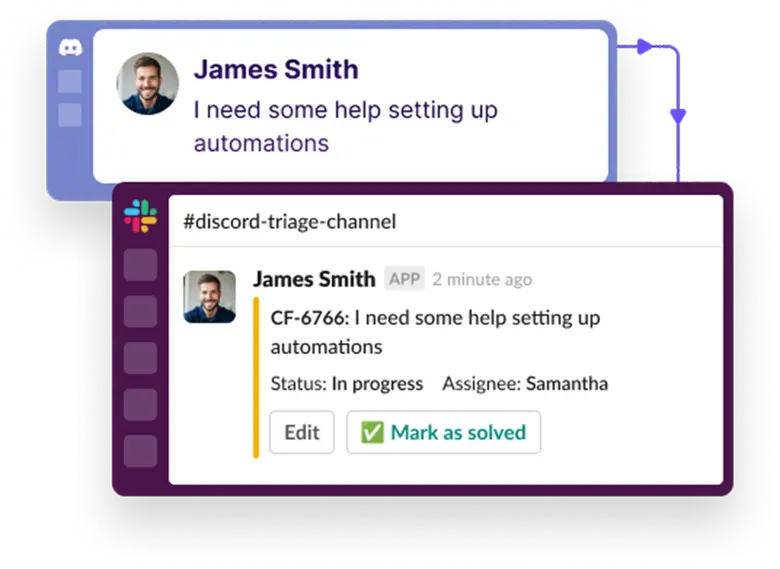


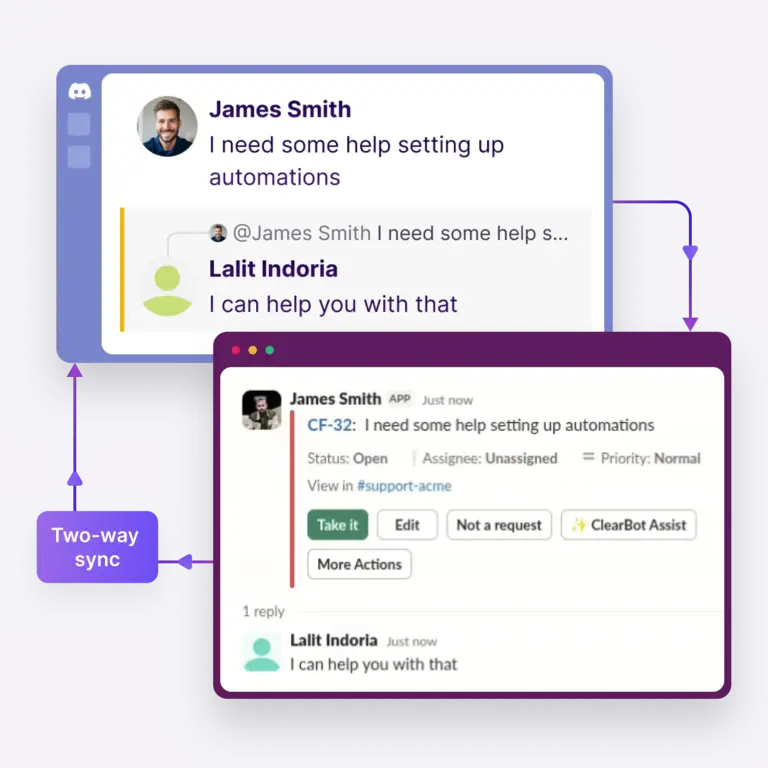


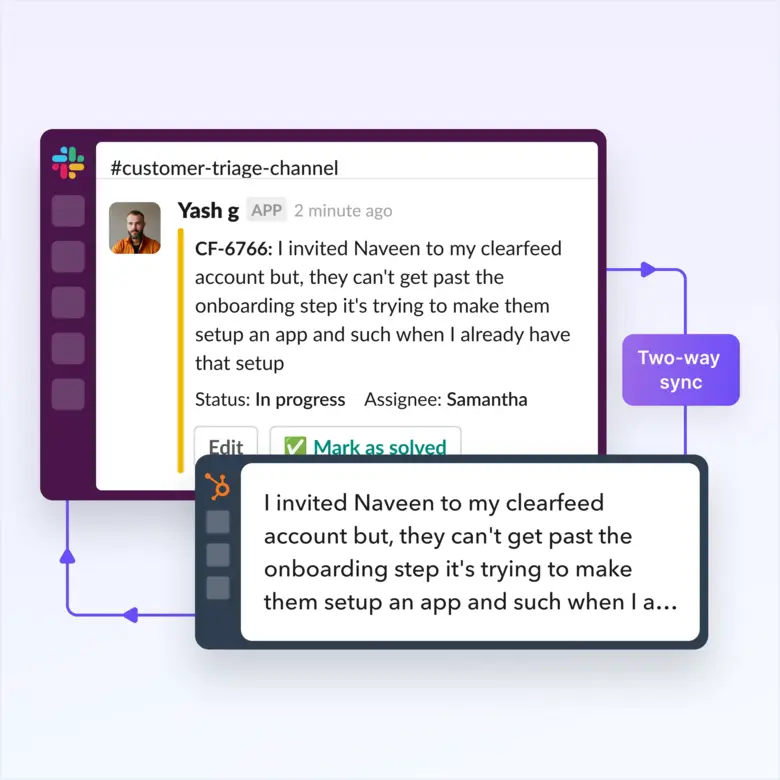
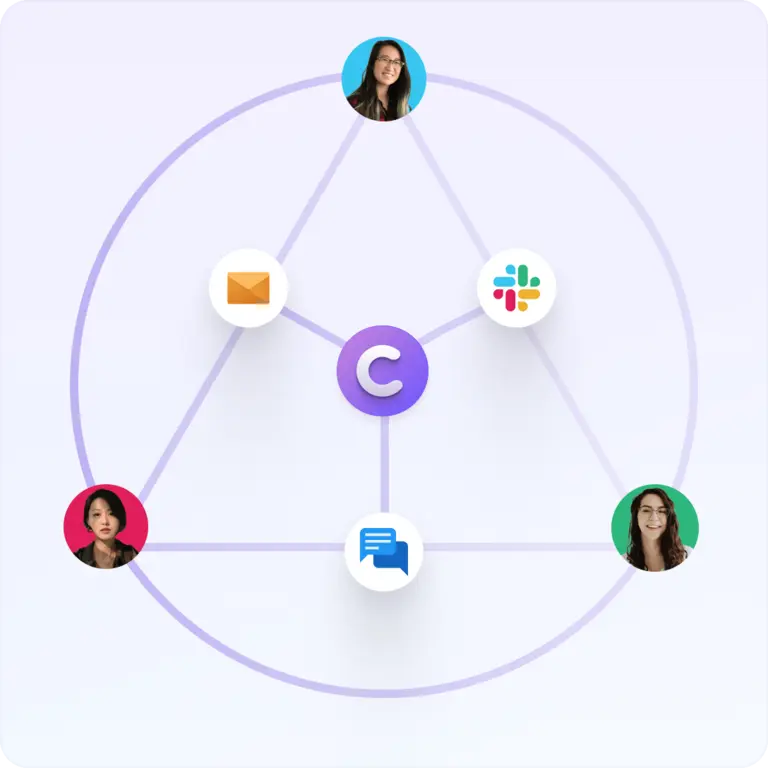




ClearFeed’s Slack-Discord Integration connects Discord servers to Slack through a two-way sync. It converts each Discord message into a Slack thread and sends Slack replies back to Discord in real time. This setup lets support teams manage Discord conversations directly inside Slack without switching platforms.
Yes. Your team can reply to Discord messages directly from Slack through ClearFeed’s two-way sync. ClearFeed creates a Slack thread for each Discord conversation, and every reply your team posts in Slack appears in Discord instantly. Customers stay in Discord and see a seamless conversation with no visible tool switching.
The main difference between ClearFeed and the native Discord-to-Slack webhook is that ClearFeed supports two-way support workflows, while native webhooks only send one-way notifications. ClearFeed adds Slack replies to Discord, thread creation, ownership, status tracking, SLA management, AI assistance, triage, collaboration, assignment, reporting, and automation.
Yes. ClearFeed supports AI-powered responses for Discord queries through a GPT-powered Virtual Agent. The agent answers common questions using knowledge from Notion, Google Drive, HubSpot, Salesforce, and other connected sources. It can fully resolve queries automatically or draft replies for your team to review and send.
Yes. ClearFeed lets you track SLAs in Discord conversations using the same SLA framework used for email and Slack tickets. You can set response and resolution targets, receive breach alerts inside Slack, and generate reports by assignee, channel, priority, or time period.
ClearFeed setup takes about 1 day for most teams. You install the ClearFeed app in Slack, authorize your Discord server, choose the channels to monitor, and configure routing and assignment rules. No engineering work is required, so teams can launch quickly with a simple setup process.







.webp)