


🚀 Looking for a Halp alternative?
See how we compare

Deliver exceptional customer support across Slack, Email, Chat, Teams, Discord & Telegram. Collaborate in Slack, scale white-glove support and solve customer problems with AI.


We reduced friction in supporting our customers and increased efficiencies within the support team by implementing ClearFeed.

ClearFeed ties multiple communication channels together without disrupting our existing workflows.


Our customers simply view us as another team within their organization, and this wouldn't be possible to manage so many channels without ClearFeed. It is extremely easy to integrate with Slack and use in our daily operations, and we can keep track of support agent KPI as well.

After implementing ClearFeed, the biggest benefit is the peace of mind of knowing customers are attended to, and we meet them where they are with real-time expert access.












14-Day Free Trial
No Credit Card Required




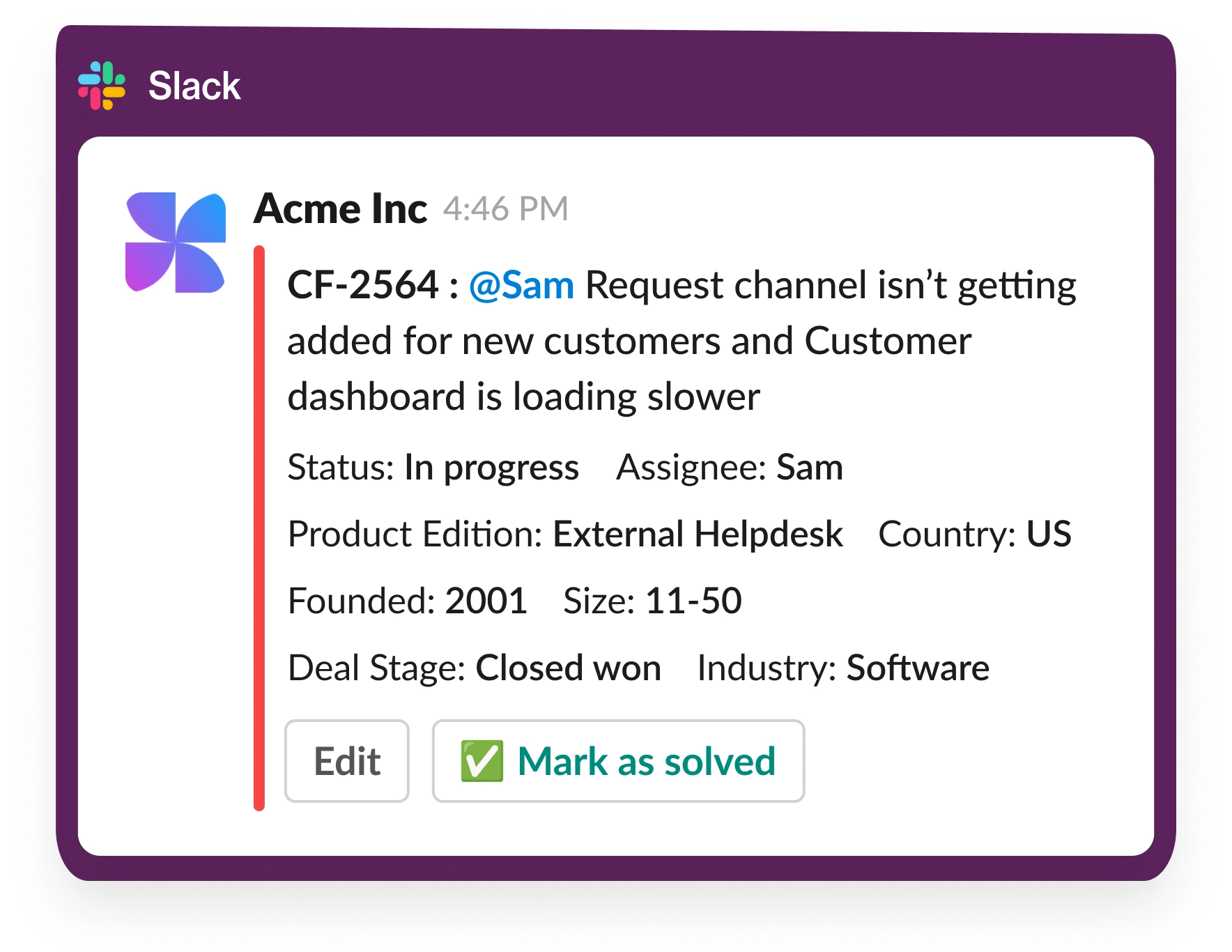
ClearFeed transforms B2B support by operating directly within Slack and Microsoft Teams, where your customers already work. Unlike conventional helpdesks that require separate portals, ClearFeed enables seamless support conversations in familiar collaboration platforms. Our AI-powered system helps manage, prioritize, and resolve customer queries faster while maintaining enterprise-grade security. We bring in other channels like Email, Webchat and Customer Portal into Slack.
ClearFeed provides unified support across multiple channels, including email, web chat, and customer portals. All communications are consolidated into a single queue, making it easy for your team to manage and prioritize support requests from any channel while maintaining consistent service quality. We also integrate with other Task Management tools like ClickUp, Jira, Linear, CRM tools like Hubspot and SalesForce and can even hand-off tickets to other Ticketing Platforms like Zendesk and Intercom.
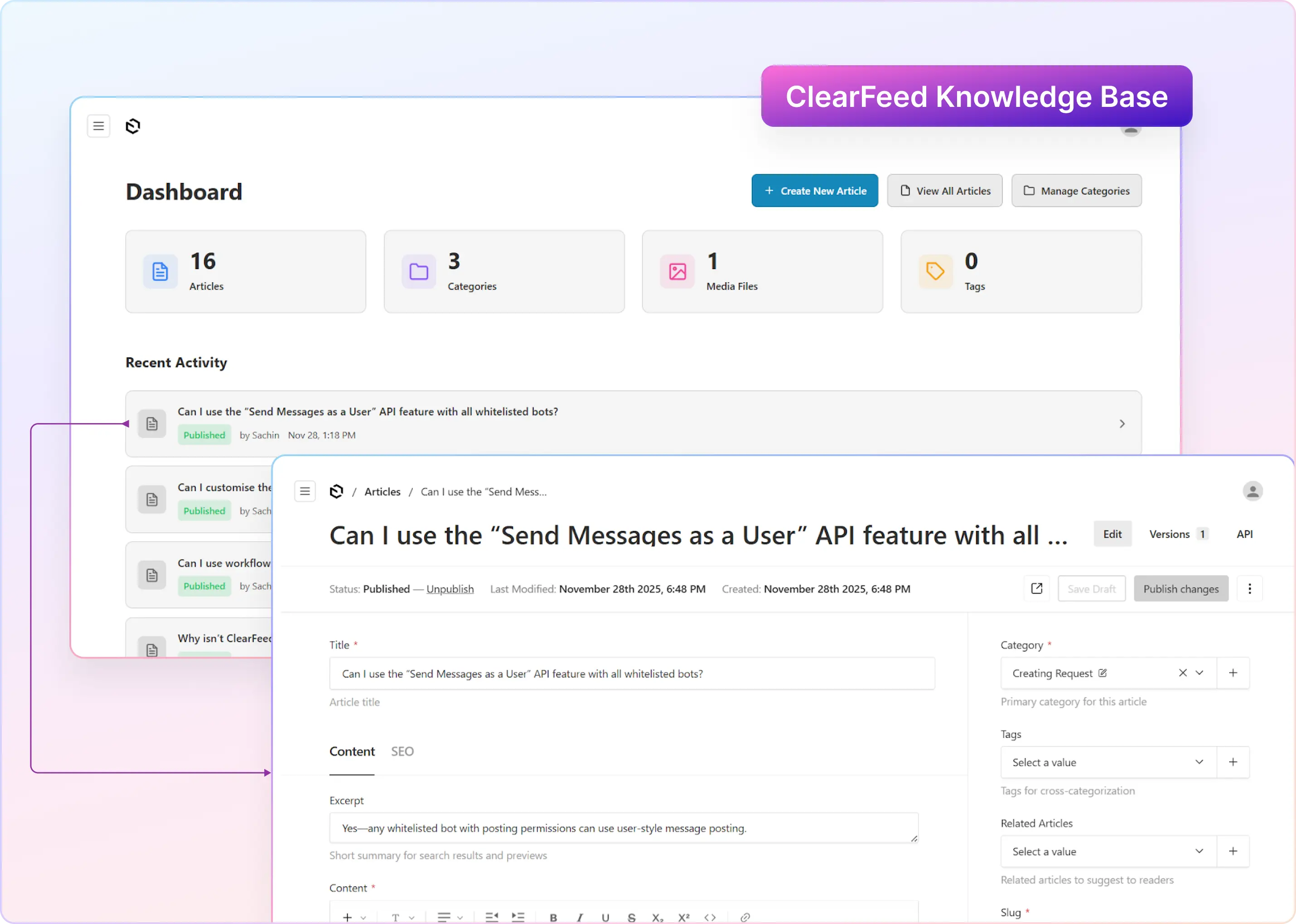
ClearFeed's AI technology works as an intelligent assistant for your support team. It analyzes incoming queries, suggests relevant responses based on your knowledge base, and helps identify urgent cases. The AI bots help you interact in natural language with existing tools like Hubspot, Jira, Linear and ClickUp.
ClearFeed offers extensive customization options. You can brand the interface with your company's visual identity, create custom workflows, and configure AI responses to match your communication style. The platform adapts to your specific industry terminology and support processes, ensuring a consistent brand experience.
Absolutely. ClearFeed's intelligent SLA management system uses AI to monitor response times and prevent breaches. It sends proactive alerts before deadlines are missed and analyzes conversation sentiment to identify potential escalations. You can set custom SLA parameters for different customer segments and track SLA breach metrics in real time.
ClearFeed maintains enterprise-grade security standards, including end-to-end encryption, SOC 2 compliance, and GDPR adherence. Thus, your customer data remains protected while enabling efficient support operations. We also regularly update our security protocols to ensure the highest level of data protection. Note: We do not train AI models on customer data.


