🚀 Looking for a Halp alternative?
See how we compare


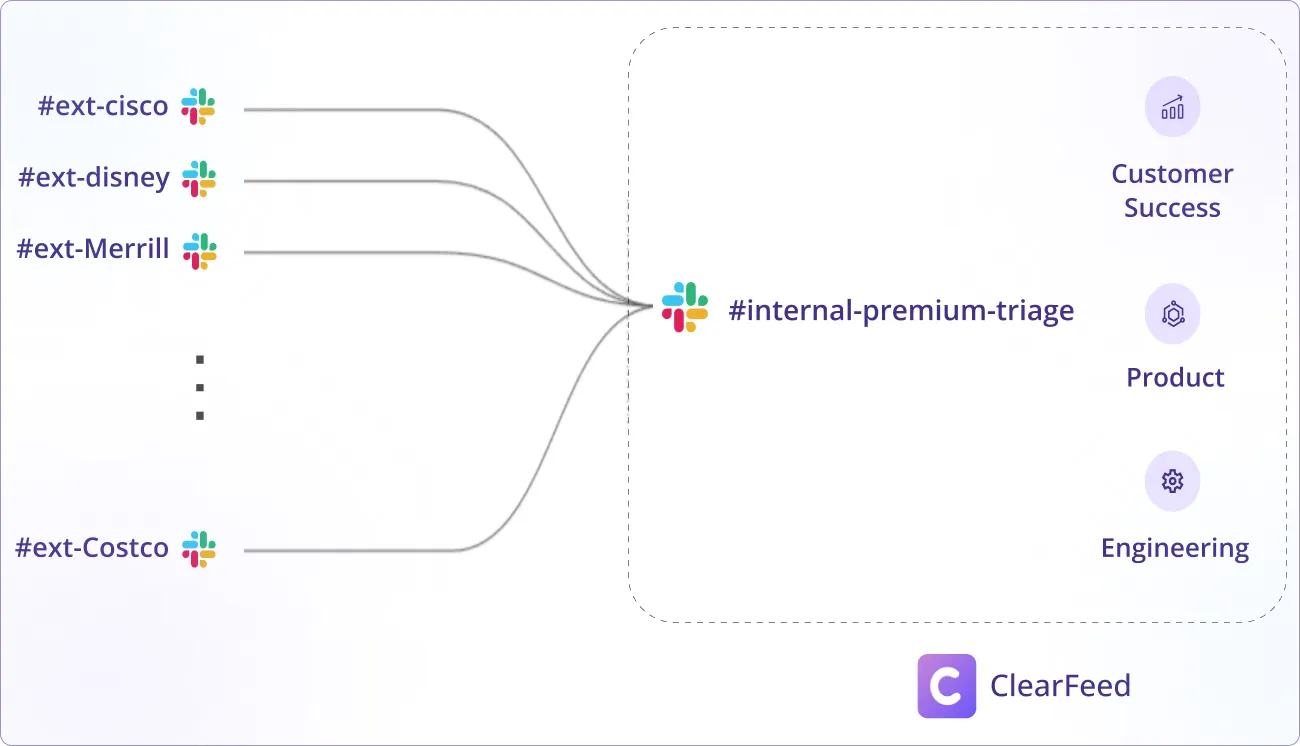
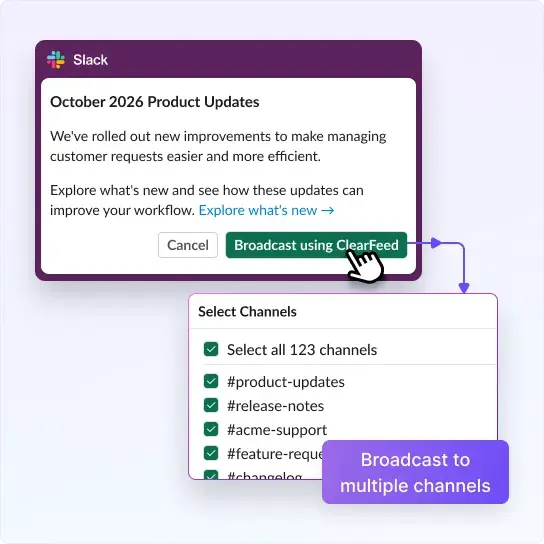
Convert threads & attachments to Tickets. Sync status / comments between Teams & Zendesk in real-time. Send broadcasts to 100s of channels.










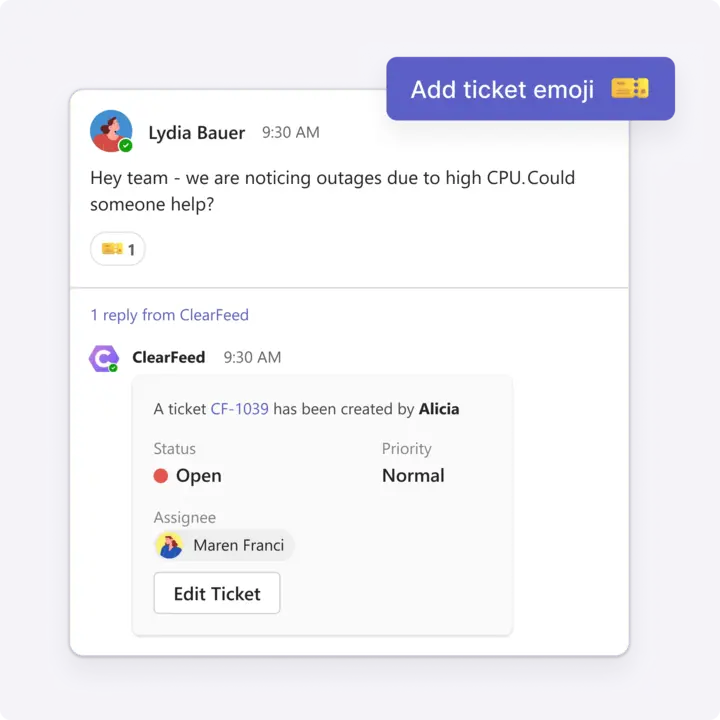

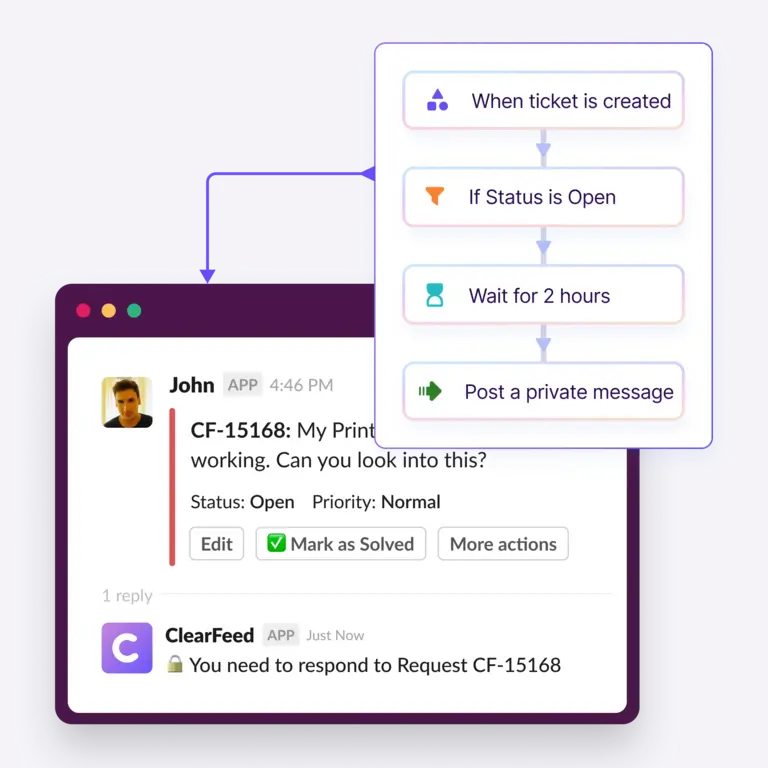


All replies on a post are updated on the Zendesk ticket & vice-versa, enabling us to get the entire context on one Zendesk ticket.

Educating our customers on how to use ClearFeed was very easy: have a question for the support team - add the emoji - done.





ClearFeed lets teams convert MS Teams messages into Zendesk tickets, synchronize comments between the two platforms, and collaborate directly from MS Teams, saving time and streamlining support workflows. Unline official Zendesk connector - tickets can be created automatically and comments sync automatically without needing to use extra manual actions
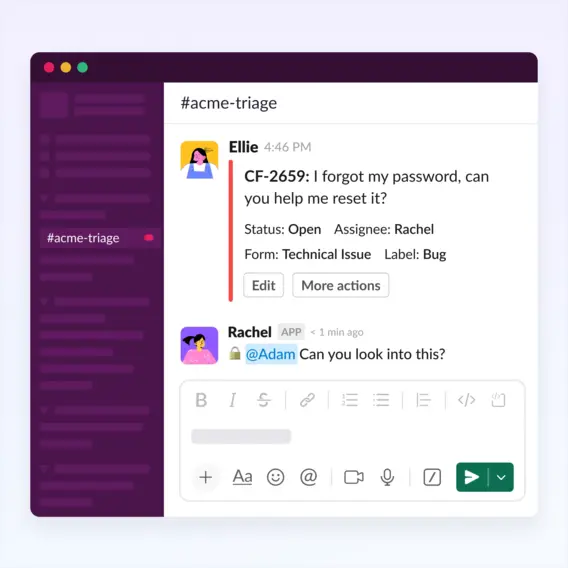
Currently, ClearFeed does not allow edits from Teams - but you can edit ticket status, assignee and priority from Slack Triage channels which mirror threads on MS Teams.
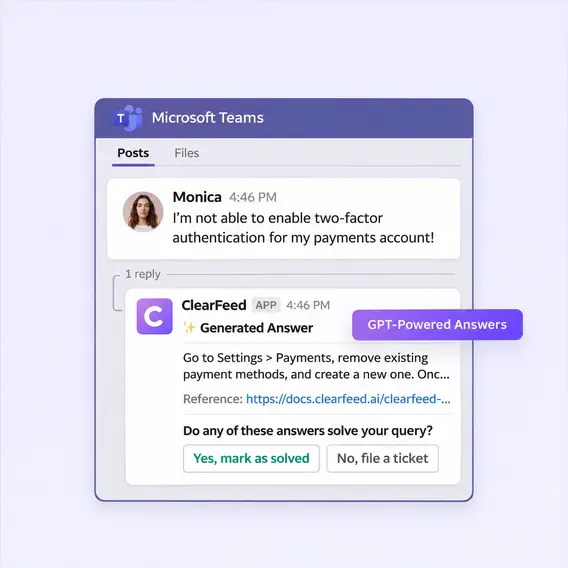
Using ClearFeed, you can configure AI Agents to post answers to new queries on Teams.
Yes - ClearFeed can also create Tickets in Freshdesk and Hubspot and ClearFeed itself from Teams. You can also use automations in ClearFeed and webhook actions to file tickets in other systems (although it is difficult to establish a true two-way sync with this approach).
Our customers include B2B firms serving large enterprise customers on MS Teams (in addition to serving a lot of customers on Slack). ClearFeed provides a unified solution for tracking Slack and Teams threads in Zendesk for such customers.
No - not yet. While we support CSAT for Slack-Zendesk integrations, Teams is not yet supported. Please contact ClearFeed if this is an urgent requirement and to get updates on the roadmap.
Currently ClearFeed requires a Slack workspace as the primary integration. Teams is integrated subsequently. Usually Support teams have customers on both Slack and Teams so this is not an issue. In case Slack is not being used, a test Slack workspace with minimal set of users can be connected as a workaround.
The Teams Zendesk integration requires an External Helpdesk plan in Professional Edition and above. Usage based pricing based on Channels applies (and includes AI Credits as part of the plan). Up to date pricing is available on the Usage Based Helpdesk Pricing page.