Table of Contents

Your customers may use Microsoft Teams while your support engineers, CSMs, product managers, and developers work in Slack. This is common with banks, regulated companies, and enterprises with strict IT policies. Supporting customers across both platforms creates fragmented conversations, missed requests, and unclear ownership.
The risk remains even when Teams accounts for a small share of support conversations. One ClearFeed customer managed nine customer channels in Slack and five in Teams, yet a request went unanswered for 36 hours. At another company, Teams accounted for just 5% of conversations across more than 1,000 customer channels, yet unreliable message mirroring remained a major support challenge.
Giving agents access to both platforms doesn't solve the problem. They still need to switch between apps, reconstruct context during escalations, and maintain a reliable record of each request.
This guide explains how to manage customer support across Teams and Slack at scale, with shared triage, clear ownership of requests, and a single system of record.
TL;DR
- Let customers use the platform their IT already approves. Enterprise buyers should not have to adopt Slack because your support team lives there.
- Give agents one queue. Teams and Slack conversations that require action should go through the same triage process.
- Separate a conversation from a ticket. Track requests first, create formal tickets when a customer needs an ID or SLA, and file engineering tasks only for work that requires another team.
- Keep internal collaboration private by default. Agents need an explicit, unambiguous way to tell customer replies apart from internal notes.
- Preserve the system of record. If Zendesk, Freshdesk, Intercom, HubSpot, Salesforce Service Cloud, Jira Service Management, or another helpdesk already owns the ticket, keep it there and link the chat activity to it.
- Validate your Microsoft Teams channel types before rollout. ClearFeed supports standard and shared Teams channels for this workflow; private Teams channels are not supported.
Why B2B Support Gets Split Between Slack and Microsoft Teams
Customer policy usually determines which platform support teams must use. Many Slack-based SaaS companies have enterprise, banking, and financial-services customers that require Microsoft Teams. Their developers, support engineers, CSMs, and product teams, however, continue working in Slack.
That creates three practical requirements:
- Customers must be able to ask for help in the tool their company has already approved.
- Agents shouldn't have to monitor a second app all day just because a subset of customers uses it.
- The company still needs consistent ownership, service levels, and reporting across both sources.
Customer experience shapes this decision as much as internal workflow does. Several buyers have told ClearFeed that pushing customers to email introduces avoidable friction: customers delay writing a formal message even when they would have asked the same question immediately in chat. Others don't want to force customers to bounce between their own Teams tenant and a vendor-controlled account. The right design preserves the customer's normal behavior and instead changes the internal workflow.
What Breaks When Agents Monitor Slack and Teams Separately
1. Low-Volume Channels Become Blind Spots
Agents tend to focus on the platform where most conversations happen. If Slack handles 95% of the volume, Teams can go unchecked until a customer escalates. Instead of judging a channel by volume alone, measure response reliability and the business impact of missed requests.
2. Product Questions Trigger Repeated Handoffs
Complex products rarely give engineering everything it needs in the first support summary. Developers often ask for logs, reproduction steps, configuration details, or more screenshots. When support has to manage every follow-up across Teams, Slack, and an engineering tracker, responses take longer, and important details can slip through the cracks. One prospect said this back-and-forth was the main reason developers needed controlled access to customer conversations.
3. A Reply Can Hide the Lack of Ownership
Someone may acknowledge a Teams message without actually accepting the next step. The thread looks active, but no one is assigned, no status is set, and no due time exists. A shared queue should make ownership explicit even when the customer never sees a ticket number.
4. Internal Discussion Leaks Into the Customer's View
Support teams need room to float a theory, ask an engineer for help, or share account history. When the customer replies, and internal comments live in the same interface without clear visibility rules, agents either share too much or move the discussion into a private DM. Both outcomes damage the record.
5. Reporting Reflects Tools, Not the Customer Experience
A helpdesk report may cover email tickets but skip requests resolved in Slack or Teams. Managers then can't compare response times by customer, source, priority, or assignee. The problem gets worse the moment your company tries to standardize service performance across regions or product lines.
6. Platform Setup Varies by Customer
Some customers join a standard channel as guests. Others require a shared channel between Microsoft 365 tenants. Some ask vendors to join the customer's tenant instead. Each arrangement has different implications for admin, identity, and access. Standardize the supported setup rather than renegotiating it for every account.
Which Slack and Teams Messages Should Become Tickets?
Customer channels contain questions, announcements, feedback, and conversations that can be resolved without support intervention. Tracking every message creates noise, while tracking nothing leaves requests without clear ownership.
Use three work objects for different needs:
- Request: Track conversations that require a response, owner, follow-up, or SLA visibility.
- Ticket: Create a formal case when the customer needs an ID or status updates, or when work must be tracked in ClearFeed or an external helpdesk.
- Task: Create or link an engineering or project item when another team needs to investigate or deliver work. Keep the customer-facing Request or Ticket open until the work is resolved.
Create tickets manually unless every qualifying conversation in a Collection requires formal tracking. For automatic ticket creation, enable it at the Collection level. Agents can manually create tickets by tagging the ClearFeed bot in Slack or using the ticketing emoji (🎫 by default). In Teams standard and shared channels, use the emoji on the parent message.
Use Custom Fields such as Priority, Category, Product Area, and Customer Tier to classify requests consistently across platforms. ClearFeed's Auto-Category, Auto-Emotion, and Auto-CSAT fields can automate classification and support consistent routing, SLAs, and reporting.
Two Ways To Run Cross-Platform Teams and Slack Customer Support
Approach 1: Keep Your Existing Helpdesk as the System of Record
Use this model when an existing helpdesk manages ticket queues, governance, reporting, or contractual support obligations. Slack and Teams serve as customer intake channels, while the helpdesk remains the system of record.
A Teams conversation can enter triage and create or link a helpdesk ticket based on the Collection's configuration. Agents can collaborate in Slack, with assignment rules synchronizing ownership between the ClearFeed request and linked Zendesk, HubSpot, or Salesforce ticket when the first responder replies.
ClearFeed integrates with helpdesk platforms such as Zendesk, Freshdesk, Intercom, Jira Service Management, Salesforce Service Cloud, and HubSpot. It also connects with Jira, Linear, ClickUp, Asana, and GitHub for engineering or project work. Check your integration's supported objects, fields, comments, and private notes before configuring the workflow.
Approach 2: Use Slack as the Support Team's Operational Hub
Use this model when support, customer success, product, and engineering already work in Slack, and a separate helpdesk would add unnecessary overhead. ClearFeed's native ticketing serves as the system of record.
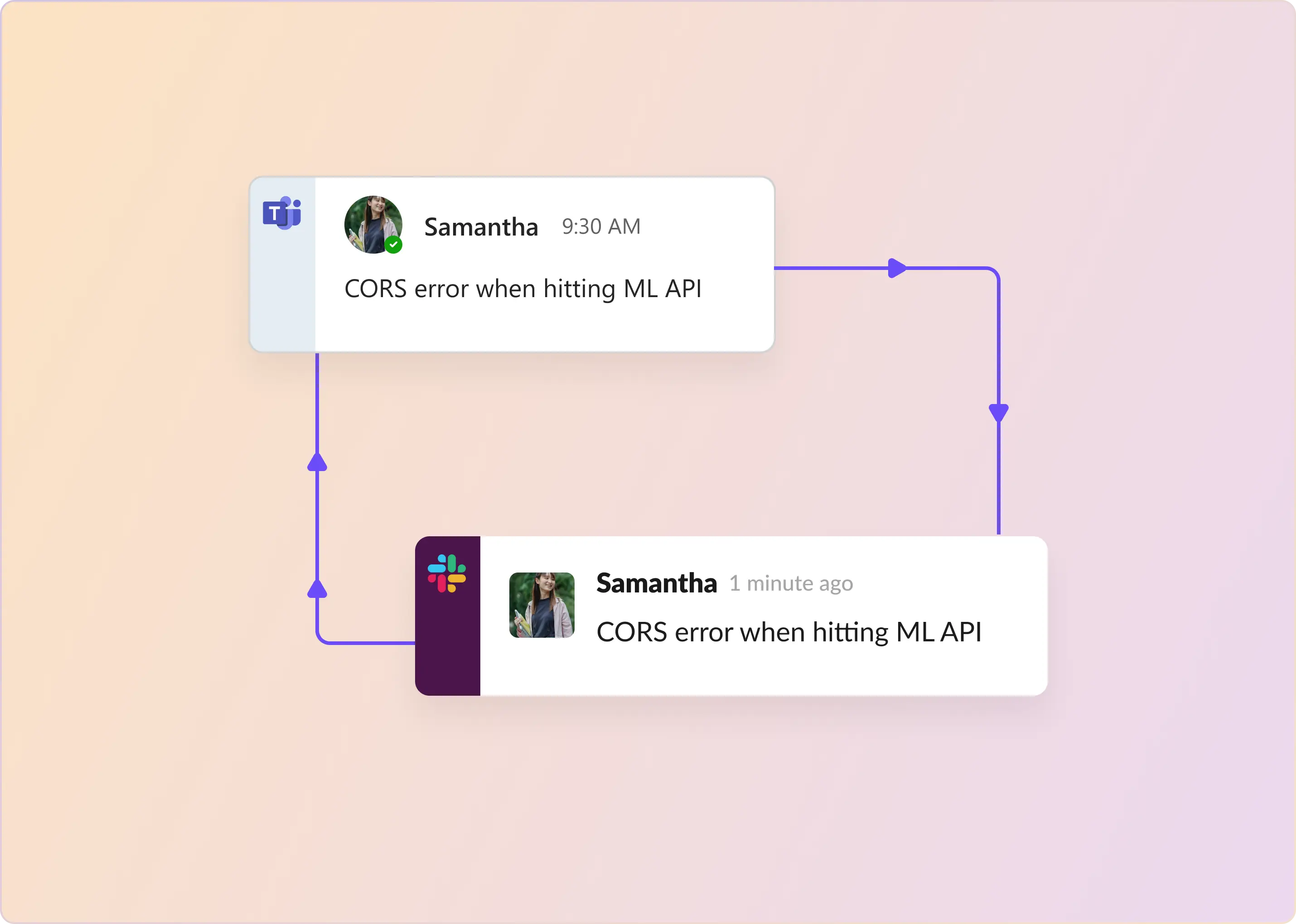
Customer conversations from supported Teams channels appear in a Slack Triage Channel, where agents can respond directly. Customer-facing replies sync back to the original Teams channels in real time.
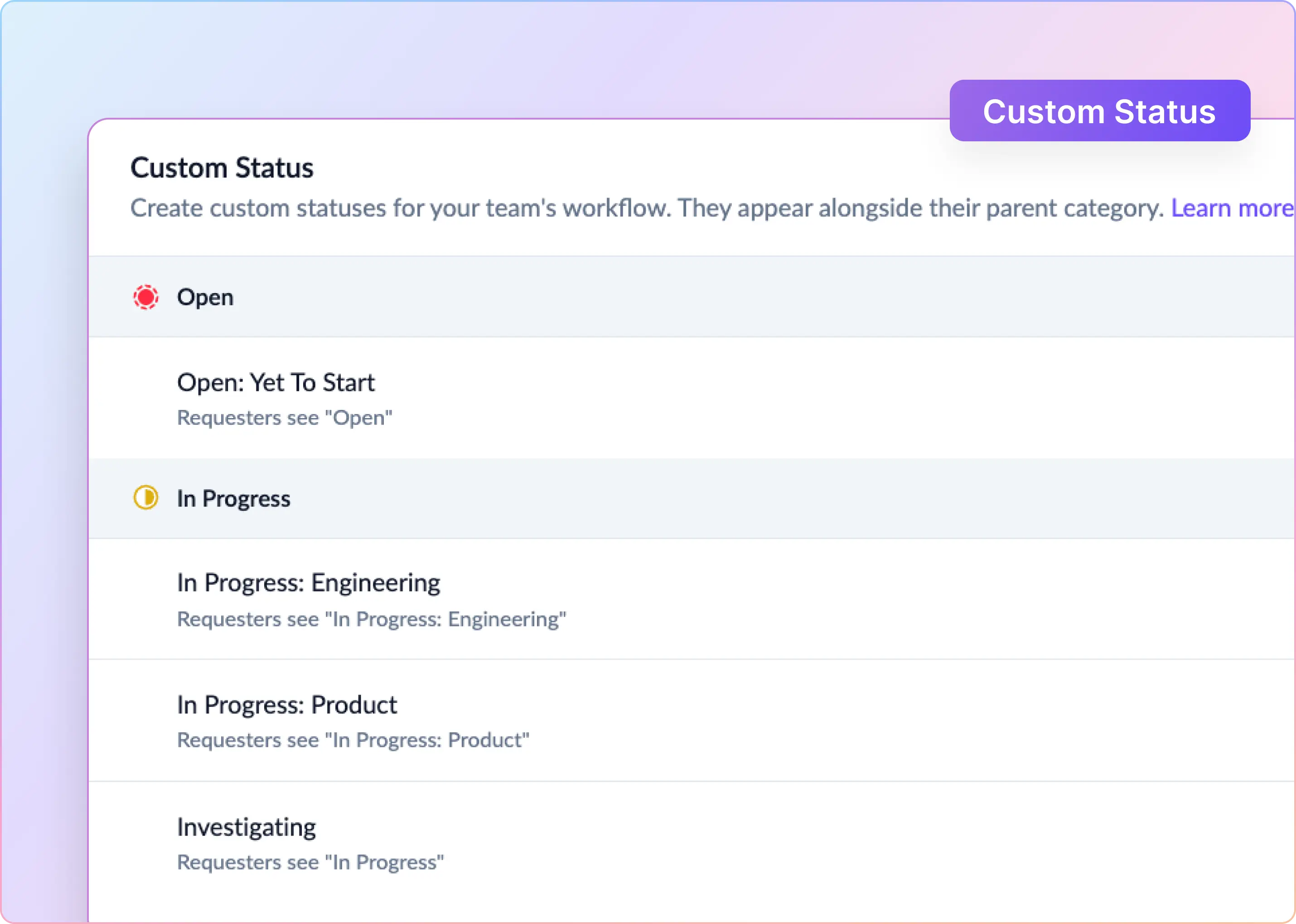
From Slack, agents can manage ticket status, priority, assignees, contributors, customer context, Custom Fields, internal comments, and linked tickets or tasks. Ticket messages use color-coded status indicators: red for Open, yellow for In Progress or Pending, and green for Solved.
If company policy prohibits Slack, use a support model compatible with the team's existing tools instead.
How To Build a Cross-Platform Teams and Slack Support Workflow
1. Confirm the Microsoft Teams Architecture First
Decide up front: shared channels or guest access to standard channels.
- Shared channels let customers participate from their own Microsoft 365 tenant without switching accounts. Requires external collaboration configuration on both sides.
- Guest access works without a customer M365 tenant, but customers join your tenant as guests. Because guests can see every standard channel in a Team, create a separate Team for each customer.
Watch out: ClearFeed requires an Azure organization admin (not just a Teams admin) to authorize and install the Teams app. Shared channels must be added to ClearFeed individually — installing at the Team level alone isn't enough. Private Teams channels aren't supported, and after setup, new messages in shared channels may take up to a minute to appear in Slack.
2. Route Both Sources Into One Triage Queue
Create Collections for the customer channels you want to monitor and route them to the appropriate Slack Triage Channel. Use source labels or icons to distinguish Slack and Teams conversations while keeping internal workflows consistent.
Centralized triage reduces the number of channels agents need to monitor without losing the original customer conversation. One ClearFeed customer with roughly 80 Teams channels needed a separate operational view because monitoring individual channels had become unmanageable.
From triage, agents can update status, priority, and assignee using emoji or dropdowns, and edit Custom Fields inline. They can also open the corresponding triage thread from a request channel through More Actions → ClearFeed Actions → View in Triage.
3. Define Responders and Assignment Rules
Configure responders by email domain (such as @yourcompany.com), specific users, or both. Responder settings affect Request creation and SLAs: replies from unconfigured users won't stop First Response SLA timers or move requests out of Open.
For assignment, use first-responder auto-assignment or Round Robin with a Rotation to distribute work. You can also assign requests to the account's Customer Owner, with Round Robin as a fallback when they're out of office.
Standardize fields across Teams and Slack—assignee, priority, customer, category, product area, and escalation reason—to ensure consistent routing and reporting.
4. Set a Clear Public-Versus-Private Comment Policy
Configure the default visibility for Slack Triage Channel replies:
- Public: Replies are sent to customers unless prefixed with 🔒.
- Private: Replies remain internal unless prefixed with 📢. This is generally safer for engineering-heavy workflows.
Agents must add visibility markers before sending messages. Adding them afterward won't change what was already sent.
For external helpdesks, verify how public comments and internal notes sync. ClearFeed can send private (🔒) triage comments as internal notes to external tickets, while Zendesk and Freshdesk internal notes can sync back to triage as private comments. Supported behavior varies by integration.
5. Apply One SLA Model Across Sources
Define business hours, holidays, and time zones before configuring First Response, Resolution, and One-Touch Resolution SLA targets. Assign policies to each Collection, using condition-based rules to adjust targets by priority or customer tier.
Configure Workflows to remind agents in triage or notify assignees before an SLA breach. ClearFeed's commitment detection can also follow up on promises such as "I'll get back to you by EOD."
For requests awaiting customers or downstream dependencies, configure whether time spent in Pending or On Hold is excluded from Resolution Time.
6. Keep Engineering Work Linked to the Customer Request
When engineering support is needed, create or link a Task in Jira, Linear, GitHub, ClickUp, or Asana. Include relevant messages, attachments, an AI-generated summary, and requester context. Supported integrations can sync task comments and status updates back to the ClearFeed request or ticket.
If ticket resolution depends on engineering work, mark the external Task as a Blocker. ClearFeed prevents the ticket from being solved or closed until the blocker is cleared.
7. Test Failure Cases Before Adding Every Customer
Test the full workflow, including new threads, replies, attachments, code snippets, edits, user identity, private comments, ticket creation, reopened conversations, permission changes, and agent handoffs.
In Teams, tickets must be created using the 🎫 reaction; custom ticket emojis aren't supported. Removing the reaction doesn't close the ticket.
Start with a small mix of standard and shared Teams channels. Monitor missed requests and synchronization failures for at least one normal support cycle before expanding. During the pilot, agents can use /cf-start-thread in the Slack Triage Channel to send proactive customer updates, check-ins, or announcements.
How To Measure Support Across Slack and Microsoft Teams
Use unified reporting to answer key operational questions:
- How does Request volume vary by customer, channel, or Collection?
- Which priorities or customer tiers have the highest First Response SLA breach rates?
- Where does Resolution Time increase after engineering handoffs?
- Which assignees have the largest backlogs, oldest open requests, or most unanswered requests?
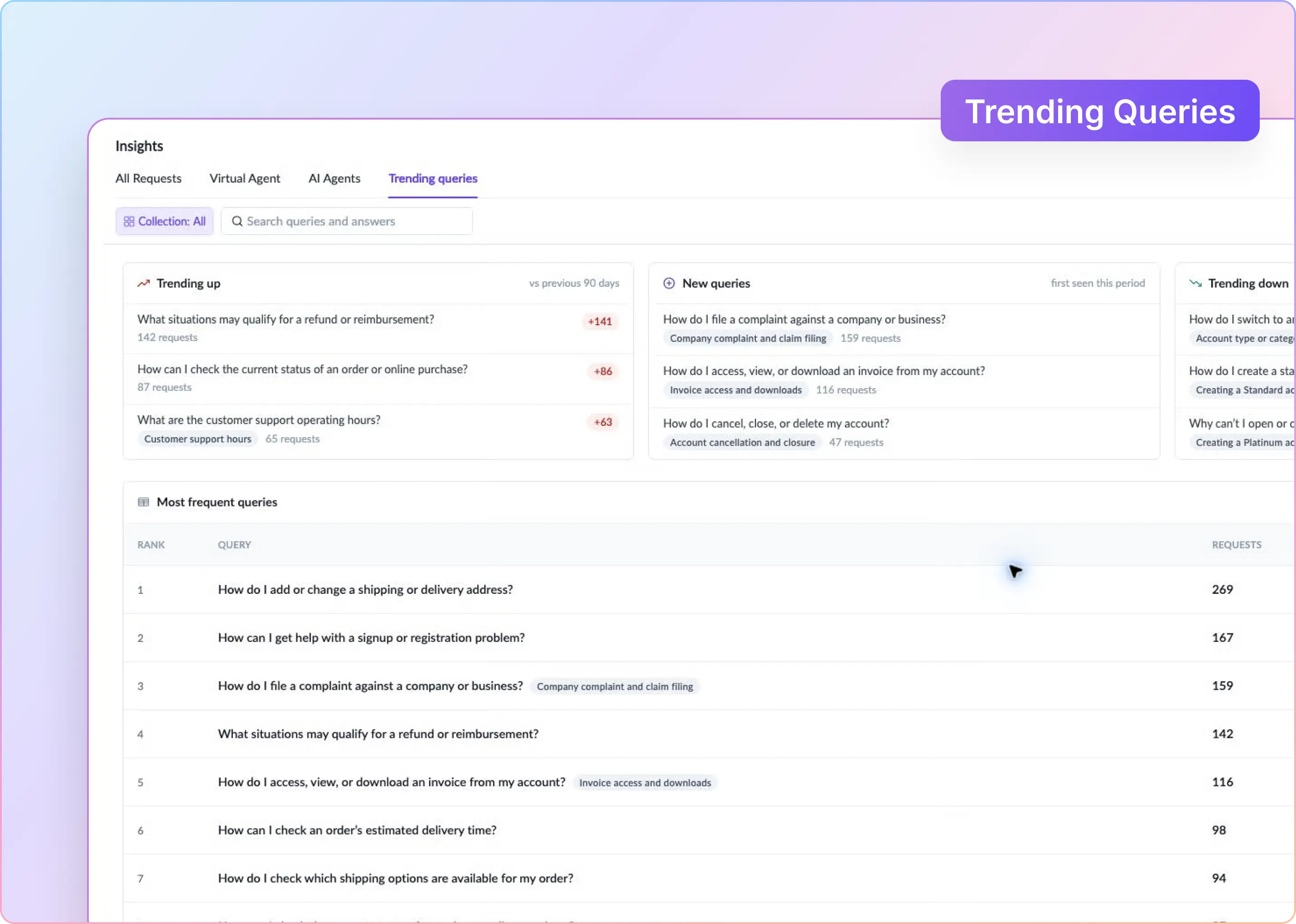
ClearFeed Insights tracks Request volume, First Response Time, Resolution Time, SLA breaches, CSAT, and AI answer performance. Reports can be broken down by Collection, channel, assignee, customer, Custom Fields, and AI classifications such as Auto-Category and Auto-Emotion. You can combine up to three dimensions in supported tabular reports, save custom reports, and export results to CSV or Google Sheets.
Distinguish requester-submitted CSAT from Auto-CSAT. CSAT captures feedback through a 5-point emoji or 2-point thumbs-up/down survey after resolution. Auto-CSAT predicts satisfaction using AI as the conversation progresses. Do not combine the two as equivalent measures.
Which Support Model Should You Choose?
Choose an integration-first model when:
- An existing helpdesk must remain the system of record for tickets, governance, or contractual support obligations.
- Email, portals, web chat, or Discord are also major support channels.
- Agents depend on established helpdesk queues and reporting.
Choose a Slack-first model when:
- Support and cross-functional teams already work in Slack.
- You want a single triage workflow for Slack and Teams conversations.
- ClearFeed's native ticketing meets your needs, with external Tasks for engineering handoffs.
Use a hybrid setup when both apply. Keep formal tickets in the helpdesk, manage daily collaboration in Slack, and track implementation work in engineering tools. Maintain a clear owner, current status, and linked records across systems.