🚀 Looking for a Halp alternative?
See how we compare

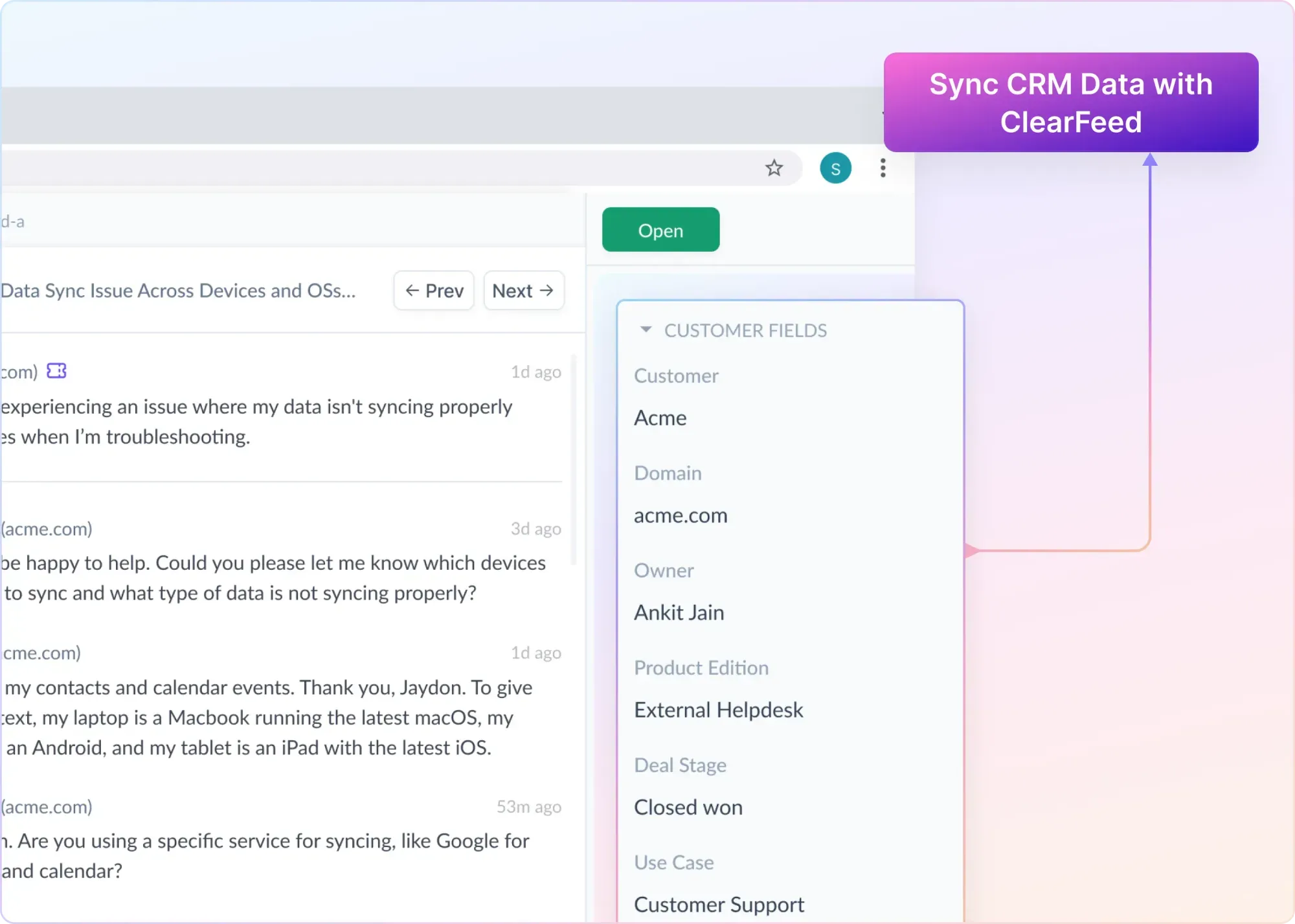
Bring Salesforce CRM customer data like lifecycle stage & ARR into Slack to route, prioritize & manage support easily.









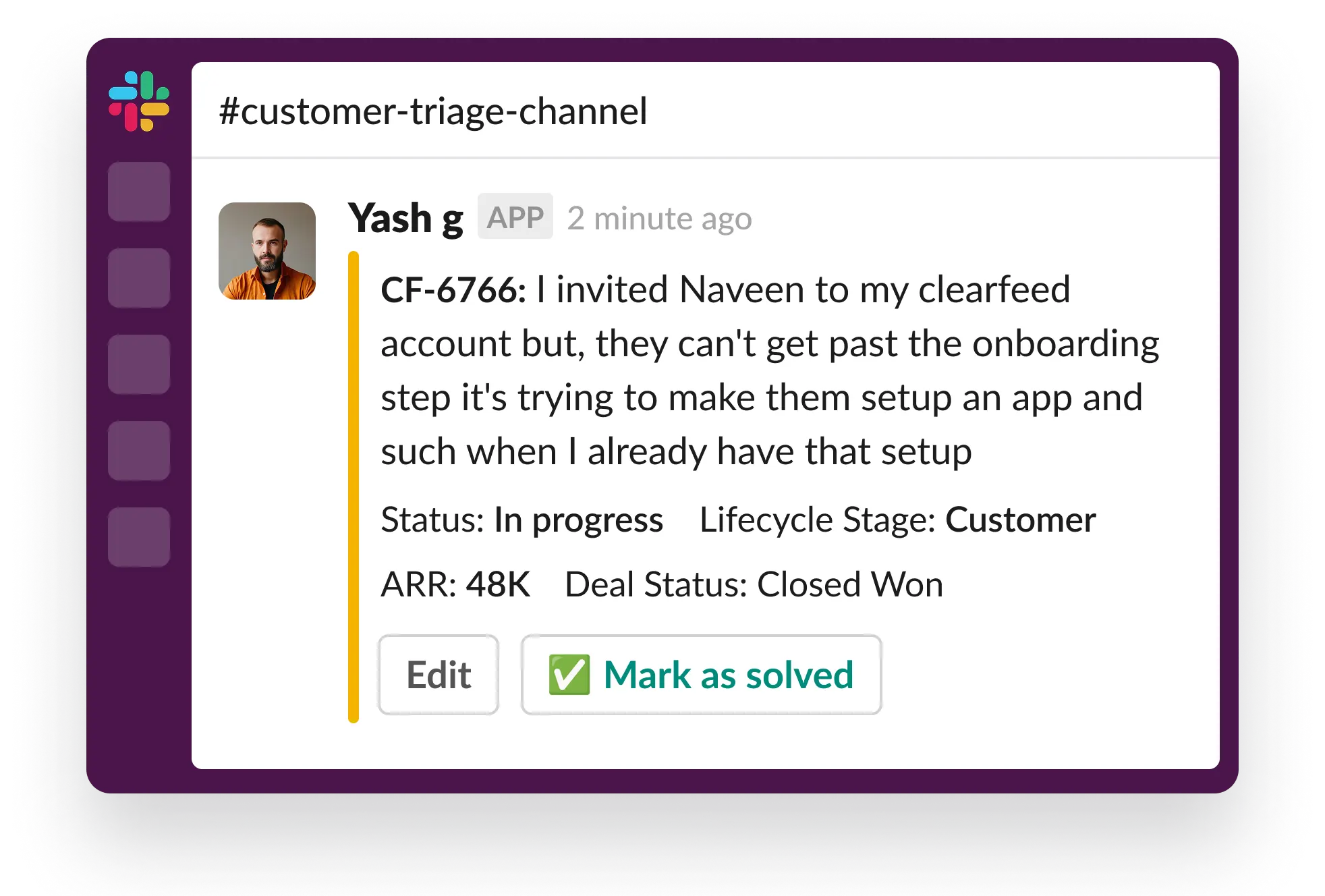
See key customer context like lifecycle stage, ARR, or deal status on every request in Slack. No switching to Salesforce.
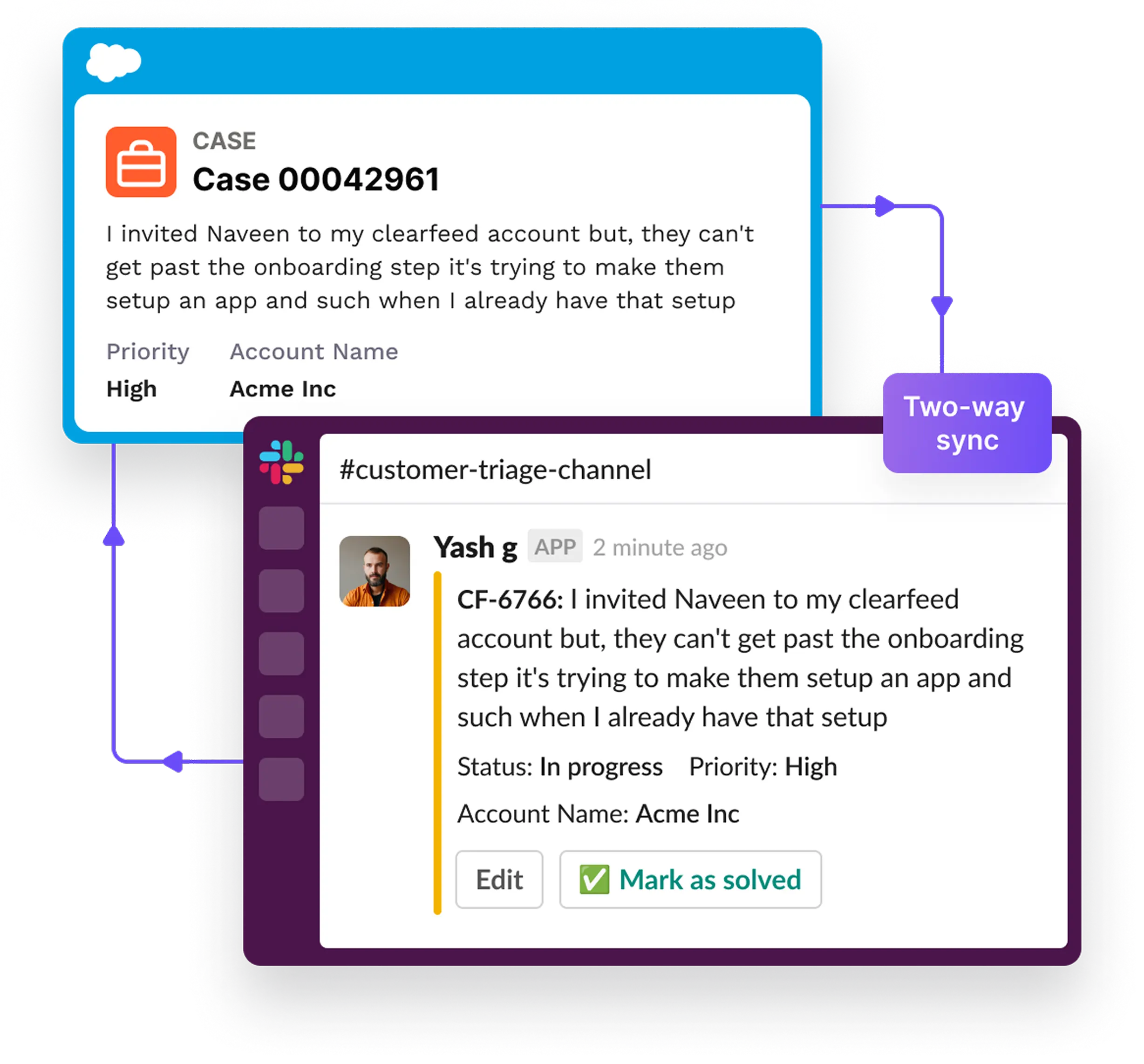
Automatically log support activity in Slack back into Salesforce.
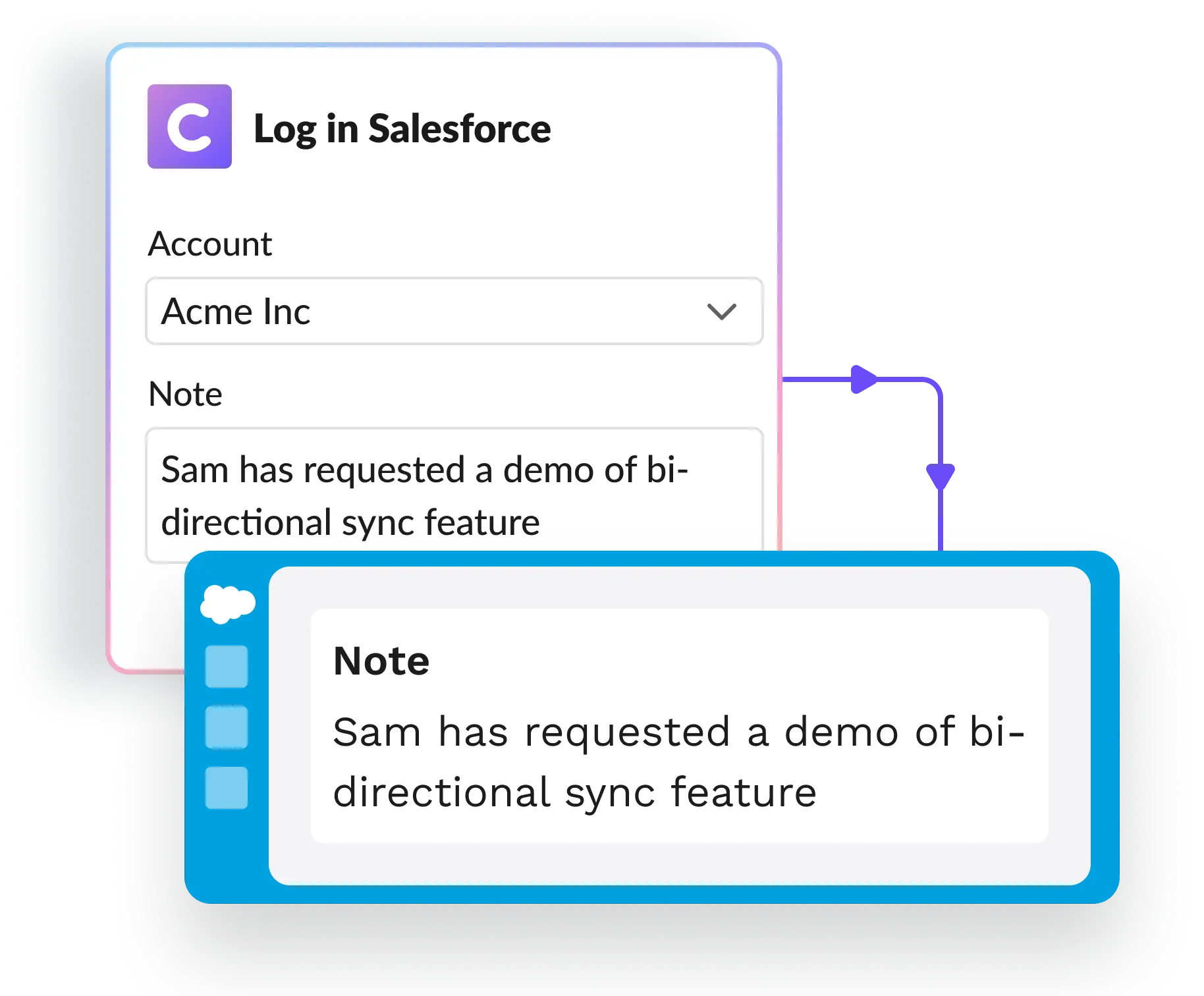
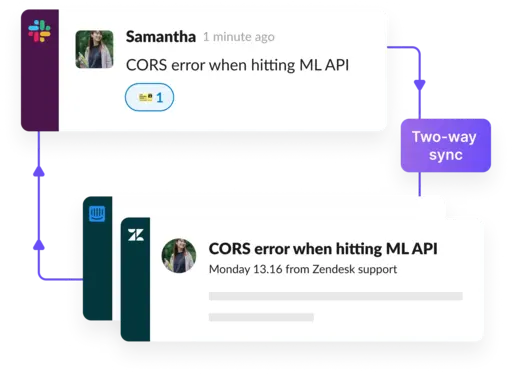
Turn requests into tickets with one click and sync with tools like Salesforce, Zendesk, Freshdesk, or Jira.
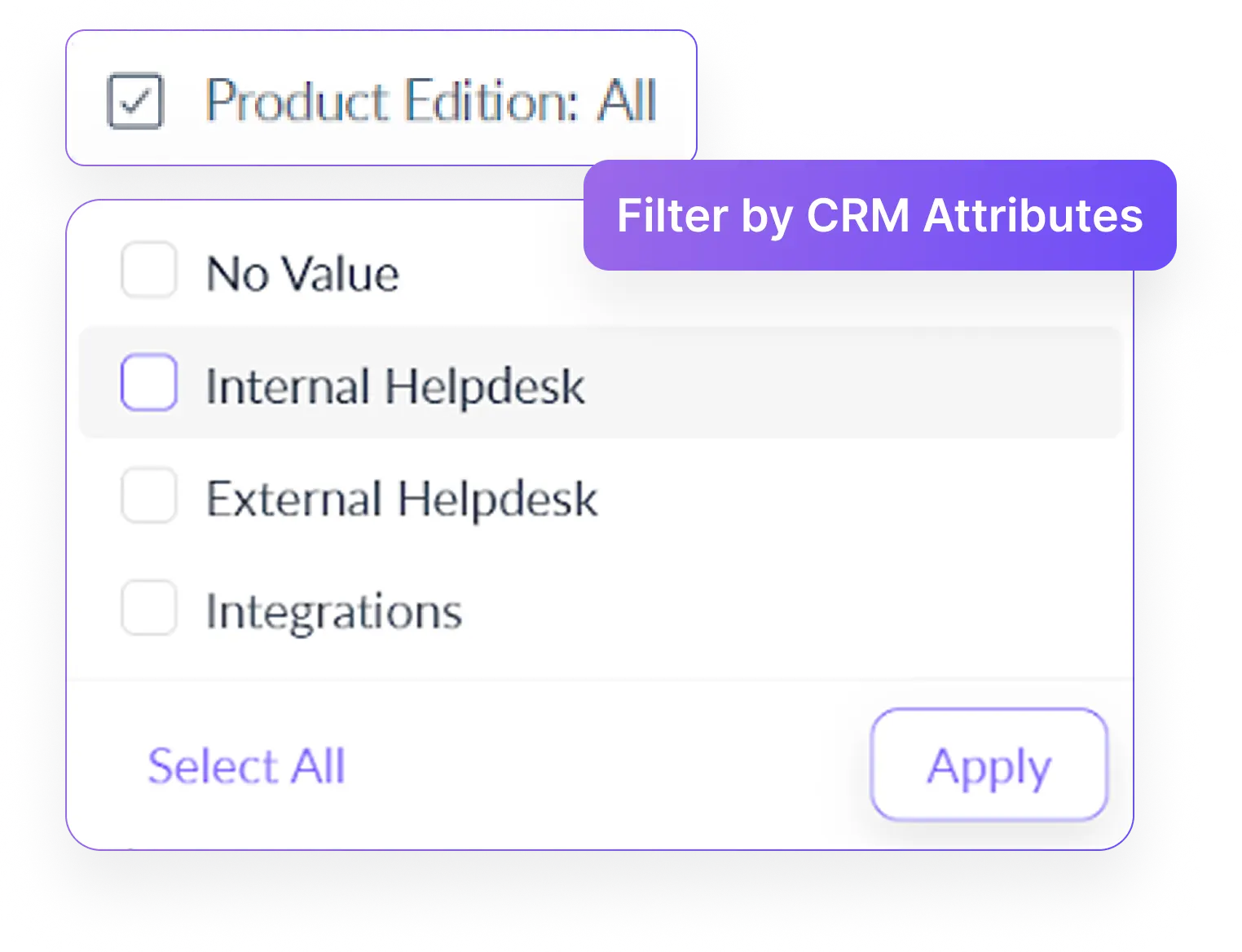
Filter support requests based on customer properties and save these views for ongoing use.
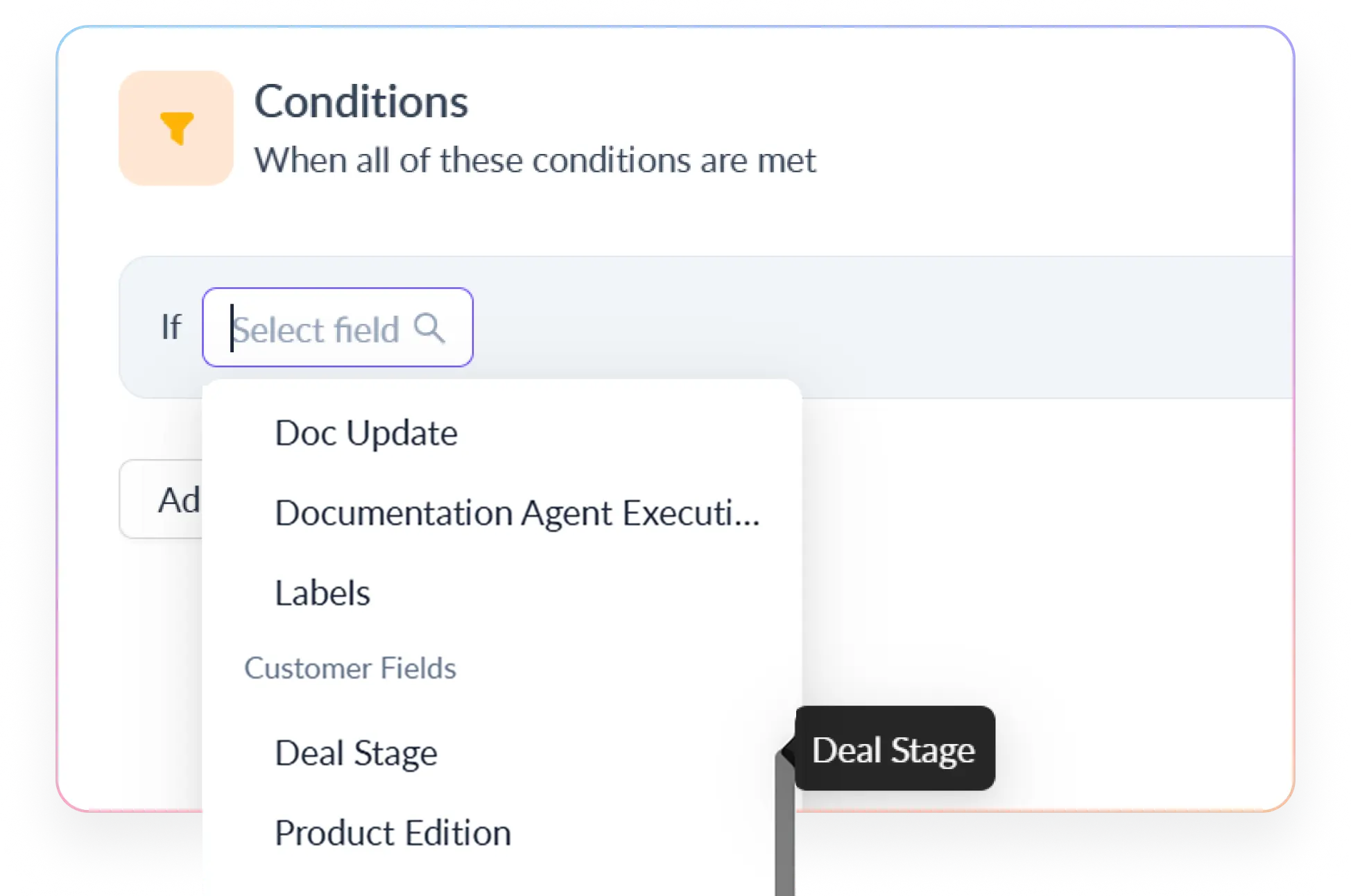
Set custom SLA policies based on Salesforce customer attributes & get proactive alerts before breaches happen.

Automatically route, tag, or escalate requests based on deal value, lifecycle stage, or customer tier.
Manage requests from Slack, MS Teams, Email, Web Chat, Portal & Discord in one queue directly from Slack.









We reduced friction in supporting our customers and increased efficiencies within the support team by implementing ClearFeed.

ClearFeed ties multiple communication channels together without disrupting our existing workflows.


Our customers simply view us as another team within their organization, and this wouldn't be possible to manage so many channels without ClearFeed. It is extremely easy to integrate with Slack and use in our daily operations, and we can keep track of support agent KPI as well.

After implementing ClearFeed, the biggest benefit is the peace of mind of knowing customers are attended to, and we meet them where they are with real-time expert access.









ClearFeed connects Salesforce CRM context with Slack-based customer workflows. Teams can view relevant Salesforce data on incoming requests, use CRM fields to prioritize work, and log Slack support activity back to Salesforce.
ClearFeed can surface relevant fields from Salesforce records, such as Account name, ARR, customer tier, Opportunity stage, or other configured customer fields. This gives teams useful account context without repeatedly opening Salesforce.
Yes. ClearFeed can use Salesforce fields to filter, route, tag, prioritize, or escalate requests. For example, teams can create different workflows based on customer tier, Account value, Opportunity stage, or other CRM fields.
ClearFeed supports bi-directional workflows between Slack and Salesforce. Salesforce CRM context can be surfaced in Slack, while relevant Slack support activity can be exported back to Salesforce, helping both systems stay aligned
No. Teams can choose which Slack conversations should become tracked Cases or requests. This helps preserve informal customer conversations while ensuring that issues requiring follow-up are recorded in Salesforce.
No. Salesforce can remain the system of record for Accounts, Opportunities, and Cases. ClearFeed adds a Slack-first workflow for viewing CRM context, triaging requests, collaborating internally, and syncing relevant activity back to Salesforce.