Table of Contents

Users like Viktor because it gets routine work done across the tools they already use. One G2 reviewer says it does the work of multiple employees. Another praises its integrations and describes it as an affordable alternative to hiring. For a small team spending too much time on admin, that's a strong reason to try it.
Pricing is a sticking point, including in positive reviews. Users mention confusing credits and paying for usage while they're still learning how to get useful results. Some also report slow support. In a separate complaint, one reviewer alleged that Viktor accessed more Slack channels than they had intended. That report is worth investigating if you're deciding what information to give an AI assistant access to.
For B2B support teams, the choice depends on how well the tool handles everyday requests. You need to understand what those requests will cost and which information the AI can use. When it needs help, a person should be able to take over without asking everyone to repeat themselves.
We've compared ClearFeed, Intercom Fin, Lindy AI, Decagon, Chatbase, and Sierra to help you choose. We'll cover where each option works well, its limitations, and what you'll pay.
Best Viktor AI Alternatives at a Glance
What To Look for in a Viktor Alternative for B2B Support?
You might consider a Viktor alternative if you need clearer usage costs, more control over access, or a tool that better fits how you support employees or customers.
We compared the six tools using official documentation, pricing, and G2 reviews. Our recommendations reflect what users expect from an AI assistant, with a focus on the following criteria:
- Fit with your support channels. Can people ask for help where they already work, including Slack, email, or chat? Check where responders work too, especially when specialists need to join.
- Knowledge and access controls. Can the AI use approved documentation and relevant account information? Look for controls that limit what each employee or customer can access and which actions the AI can take.
- Actions in connected tools. Can it check live information and carry out approved changes? Assess the specific tasks you need, such as updating a ticket or account record, rather than integration counts alone.
- Handoff to a person. The responder should see the request, what the AI tried, and what remains unresolved. This also reflects concerns raised in a practitioner discussion about preserving context during handoffs.
- Testing and performance visibility. Can you test real requests before launch and investigate weak answers afterward? Look for reporting that distinguishes an answer from a resolved issue.
- Total cost. Compare subscription fees, paid users, and usage charges against your workload. Check whether unsuccessful attempts or handoffs are billable, and how costs change with longer conversations.
6 Best Viktor Alternatives in 2026
1. ClearFeed: Best for B2B Support in Slack
ClearFeed provides AI agents for customer and employee support. The agents answer questions from connected documentation, use screenshots to help troubleshoot issues, and carry out configured actions in tools such as Jira, Zendesk, and HubSpot. Teams can let the AI reply directly or review its suggestions before sending them.
In interactive Slack conversations, the agent can ask follow-up questions and stop responding when a human joins. ClearFeed's helpdesk tracks each request alongside the conversation, so teams can manage assignments and follow-ups from Slack or the web app.
Key Features
- AI replies and draft suggestions: Virtual Agent responds automatically in support threads. Agent Assistant drafts replies privately for a person to review and approve.
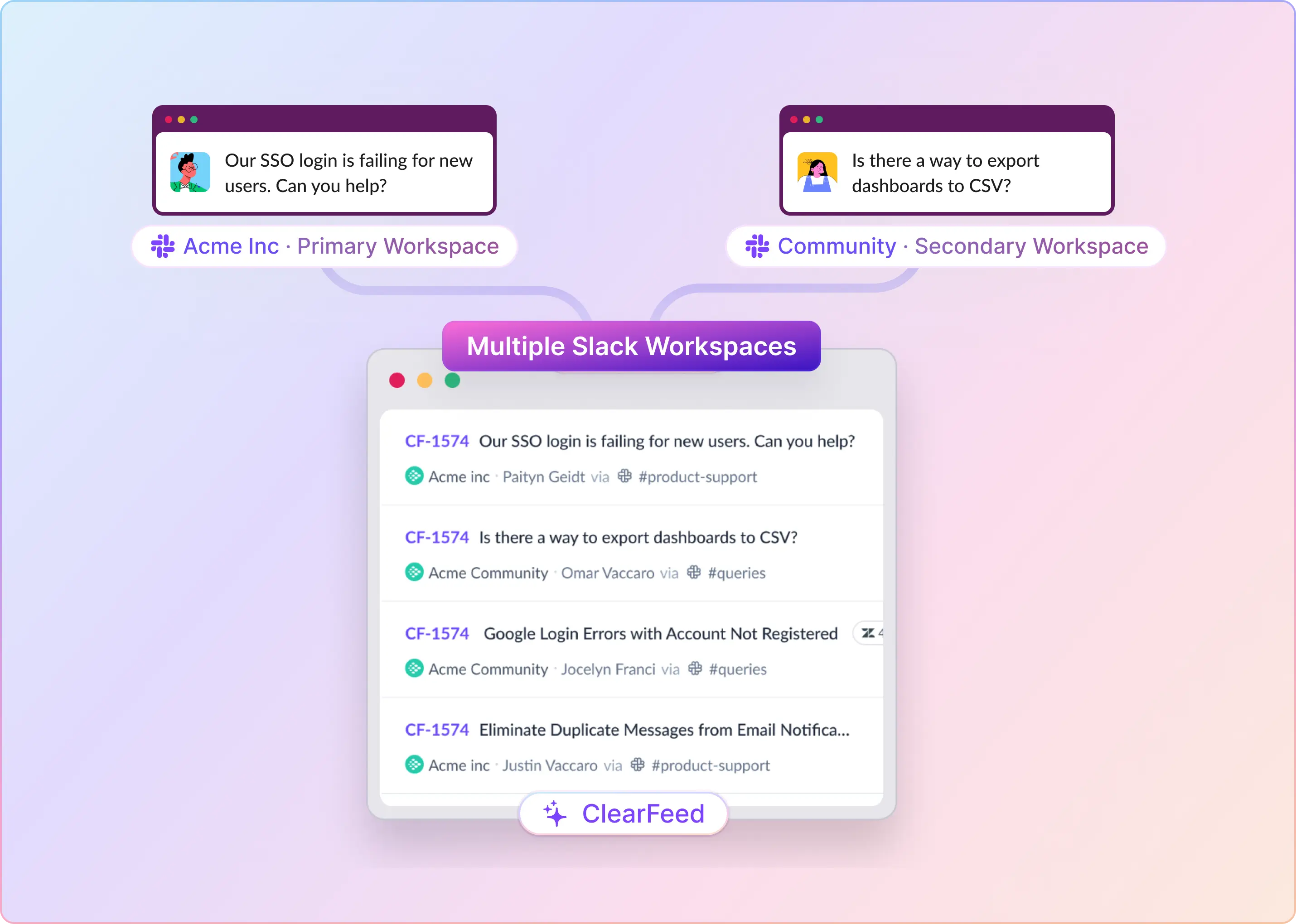
- Slack and Microsoft Teams support: Works in Slack channels, Slack Connect, Teams channels, shared channels, and Teams Collections, so people can get help where the conversation started.
- Knowledge integrations: Connects to Confluence, Notion, Coda, Google Drive, GitHub, Guru, Zendesk, Freshdesk, Intercom, ReadMe, Document360, Airtable, Salesforce, HTML pages, local files, and Atlas KB.
- Investigation and actions: Reads screenshots, gathers context, and takes actions within configured permissions. Supported tools include Jira, Zendesk, Freshdesk, HubSpot, Intercom, Linear, ClickUp, Asana, Salesforce Service Cloud, Okta, JumpCloud, BambooHR, and Kandji.
- Human handoff and escalation: Supports immediate human takeover and a one-hour inactivity timeout. Teams can configure ticket creation before or after the AI attempts to resolve a request.
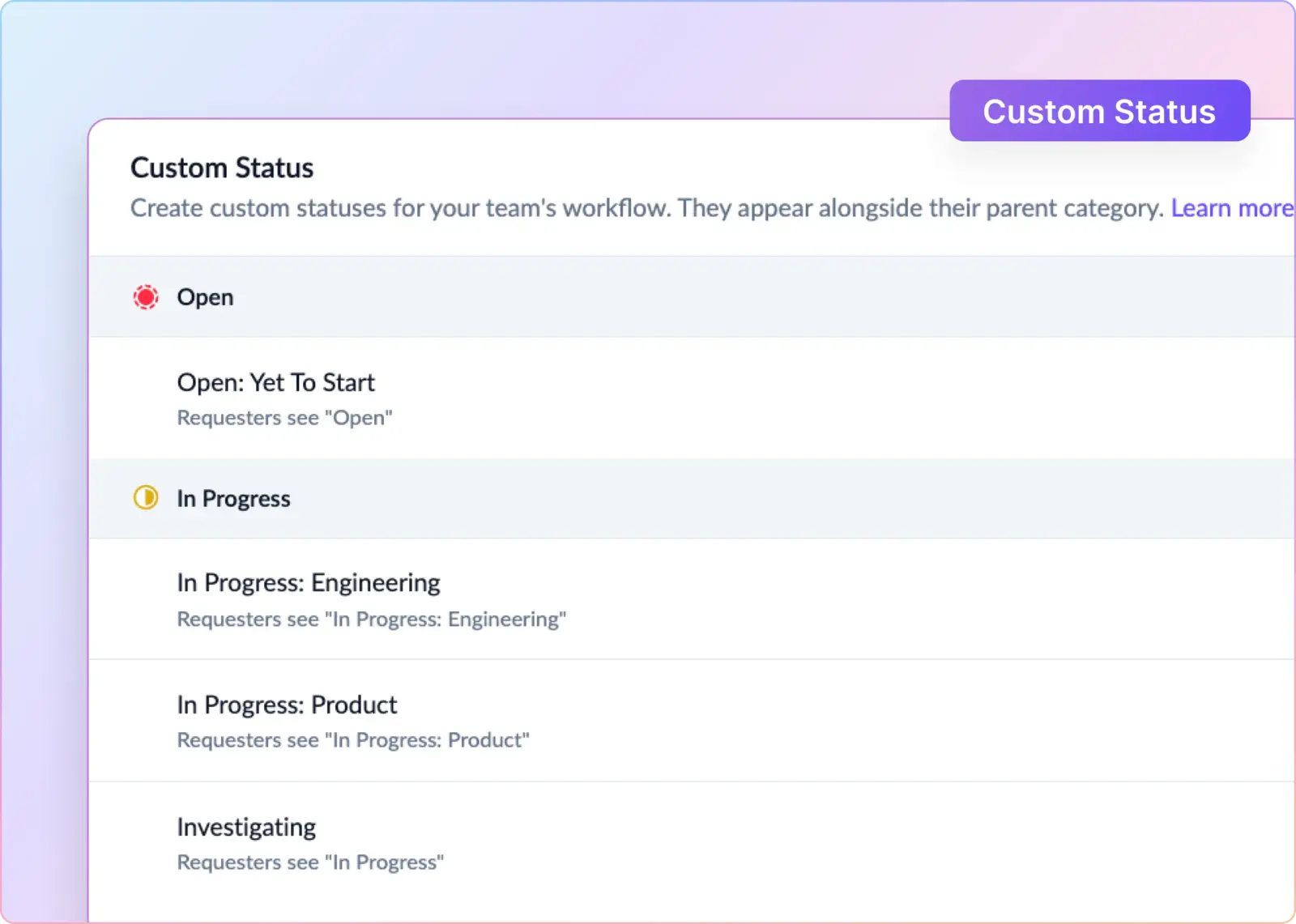
- Helpdesk management: Handles ticket assignments, priorities, private collaboration, SLAs, CSAT, and resolution tracking.
- Prebuilt agents: Includes ready-to-use IT, HR, and GTM agents for tools such as HubSpot, Jira, and Okta.
- Knowledge and performance reviews: DocAssist flags missing or outdated documentation. Trending Queries, conversation testing, session reviews, and outcome analytics help teams spot recurring issues and opportunities for improvement.
- Bring Your Own Model (BYOM): Enterprise customers can route tasks across OpenAI, Anthropic, Google Gemini, SambaNova, and OpenAI-compatible endpoints.
- Enterprise controls: Includes SSO/SAML, a custom DPA, HIPAA with a BAA, sensitive-data redaction, integration-level user permissions, and audit trails.
- Remote MCP Server for Claude: Provides OAuth-protected access to ticket search, SLA metrics, incident coordination, and knowledge-gap analysis.
Pros
- Customers and employees can get help in existing Slack and Teams conversations, including shared channels. This makes ClearFeed a good fit for B2B teams that already use these channels for support.
- Agent Assistant lets people review replies before sending them, which is useful for sensitive accounts, regulated environments, and premium support.
- Two-way helpdesk integrations keep ticket history and workflow context connected to support conversations.
- Human takeover, ticket escalation, SLAs, CSAT, and reporting let teams manage AI and human support together.
- Knowledge integrations and DocAssist help teams identify documentation gaps and keep answers up to date.
- BYOM gives enterprise teams a choice of model providers, while security and compliance controls help address procurement requirements.
Cons
- Full AI auto-reply is primarily available in Slack and Teams Collections. Email, Discord, Telegram, and web support have more limited or AI-assisted functionality.
- Enterprise customers need to contact ClearFeed to set up BYOM. They cannot configure model providers entirely through self-service controls.
- Unused AI credits expire each month. Teams with uneven support volumes may pay for credits they do not use.
- ClearFeed Helpdesk is relatively new. Teams replacing an established helpdesk should assess its maturity separately from ClearFeed's Slack and Teams integrations.
Pricing
- Helpdesk Starter: $24/agent/month. An optional AI Pack costs $20/account/month and includes 100 credits.
- Helpdesk Professional: $30/agent/month, including the AI Pack and 50 credits per agent.
- Additional AI credits: $2 per 10 credits up to 500 monthly credits, $1.50 per 10 credits from 501–1,000, and $1 per 10 credits above 1,000. Included credits count toward these thresholds; you're charged only for additional usage.
- AI usage: Complex AI runs can use multiple credits. Pricing for standalone AI Agents is negotiated individually.
2. Intercom Fin: Best for Teams Working From a Helpdesk
Fin is Intercom's AI customer service agent. It answers questions using company knowledge and follows configured procedures to handle requests such as account updates or subscription changes. Connections to business systems let it retrieve live information and perform actions during a conversation.
Teams can use Fin with Intercom's helpdesk or another supported helpdesk. In its Intercom Slack integration, Fin replies in the original thread, including shared customer channels, while people take over from Intercom Inbox.
Key Features
- Answers across customer channels, including Slack, chat, and email.
- Uses step-by-step instructions, called Procedures, to handle repeatable requests.
- Connects to external systems to check current information or perform configured actions, such as subscription changes.
- Supports simulated connector responses while a team builds and tests its processes.
Pros
- A logical extension for teams already running support in Intercom.
- External system access can move automation beyond answers in documentation.
- Its documented Slack workflow separates customer convenience from the support team's inbox.
Cons
- Human support for the Intercom Slack deployment happens in Intercom Inbox, adding a workspace for collaborators who live in Slack.
- Its focus is customer service. Internal IT or HR teams should verify employee access controls and routing for their own setup.
- An outcome can include a completed Procedure handoff. Human involvement does not automatically make a conversation free.
Pricing
Fin costs $0.99 per outcome, with no more than one charge per conversation. An outcome includes confirmed or assumed resolution and certain completed Procedures, including handoffs.
For example, 1,000 billable outcomes cost $990, before helpdesk seats or other applicable charges. Fin with an existing helpdesk requires no Intercom seats and has a minimum monthly commitment, such as 50 outcomes. Keep that separate from the cost of adopting Intercom's own helpdesk.
3. Lindy AI: Best for a Flexible AI Coworker
Lindy is an AI assistant that carries out tasks across connected business tools. Teams give it instructions in Slack or schedule routines. For customer support, it drafts replies from documentation and previous resolutions, routes requests, and watches escalations in connected helpdesks.
Its HR assistant answers handbook questions, coordinates onboarding, and follows up on missing paperwork. This makes it relevant to internal operations and to supporting a customer service team.
Key Features
- Scheduled queue reviews, reply drafts, and escalation monitoring.
- Answers employee handbook questions, coordinates onboarding, and sends paperwork reminders.
- Connections to tools such as Zendesk, Intercom, Freshdesk, Notion, and Slack.
- Instructions that let teams adapt the work to their own process.
- A broader integration library for work spanning support, sales, engineering, and operations.
Pros
- Handles recurring employee questions and administrative follow-up alongside support preparation.
- Can complement an existing helpdesk instead of replacing it.
- Can coordinate work across HR, operations, and customer support.
Cons
- Its Slack assistant serves staff; direct support for external customers in shared Slack channels is not confirmed in the reviewed material.
- Someone still needs to define the work, review permissions, and maintain the instructions as processes change.
- Active-user charges and variable credit consumption both affect the budget.
Pricing
Team pricing starts at $29.99 per active user/month, with 3,000 credits per user pooled across the workspace. Top-ups cost $10 per 1,000 credits, and larger packages are available.
The free offer provides $50 in credits that last seven days. Credits measure work performed, so don't budget a complex investigation like a single short reply. Enterprise pricing is custom.
4. Decagon: Best for Complex Enterprise Customer Support
Decagon provides AI customer service agents that handle requests across chat, email, and voice. Its agents retrieve live information and take actions in connected systems, following instructions called Agent Operating Procedures.
Teams write these procedures in plain language to define how the agent handles a request and when it should escalate. They can also test changes and inspect the agent's decisions to understand why it answered a certain way or took a certain action.
Key Features
- Plain-language workflow instructions called Agent Operating Procedures.
- Connections that retrieve live information and trigger actions in existing systems.
- Rules for escalation and agent behavior across chat, voice, and email.
- Explanations of agent decisions, plus testing, versioning, and alerting tools.
Pros
- Gives support operations a way to maintain detailed procedures as policies change.
- Decision records help teams investigate why an answer or action went wrong.
- A relevant shortlist option when voice is an important part of the service operation.
Cons
- Its offering centers on customer service, and it does not support employee IT or HR service desk workflows.
- Detailed automation still requires accurate procedures, connected systems, and ownership of ongoing testing.
- Unpublished rates make it harder to compare a small pilot against self-serve options.
Pricing
Decagon does not publish standard dollar rates. Its public pricing explanation describes per-conversation and per-resolution options, with negotiated rates and volume considerations.
The distinction affects escalations because conversation pricing counts incoming conversations, while the described resolution model charges a higher rate for fully resolved conversations and does not charge for escalations. Compare quotes using the same historical workload, including requests that needed a person, rather than comparing headline units alone.
5. Chatbase: Best for a Smaller Support AI Pilot
Chatbase lets teams build AI agents that answer questions from company content and carry out configured actions. Customer-facing agents can follow procedures, create tickets with conversation history, and hand over live conversations. Its Slack integration also supports internal knowledge questions through mentions or direct messages, using sources such as handbooks and policy documents.
Teams can run separate internal and customer-facing agents. Customer support can use Chatbase's own helpdesk or a connected one, depending on the subscription tier.
Key Features
- Internal Slack answers from company documents, with separate agents for different audiences.
- Ticket history, assignment, internal notes, and routing rules for human follow-up.
- Repeatable instructions and actions, plus customer handoffs to a built-in or external helpdesk.
- Automated test conversations, including simulated responses to actions.
Pros
- Supports an internal knowledge pilot and customer-facing automation.
- Supports both immediate human takeover and tickets for later follow-up.
- Testing tools help you check behavior after you change instructions, sources, or actions.
Cons
- Internal Slack knowledge answers are documented; employee workflows such as access approvals need separate validation. Support in shared Slack channels between companies is also unconfirmed.
- Moving from a small pilot to helpdesk integrations means a higher subscription tier.
- Model choice and multiple replies can increase the credits consumed by one employee or customer request, even without resolution.
Pricing
Hobby costs $40/month, or $32/month billed annually, with 700 monthly message credits. Standard costs $150/month, or $120/month billed annually, with 4,000 credits, the helpdesk inbox, and advanced integrations. Pro costs $500/month or $400/month billed annually.
6. Sierra: Best for Customized Enterprise Customer Service
Sierra provides AI agents that answer service questions and complete tasks in connected business systems. A single agent can work across chat, email, voice, SMS, and WhatsApp, using company knowledge and live information to handle requests.
Teams configure their workflows in Agent Studio, including the actions it can take and when it should pass a conversation to a person. Simulated conversations and records of agent decisions help teams test workflows and investigate how requests were handled.
Key Features
- Step-by-step customer journeys with instructions and operating boundaries.
- Connections to knowledge sources and business systems for current information and actions.
- Routing to human teams with conversation context.
- Simulated conversations and tests that check whether changes break existing behavior.
Pros
- Combines customer conversations with actions in connected systems.
- Gives teams tools to inspect behavior and test updates before release.
- Broad channel coverage suits businesses whose service operation extends beyond messaging.
Cons
- Sierra's focus is customer service. Teams that need an AI agent for employee IT or HR helpdesk workflows may need a different solution.
- Outcome-based pricing requires a precise agreement on what counts as completion, especially when a customer has multiple issues.
- Without a public rate card, the initial budget is less straightforward than a published subscription.
Pricing
Sierra uses custom, outcome-based pricing, rather than a standard monthly subscription or per-resolution rate. The price depends on the commercial agreement.
Evaluate the written definition of an outcome alongside the rate. Useful comparisons include requests reopened later, cases passed to people, and conversations where one task succeeds while another remains unresolved. Those are contract questions to settle during evaluation.
How To Choose the Right Viktor Alternative
For internal support, consider ClearFeed for a tracked employee service desk in Slack. Lindy fits handbook questions and operational follow-up; Chatbase fits an internal knowledge assistant. Check whether your shortlist can also handle approvals or access changes when your team needs them.
For customer support, consider ClearFeed for Slack-based service, Fin for an existing helpdesk, and Chatbase for a smaller pilot. Decagon and Sierra are worth evaluating for broader enterprise customer-service automation. Their offerings focus on this use case.
Give finalists requests from your own queue. An internal pilot might include a policy question, a software-access request, and a case needing HR review. A customer pilot might include a plan-specific question, a screenshot-based problem, and an engineering escalation. Test an unavailable integration too, then inspect permissions, handoff, and cost.
To evaluate ClearFeed, book a demo around an employee or customer request. Follow it through AI assistance and human takeover, and check who owns the work until it is resolved.