Table of Contents

Unthread is a credible Slack-native AI helpdesk for teams that manage requests in Slack or Microsoft Teams, but internal support teams can outgrow it when pricing, Teams coverage, service-desk workflows, or integration depth become constraints.
This guide is written for IT, HR, Sales, Ops, and employee-support teams evaluating Unthread alternatives. The goal is not to find the longest feature list. It is to identify which tool best fits the internal service workflow your team actually runs: Slack-first ticketing, Teams-based employee requests, ITSM, service catalog, approval workflows, engineering escalation, or a full service management suite.
TL;DR
The best Unthread alternative depends on whether you need Slack-first support, backend ticket syncing, or full IT service management.
The gist
- ClearFeed suits Slack-first teams needing triage, private tickets, forms, approvals, AI answers, and integrations.
- Suptask offers a lower-cost option for support workflows contained entirely within Slack.
- Wrangle fits teams connecting Slack or Microsoft Teams with Jira Service Management or Zendesk.
- Siit emphasizes employee service catalogs and device management; Freshservice provides deeper, full-scale ITSM capabilities.
- Unthread’s five-seat minimum, conversation cap, limited migration context, and beta API may prompt teams to switch.
Worth knowing: ClearFeed keeps support agents in Slack but is not a full ITSM replacement; Freshservice and Siit are stronger for formal service catalogs and asset management.
The Best Unthread Alternatives at a Glance
Why Do Internal Support Teams Look for an Unthread Alternative?
Internal support teams usually evaluate Unthread alternatives when Slack-native ticketing is insufficient for the way employees ask for help.
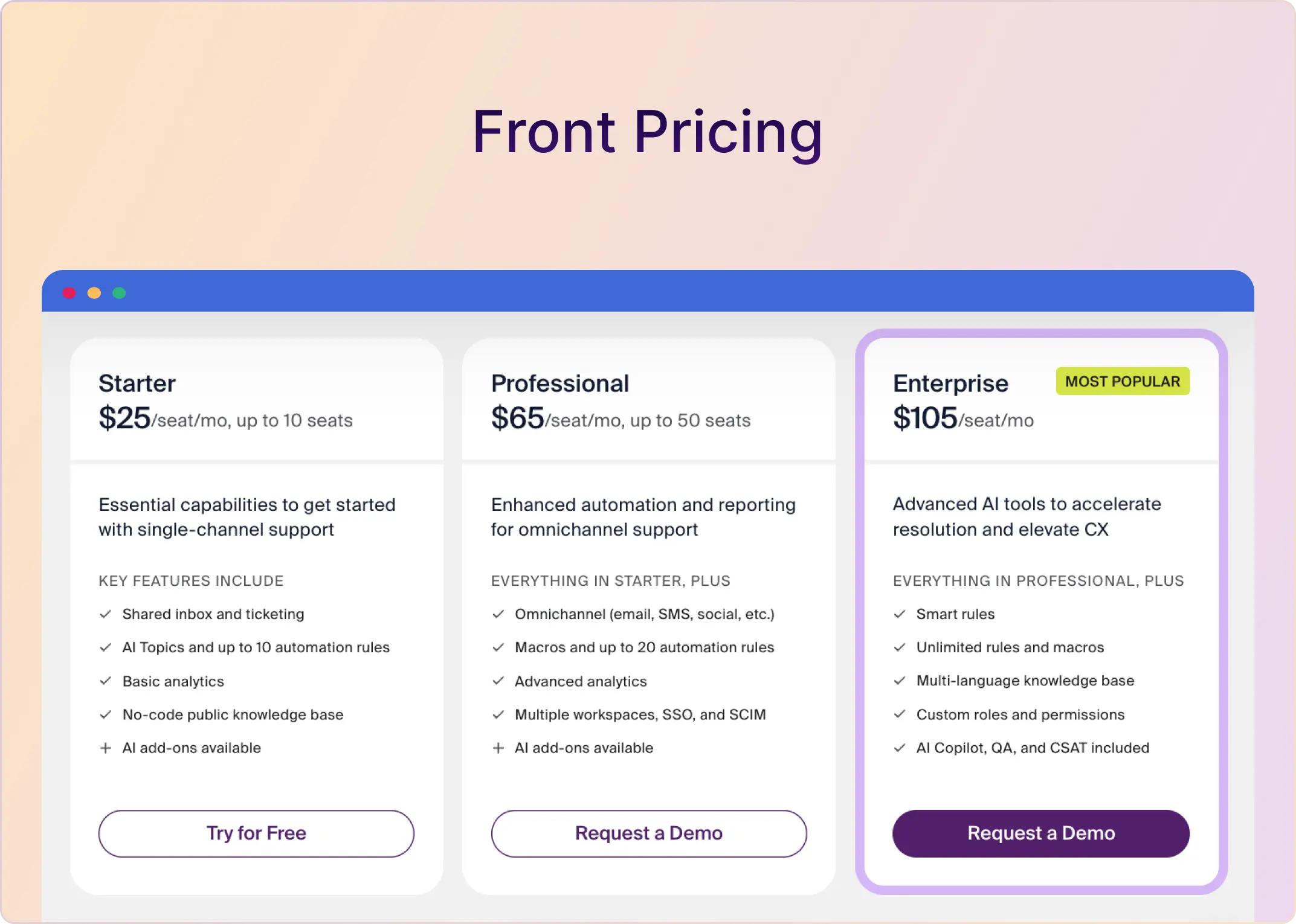
- Pricing and packaging can create an early ceiling. Unthread Basic starts at $50 per agent per month and requires a minimum of 5 seats. Basic also includes 100 conversations per month. For a small IT or HR team, that can create a larger starting commitment before request volume justifies it.
- Internal workflows need more than message-to-ticket conversion. IT, HR, Finance, and Ops teams often need forms, approvals, routing, private tickets, service-level tracking, knowledge-base answers, and escalation into Jira, JSM, Zendesk, GitHub, Asana, or other work systems.
- Email migration can weaken context. Unthread email intake captures new emails after setup, but does not import older shared-inbox history. Internal teams moving away from shared inboxes may need prior context for laptop issues, access requests, payroll questions, or onboarding threads.
- Developer and triage controls may not be mature enough. Unthread's API is marked beta. Threading behavior can also create extra triage noise when related employee messages are treated as separate requests rather than a single clear work item.
How We Chose These Unthread Alternatives
We prioritized tools based on internal support fit, not broad support-suite breadth.
- Slack and Microsoft Teams request intake
- Private tickets for sensitive HR, Finance, People Ops, and IT requests
- Forms, approvals, assignment rules, SLAs, and request routing
- Service catalog and employee portal depth
- Ticket-system and task-system integrations
- AI answers grounded in internal knowledge sources
- ITSM capabilities such as incident, problem, change, asset, and service management
- Reporting, CSAT, and workload visibility for managers
What To Look For in an Unthread Alternative for Internal Support
- Can employees submit requests from the place they already work? Slack and Teams intake matter more than a portal-only workflow for many internal teams.
- Can sensitive requests stay private? HR, Finance, People Ops, access, payroll, and device requests should not be forced into public channels.
- Can the tool collect structured information upfront? Forms, conditional fields, and templates prevent back-and-forth on laptop requests, app access, onboarding, benefits, or procurement questions.
- Can managers see ownership and SLA risk? Internal support still needs an assignee, priority, status, pending state, reminders, breach visibility, and reporting.
- Can approvals happen inside Slack or Teams? Internal requests often require manager approval, security approval, finance approval, or multi-step routing.
- Does it integrate with the system you already use? Jira, JSM, Zendesk, GitHub, Asana, ClickUp, Linear, HubSpot, Salesforce, Okta, BambooHR, Kandji, and asset tools can all shape the right choice.
The 6 Best Unthread Alternatives for Internal Support Teams in 2026
1. ClearFeed: Best for Slack-First Internal IT, HR, and Ops Support
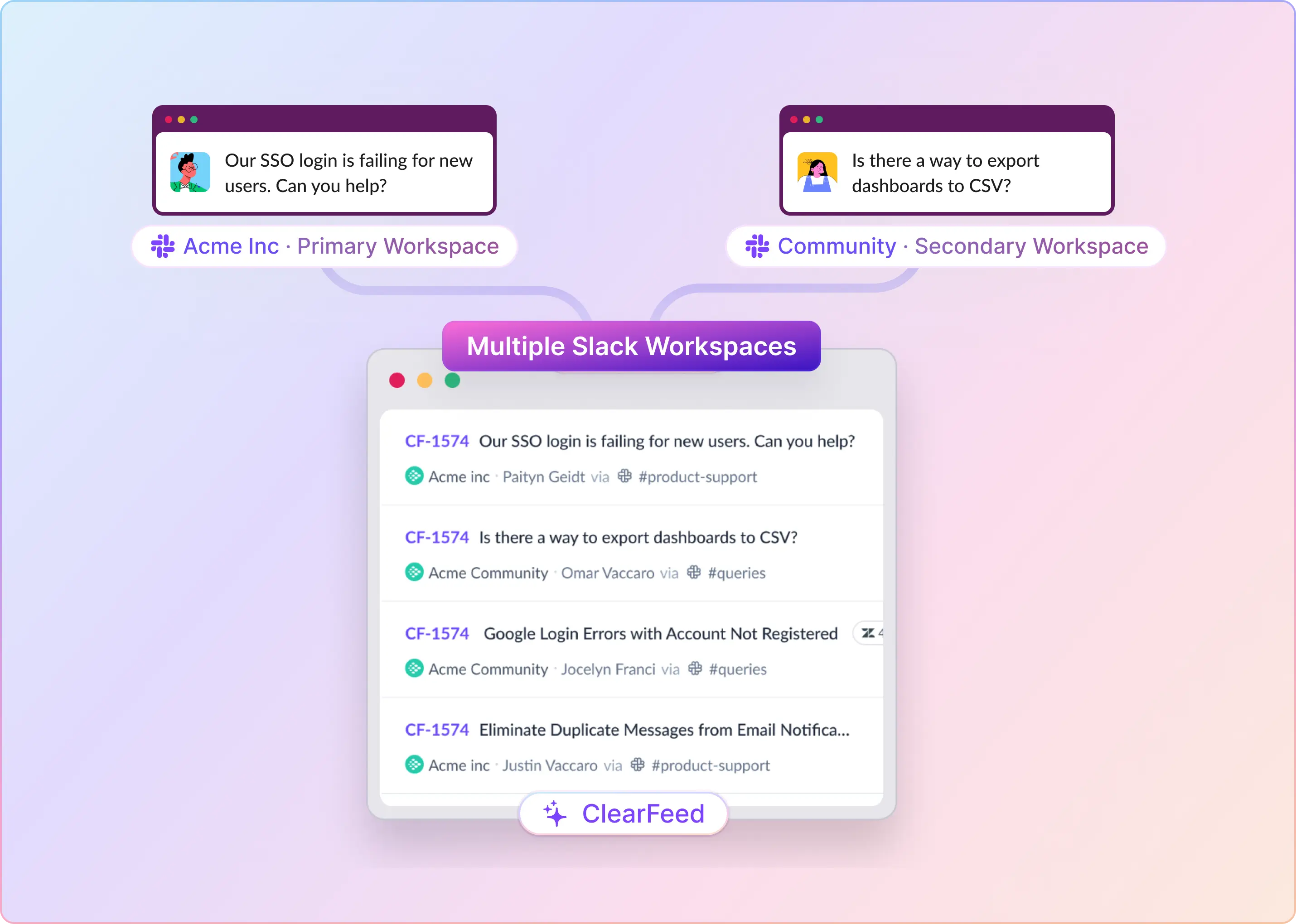
ClearFeed is best for internal support teams that want employees to ask for help in Slack while agents manage requests from a triage channel. It works well for IT, HR, Sales, and engineering-adjacent escalation workflows.
Key features:
- Slack-native triage: Assignee, status, priority, and SLA timers are visible in the triage channel.
- Private tickets: Employees can file sensitive requests privately through the ClearFeed Slack app, the File a Ticket button, or a shortcut.
- Forms and custom fields: Teams can collect structured details for app access, onboarding, device issues, HR requests, procurement, or finance approvals.
- Approval workflows: Internal Helpdesk edition supports multi-level approvals with Slack approval/rejection and audit logs.
- Ticket and task integrations: ClearFeed can create or link work in Zendesk, Jira Service Management, Salesforce, Jira, Linear, Asana, ClickUp, HubSpot, and GitHub.
- AI support: Agent Assistant and Virtual Agent modes can answer from sources such as Confluence, Notion, Google Drive, Slack channels, GitHub, Zendesk, Intercom, Salesforce, file store, HTML, site search, and past ClearFeed requests.
- IT/HR actions: AI Agents and automations can take actions in connected tools such as Okta, JumpCloud, Asset Panda, BambooHR, and Kandji when configured.
- Smart assignment: Round-robin routing can skip agents marked out of office, in DND, on holiday, or using configured unavailable statuses.
- Reporting: Includes CSAT surveys, SLA breach metrics, AI answer metrics, Insights breakdowns, CSV exports, and saved views.
Pros:
- Strong fit for Slack-first IT, HR, Finance, Ops, and employee-service workflows.
- Keeps employees in Slack while giving agents triage controls, forms, status, priority, and SLA visibility.
- Supports sensitive internal requests via private tickets rather than public channel posts.
- Can route approvals inside Slack when the Internal Helpdesk edition is used.
- Works alongside tools such as Jira, JSM, Zendesk, Linear, ClickUp, Asana, GitHub, HubSpot, Salesforce, Okta, BambooHR, Kandji, and Asset Panda, depending on the integration type.
Cons:
- Approval workflows are edition-gated to Internal Helpdesk.
- ClearFeed is not a full ITSM/ESM replacement for complex Freshservice or ServiceNow-style incident, problem, change, asset, CMDB, and service-catalog deployments.
- Jira, JSM, Linear, ClickUp, and Asana integrations do not sync internal notes between Slack and those systems.
- Microsoft Teams private/shared channels are not supported in the current Teams source guardrail.
Pricing:
Choose ClearFeed if: Your employees already ask for help in Slack, and your team needs triage, private tickets, forms, SLAs, approvals, AI answers, and task escalation without forcing every requester into a separate portal.
2. Suptask: Best for Slack-Only IT and HR Teams That Want a Low Entry Tier
Suptask is best for teams that want Slack-native ticketing for IT, HR, and lightweight service desk workflows. It supports Slack-based intake, forms, inboxes, email-to-Slack, automations, SLAs, reporting, AI, and integrations.
Key features:
- Slack-native intake: Creates tickets from App Home, channels, DMs, slash commands, message shortcuts, reactions, and automatic channel creation.
- Forms and inboxes: Helps structure internal requests before they become ticket noise.
- Email-to-Slack: Supports bidirectional email-to-Slack workflows on paid tiers.
- AI support: Uses Notion knowledge-base content for suggested answers and deflection.
- Extensibility: Offers Suptask MCP on the Custom-plan alpha.
Pros:
- Low entry tier for Slack-native internal ticketing.
- No Starter seat minimum.
- Free plan supports lightweight evaluation.
Cons:
- No documented Microsoft Teams support in the reviewed source ledger.
- CSAT is marked as early access.
- Important capabilities are plan-gated: email, API, automations, reporting, SLAs, AI assistants, SSO, dynamic forms, HIPAA, and some integrations.
Pricing:
Choose Suptask if: Your internal support workflow lives entirely in Slack and the team wants a smaller entry point before buying broader service-desk depth.
3. Wrangle: Best for Slack/Teams Internal Helpdesks That Sync with JSM or Zendesk
Wrangle is best for IT, HR, and operations teams that want Slack or Microsoft Teams-native ticketing with Jira Service Management or Zendesk as the backend. Its strongest fit is internal helpdesk workflow automation.
Key features:
- Slack and Teams intake: Creates tickets from message shortcuts, direct chat, and Slack Workflow Builder.
- JSM and Zendesk sync: Syncs tickets, comments, status, and replies between Slack and the backend system.
- AI deflection: Uses public links, Notion, or PDFs as sources for AI Ticket Deflection on the Scale plan.
- CSAT: Sends 1-to-5 rating surveys after resolved tickets and supports exportable reports.
Pros:
- Strong fit for teams using JSM or Zendesk as their system of record.
- Slack Workflow Builder support lets non-developers create ticket intake paths.
- Unlimited tickets are included on all plans in the reviewed ledger.
Cons:
- Narrower channel coverage than broader omnichannel platforms.
- AI Copilot, Smart Replies, Wrangle API, JSM/Zendesk integrations, Notion KB, and white-labeling require Scale.
- Best when the internal workflow already centers on JSM, Zendesk, Slack, or Teams.
Pricing:
Choose Wrangle if: The work is mostly internal IT or HR, JSM or Zendesk is your system of record, and you want Slack Workflow Builder hooks for non-developer-built intake flows.
4. Siit: Best for Internal IT and HR Service Desks with a Service Catalog
Siit is best for internal IT, HR, Finance, and Ops teams that need employee service management across Slack, Microsoft Teams, email, and a web portal. It is more ITSM-oriented than generic Slack ticketing tools, with services, a service catalog, device inventory, approvals, SLAs, no-code workflows, and an employee self-service portal.
Key features:
- Service catalog: Provides structured intake through a service catalog and employee self-service portal.
- Device management: Tracks equipment by model, OS, serial number, and owner, with Jamf and Okta connectors for actions such as lock, wipe, and reassignment.
- No-code workflows: Supports routing, approvals, provisioning, notifications, conditional paths, webhooks, and Slack or Teams messages.
- AI support: Includes AI Assist and an IT Agent for answer suggestions and action-taking inside Slack or Teams.
- Enterprise controls: Has SAML SSO, Google and Microsoft SSO, SCIM 2.0 provisioning, RBAC, and custom roles in the reviewed ledger.
Pros:
- Strong ITSM fit for teams with formal service catalogs, approvals, provisioning, and device-management requirements.
- Useful when IT and HR want employee-facing request intake in Slack, Teams, email, and portal.
- Only admins/agents are billed in the reviewed pricing ledger.
Cons:
- Less useful if the team wants Slack as the main agent command center rather than a supported intake channel.
- Reviewed docs did not list HIPAA or SOC 2 attestations.
- Best for employee service desk work, not broad omnichannel service operations.
Pricing:
Choose Siit if: The job is purely internal, service catalog and device management are central, and the team wants an employee service portal alongside Slack or Teams intake.
5. Zendesk: Best When Slack Is a Notification Layer, Not the Workplace
Zendesk is best for teams that already run service operations in Zendesk and use Slack mostly for alerts, side conversations, and ticket creation. It is mature and powerful, but it is not Slack-native in the way ClearFeed, Unthread, Suptask, or Wrangle are.
Key features:
- Ticketing: Supports mature triggers, automations, macros, routing, and reporting.
- Help center: Zendesk Guide provides help center publishing and managed CMS capabilities.
- Analytics: Zendesk Explore supports mature reporting.
- AI support: Zendesk AI is available, with Advanced AI as a paid add-on.
- Compliance: Documents SOC 2, ISO 27001, HIPAA, FedRAMP, and GDPR support.
Pros:
- Mature automation, analytics, and help center capabilities.
- Strong fit for regulated teams that need formal compliance signals.
- Useful if service operations already live in Zendesk, and Slack is mostly a notification surface.
Cons:
- Not Slack-native. Agents primarily work in Zendesk.
- The native Slack app supports notifications, ticket creation, side conversations, internal notes on notification threads, and Answer Bot, but it is not the same as a Slack triage channel.
- You cannot close tickets or edit ticket fields from Slack in the native app.
Pricing:
Choose Zendesk if: Zendesk is already your team's service system, and Slack only needs to support notifications or limited collaboration.
6. Freshservice: Best for ITSM, Asset Management, and Employee Service Management
Freshservice belongs in this list because it is the Freshworks product built for IT and employee service management. Freshworks has Freshservice around ITSM, IT asset management, IT operations management, enterprise service management, service catalog, knowledge management, SLA management, and workflow automation.
Key features:
- ITSM: Supports incident, change, problem, SLA, service catalog, knowledge management, and related service-management workflows.
- Employee service channels: Freshworks has email, phone, chat, widget, ServiceBot on Microsoft Teams and Slack, and a support portal in the Freshservice pricing page.
- Slack integration: Freshservice’s Slack conversations can be converted into Freshservice tickets, and ticket notifications can be pushed to Slack.
- Asset management: Freshservice includes built-in IT asset management with asset discovery, lifecycle tracking, inventory management, contract tracking, and integration with ITSM modules.
- Business-team support: Its service-management capabilities can extend to HR, Facilities, Legal, and Finance with custom service catalogs, workflows, portals, and reporting.
Pros:
- Strong internal ITSM fit for teams needing service management depth.
- Good option when the team needs depth across incidents, problems, changes, assets, service catalog, and portals.
- Has Slack and Microsoft Teams service-bot coverage for employee service workflows.
Cons:
- Freshservice is a full-service management platform, so agents primarily work in Freshservice rather than Slack.
- It is better for ITSM depth than Slack-first triage.
- Teams that want the entire agent workflow in Slack may prefer ClearFeed, Wrangle, or Suptask.
Pricing:
Choose Freshservice if: Your priority is ITSM depth, service catalog, asset management, employee portal, and multi-function service management rather than Slack-first triage.
Final Take
For internal support teams, the best Unthread alternative depends on the operating model:
- Choose ClearFeed if employees already ask for help in Slack and your team needs triage, private tickets, forms, approvals, AI answers, and task escalation without moving everyone into a portal.
- Choose Wrangle if you want Slack/Teams internal ticketing with JSM or Zendesk as the backend.
- Choose Siit if employee service catalog and device-management workflows are central.
- Choose Freshservice if you need full ITSM depth, asset management, service catalog, and portal-led employee service management.
- Choose Suptask if you want a Slack-only internal ticketing tool with a low entry tier.
If your team is bumping into Unthread's seat minimum, conversation cap, Teams limitations, or beta API, start by deciding whether you need Slack-first triage or full ITSM. That single choice will narrow the shortlist faster than comparing every feature row.