Table of Contents

Slack and Discord each hold up fine on their own. The trouble starts when your team runs both at once, and conversations begin to split. A customer question lands in Discord, the internal discussion happens in Slack, and nobody ends up with the full picture in one place.
That split is more common than it sounds. Many B2B teams use Slack for internal coordination and Discord for community, support, or product conversations. Without a clean connection between the two, teams copy context by hand, chase missed replies, and waste hours tracking down where a conversation lives.
This guide covers what Slack-Discord integration means, when teams need one, the main ways to connect Slack and Discord, and how to choose the right setup for your workflow.
TL;DR
Choose webhooks for alerts, Zapier for automation, or ClearFeed for managing Discord support directly from Slack.
The gist
- Native webhooks suit simple, one-way notifications.
- Zapier supports flexible trigger-action workflows but lacks built-in support operations.
- ClearFeed adds two-way replies, triage, ownership, SLA tracking, reporting, and AI assistance.
- Discord remains customer-facing while support teams work inside Slack.
Worth knowing: ClearFeed supports public text and forum channels, but not private channels, DMs, or voice channels.
What Is a Slack Discord Integration?
A Slack-Discord integration connects Discord conversations to your team's workflow in Slack. The scope varies by tool. On the simpler side, it passes information between platforms: posting Discord messages to a Slack channel, sending Slack alerts when activity appears in Discord, or pushing selected Slack updates back to Discord.
More advanced integrations act as a workflow layer. They can create a Slack thread for each Discord conversation, let your team reply to Discord from Slack, assign ownership, track response times, filter low-signal noise, route messages to the right triage channel, and convert important conversations into tickets or structured requests.
When Teams Need a Slack Discord Integration
Teams usually need a Slack-Discord integration when Discord stops being just a community space and becomes an operational channel. That can happen when customers ask support questions in Discord, developers report bugs in community channels, users share product feedback in forum threads, or community managers need help from engineering and support teams that work in Slack.
In those cases, the problem is not just that Discord and Slack are separate tools. The real problem is that work has no clear owner. A message may be seen by the community team, discussed by support, escalated to engineering, and answered later by someone else. Without a shared workflow, the conversation becomes easy to miss and hard to measure.
The right integration should help your team:
- Route relevant Discord conversations into Slack
- Keep internal discussion in Slack
- Send customer-facing replies back to Discord
- Reduce noise from low-signal messages
- Track ownership, status, and response times
- Escalate important conversations into tickets when needed
What Are the Three Main Ways To Connect Slack and Discord?
1. Native Webhook-Style Notifications
The lightest-weight option is a Discord-to-Slack webhook setup. It works for one-way alerts: basic notifications, low-volume community monitoring, and posting from one tool to another.
A webhook fits the goal of “notify me.” It does not handle two-way replies, threaded support workflows, ownership and assignment, SLA tracking, reporting, or AI-assisted support. Running Discord support from Slack requires more than a webhook.
2. Automation Tools Like Zapier
Automation platforms like Zapier sit in the middle. They are more flexible than native webhooks and support a wide range of trigger-action workflows. With Zapier, you can build workflows such as sending Slack channel messages when new Discord messages arrive, forwarding Discord messages to Slack as private messages, or routing messages between channels based on matching criteria.
Zapier also handles a broader trigger-action model for Discord: new messages posted to a channel, new reactions on a message, new forum posts, and more. That makes it a practical fit for cross-app automation, custom routing, and admin actions like reminders and role-based notifications.
But Zapier is an automation platform, not a support operating system. It moves events between tools. By default, Slack does not provide triage, threaded collaboration, ownership, SLA workflows, or a support inbox model.
3. Support-Focused Tools Like ClearFeed
ClearFeed treats Discord messages as support or community conversations, not generic events, and routes them into Slack for your team to manage. The integration runs on a two-way sync: each Discord message becomes a Slack thread, your team replies from Slack, and those replies post back to Discord in real time.
Your team handles Discord without switching tools. That makes ClearFeed a natural fit for customer support teams, developer communities running on Discord, and B2B SaaS companies whose support staff already lives in Slack.
Best Tools To Connect Slack and Discord: How To Choose
There is no single best Slack Discord integration for every team. The best choice depends on whether you need notifications, automations, or a support workflow.
Choose a native webhook if:
- You only need one-way notifications
- You are handling low message volume
- You do not need triage, threading, or ownership
Choose Zapier if:
- You want flexible no-code automation
- You need trigger-action workflows across many apps
- You want to connect Slack and Discord as part of a larger automation stack
- Your workflow is event-driven rather than support-driven
Choose ClearFeed if:
- Your team supports customers or communities from Slack
- You want two-way Slack-Discord sync
- You need Discord messages to become structured support work
- You care about triage, assignment, status, SLA tracking, and reporting
- You want AI assistance for community or support workflows
Zapier vs. ClearFeed for Slack Discord Integration at a Glance
How ClearFeed's Slack Discord Integration Works
ClearFeed's Slack-Discord integration is designed around a simple workflow:
- A customer posts a message in a monitored Discord channel.
- The message appears in a Slack Triage Channel.
- Your support team discusses and responds in Slack.
- The reply syncs back to Discord in real time.
- The conversation remains synchronized across both platforms.
- Requests can be converted into trackable tickets.
This design is especially useful for teams that want Discord to remain the customer-facing surface while Slack remains the internal operating layer.
What ClearFeed Adds Beyond Message Sync
The core problem in Slack-Discord workflows is not just connectivity - but also missed messages. The best integrations solve five specific things.
- Route relevant Discord conversations into Slack: Not every channel belongs in your workflow. You want relevant messages reaching the right people. ClearFeed handles this through Collections: choose which Discord channels to monitor, then map them to a Slack Triage Channel. You can monitor support-oriented text channels, pull forum posts into Slack for follow-up, and keep irrelevant channels out of the queue.
- Sync customer-facing replies to Discord while your team works in Slack: Two-way sync is what separates a real support workflow from a webhook. With ClearFeed's setup, your team works from Slack while customers stay in Discord. For text channels, it creates a thread on the original Discord message and posts replies there. For forum channels, replies are posted in the existing forum thread.
- Track response times and raise SLA alerts: Providing replies in a timely manner is important to both customers and community users. ClearFeed monitors the state of each thread to determine whether followup responses are needed by the support team - and can raise alerts when such responses have been pending for too long.
- Give your team ownership and process: Webhook-only setups fail when community support scales. You need ownership, status tracking, internal collaboration, escalation paths, and response targets. ClearFeed's Discord integration covers thread creation, triage, assignment, SLA management, reporting, and AI-assisted routing.
- Measure performance: When Discord becomes a real support channel, message sync is not enough. ClearFeed applies the same SLA framework used for email and Slack tickets to Discord conversations, including response and resolution time reports, SLA breach reports, and workload reports by assignee, channel, priority, or time period.
If your team works in Slack all day, that difference is meaningful. Discord stays open for customers and community members, while Slack becomes the place where your team manages the work.
How To Connect Your Discord and Slack Channels With ClearFeed
If you are looking for a practical setup path, here’s how to get started.
Requirements
Before setup, you need:
- A Discord user with the Manage Server permission to authorize ClearFeed
- Membership in the Discord server you want to connect to
Setup Steps
- In ClearFeed, go to Settings > Integrations.
- Select Discord and click Connect.
- Authorize the ClearFeed bot in Discord and choose the Discord server you want to connect to.
- Review and approve the requested permissions.
- Create a Discord Collection in ClearFeed and choose which Discord channels to monitor.
- Map them to a Slack Triage Channel and save the collection.
Automated Answers and Replies for Discord
If your team is out of office - an OOO reply to new queries can set expectations. If a channel sees the same question frequently - automated responses can be sent from knowledge bases or even from prior chats.
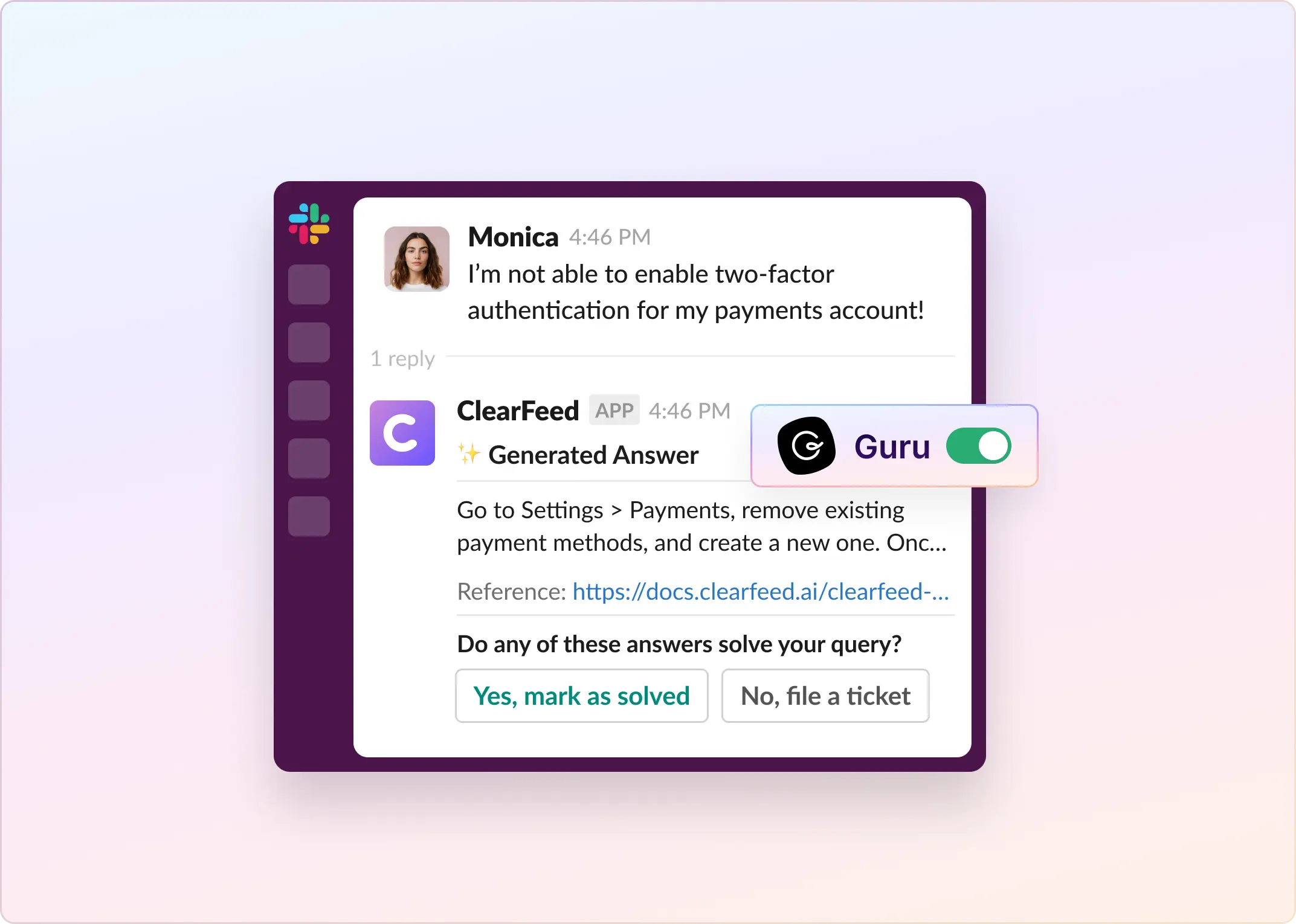
ClearFeed supports AI-powered responses through a GPT-powered Virtual Agent. The agent can answer common questions using connected knowledge sources such as Notion, Google Drive, Documentation websites and KBs from Zendesk, Intercom and others. It can either fully resolve common queries automatically or draft replies for a human teammate to review and send.
Teams can set their business hours and schedules and send configurable out of office messages to set response time expectations.
The Best Way to Turn Discord Messages Into Slack-Based Support Workflows
A Slack Discord integration can range from a simple notification pipeline to a full operating model for community support. If your goal is basic event routing, tools like Zapier are flexible and useful.
If your goal is to support users on Discord while your team works from Slack, you will get more value from a tool purpose-built for two-way support workflows, triage, and ownership.
That is where ClearFeed stands out. It turns Discord messages into structured Slack-based work, lets your team reply from Slack in real time, reduces noise with channel selection and AI filtering, and adds the operational layer that webhook and automation-first setups usually lack. Get started with a 14-day free trial or book a personalized demo to see us in action!
FAQ
What are common triggers for the Discord and Slack integration?
Common triggers include new Discord messages, mentions, reactions, forum posts, forum messages, new users joining a server, and role assignment events. In support-focused tools like ClearFeed, the main trigger is usually a new message in a monitored Discord channel that becomes a Slack triage request.
Are there any limitations when using the Discord-Slack integration?
Yes. Limitations depend on the tool. In ClearFeed, supported Discord channel types are public text channels and forum channels. Private channels, DMs, and voice channels are not supported. One-way webhooks also lack two-way support, and automation tools may require more manual workflow design.
How can I connect my Discord and Slack accounts?
In ClearFeed, go to Settings > Integrations, select Discord, click Connect, authorize the bot in Discord, then create a Collection that maps selected Discord channels to a Slack Triage Channel.
Do I need any special permissions to set up the integration between Discord and Slack?
Yes. For ClearFeed, a Discord user with Manage Server permission must authorize the integration. The bot requests permissions such as View Channels, Send Messages, Read Message History, and Manage Webhooks.
Which actions can be performed in Slack once it is integrated with Discord?
Depending on the tool, Slack can receive channel notifications, direct messages, reminders, and routed alerts. In ClearFeed, Slack can also serve as the workspace where your team replies to Discord messages, collaborates internally, assigns ownership, and manages request status.
What should I do if I am not receiving Slack notifications from Discord?
Check authorization, server membership, channel mapping, supported channel types, and whether the Discord channel is part of a monitored Collection. In ClearFeed, it is also worth testing with a brand-new message in a monitored public text or forum channel.
Can I filter which Discord messages appear in Slack?
Yes. With ClearFeed, you can choose which channels to monitor and use AI-based suppression to filter out low-signal messages, such as greetings, acknowledgments, appreciation, and resolved follow-ups, before they trigger requests.