Table of Contents

Slack for Customer Success works best when Slack stays in the customer conversation layer, and a structured workflow handles ownership, status, escalation, and reporting.
Customers still get the fast, human experience they expect in Slack. CSMs get a reliable way to track what is open, who owns it, and what needs to happen next.
This guide explains what Slack for Customer Success (or Slack CSM) means, which Slack messages should become structured work, how to design a scalable workflow, and how tools like ClearFeed help customer success teams manage customer Slack channels without losing context.
Quick Answer: What Is Slack CSM?
Slack CSM is customer success management work that happens in Slack, usually through customer-facing Slack Connect channels and internal triage channels.
In a strong Slack CSM workflow, Slack is where customer conversations begin. A structured system (e.g., ClearFeed) then tracks requests, owners, SLAs, escalations, CRM context, automations, AI assistance, and reporting.
TL;DR
- Slack is useful for customer success because it makes customer conversations faster, more direct, more human, and much more accessible.
- Slack alone is weak for ownership, status tracking, SLA management, account context, and reporting.
- A scalable Slack CSM workflow separates casual conversation from requests, tickets, features, and account signals.
- Slack is great for proactive, outbound communication, keeping customers informed, and staying in touch.
- Customer-facing Slack channels should stay simple for customers, while internal triage channels allow structured work on customer conversations.
- While Slack dominates, many customers use MS Teams or Discord, or Telegram, and Slack CSM workflows need to accommodate these as well.
- ClearFeed adds structure to Slack chats for tracking, automation, AI assistance, and reporting, and syncs with internal systems such as Jira, HubSpot, and Zendesk.
Why Slack Matters for Customer Success
Slack is often where the customer relationship feels most alive.
Email can feel formal. Portals can feel slow. Quarterly business reviews can be too far away from the real work. Slack sits closer to the moment where customers ask questions, report blockers, share feedback, and signal risk before it becomes a formal ticket or churn conversation.
For customer success teams, Slack can reveal useful account signals:
- Which admins are engaged, and which channels are quiet
- Which questions keep repeating.
- Which blockers are slowing adoption.
- Which customers are asking about expansion, rollout, security, or procurement.
- Open feature asks and bug reports posted in Slack
The risk is that Slack can make visibility feel like control. A team may see a message without anyone owning it. A CSM may reply without the request being tracked. A channel may appear active even if the account is unhealthy.
The best teams treat Slack as the customer conversation layer, not the whole customer success system.
Slack CSM Workflow at a Glance
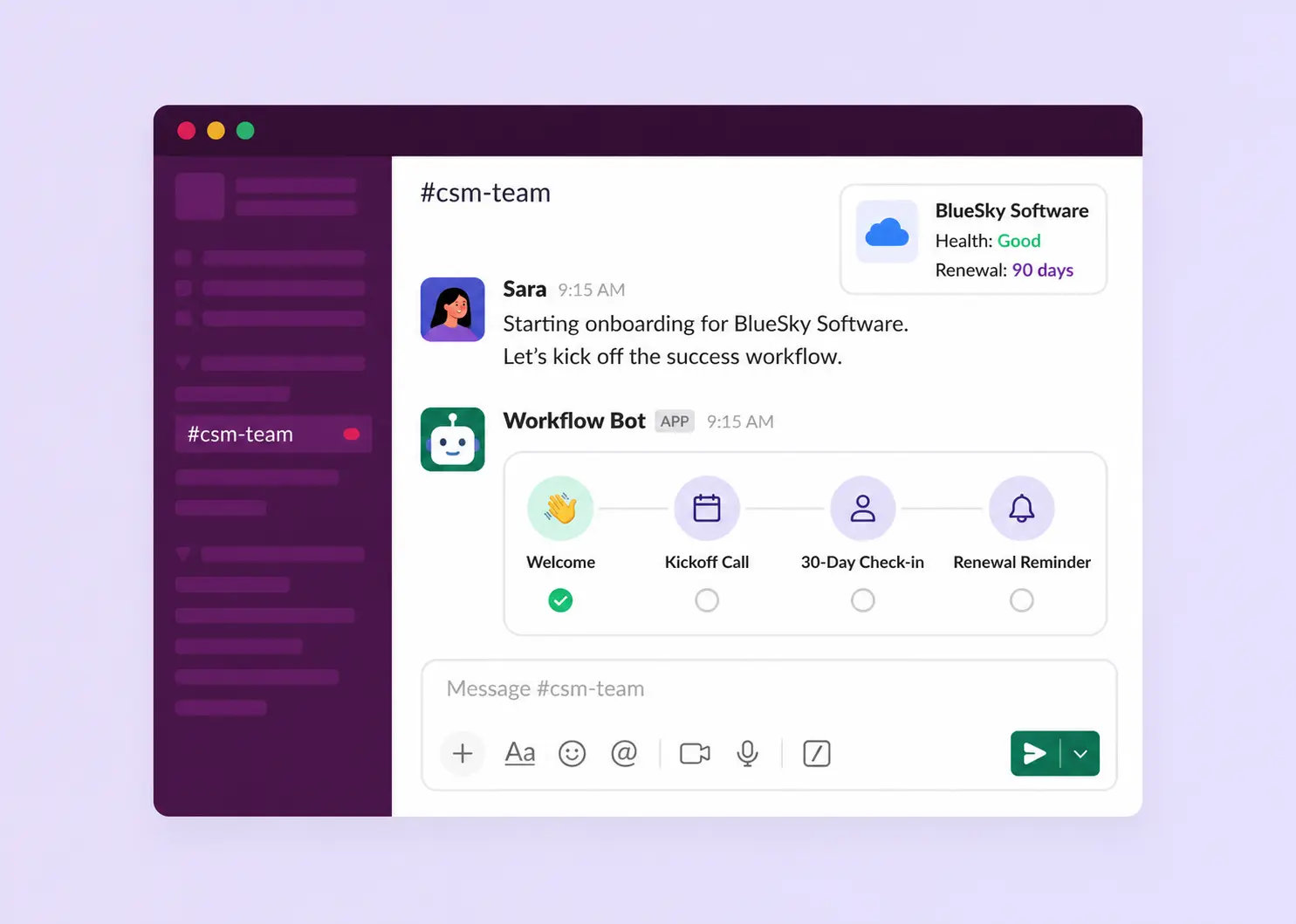
A Slack CSM workflow turns customer Slack activity into visible, assigned, and measurable work.
How To Build a Slack CSM Workflow?
1. Be Responsive to Customer messages
Good Slack CSM goals include:
- Responding to customer requests within agreed business-hour expectations.
- Closing out discussions in time. Reducing customer follow-up messages requesting updates.
- Tracking and periodically updating open issues.
- Accurately routing support questions, bugs, and product feedback to internal teams.
- Increasing customer engagement with proactive communication and check-ins
The goal is to use Slack as a mechanism to build trust and increase partnership - and being responsive is foundational to that. Slack was not designed to track open threads and SLAs - and this is where conversational monitoring systems like ClearFeed come in useful - to generate automated Slack reminders when responses are due.
2. Map People Inside Each Customer Channel
A customer Slack channel rarely represents one person.
It may include the day-to-day admin, a technical user, the product champion, an executive sponsor, and implementation managers.
Each person needs something different:
Map the people before you map the tools. Then decide what each person should see, what they should own, and what they should never have to chase manually.
Furthermore, channels have dynamic membership. Are all the key stakeholders part of the channel? If a stakeholder leaves, that may be an important signal (there may be new stakeholders the CSM wants to reach out to).
3. Route Conversations to the right Team
Not every Slack message should become a support ticket.
A strong Slack CSM workflow separates normal relationship-building from work that needs ownership, status, escalation, or measurement.
Use this simple classification model:
This is the difference between "Slack is where customers talk" and "Slack is where customer work begins."
4. Separate Private and Customer chats
Most Slack CSM setups start with customer-facing channels. That is a good starting point, but those channels should not do every job.
At a minimum, separate into three layers:
This keeps the customer experience simple while giving the internal team enough structure to act reliably.
Systems like ClearFeed, designed to manage customer conversations in Slack, do this naturally. An internal copy of every customer thread is created in Slack Triage channels, enabling private collaboration and integration with Jira/Hubspot/, and Zendesk, while the conversation in the customer channel remains separate.
5. Sync Slack and CRM
CSMs think in accounts. Slack thinks in channels and threads. That mismatch is where context disappears.
When a customer asks for help, the team may need the account tier, customer owner, renewal timing, and related customer history. If that context lives only in a CRM, a spreadsheet, or one CSM's memory, Slack becomes a fast front door with very little business meaning attached.
A better workflow connects customer Slack channels to account records, owners, useful custom fields, and CRM data and makes that data visible in private views attached to Slack conversations.
Similarly, conversations in Slack may be important for account renewals, as they note general account health and open issues. If such conversations stay locked in Slack or in the memories of specific people, that would be a loss of context going into the next QBR or Renewal discussion.
For ClearFeed users, HubSpot CRM Sync can sync selected HubSpot company properties and optional deal properties into ClearFeed customer custom fields, which are visible in internal views of customer chats. And on the other side, users can use the log to HubSpot or automation actions to send summaries of customer conversations back to the CRM records.
6. Define Escalation Paths Before You Need Them
The worst time to design an escalation process is when a strategic customer is frustrated and the renewal is close.
Define escalation paths for common Slack CSM scenarios:
- A production bug that needs engineering.
- A feature request from a strategic account.
- A renewal risk that needs AE or leadership awareness.
- A blocked onboarding step that needs implementation or product support.
Then define ownership rules. Decide who gets the request first, who covers outside business hours, what happens when the customer owner is unavailable, and when to notify leadership.
This is where connectivity and automations become critical. Convert a Slack conversation into a Jira ticket for Product or Engineering teams to review. Or set up automated notifications in a Slack channel with executives when important Accounts show frustration.
7. Pro-Active Communication
One of the unique things about Slack, and what makes it popular, is that it’s not just a way for customers to create support queries. Smart CSM workflows do proactive communication, for example:
- Communicate updates on new product releases periodically.
- Give a heads-up on maintenance activities.
- Report important incidents, provide updates on their resolution and RCAs.
- Inform customers when the bugs or features they requested are fixed.
- Provide a periodic summary of important open support tickets and feature requests.
- Inform customers about upcoming webinars, marketing events, and related activities.
These updates become a means of engagement, responsiveness, and building trust as well as conveying a sense of progress in the product.
Managing updates to a large number of channels, separating content by customer properties, tracking responses, and following up on them can quickly become overwhelming. This is where comprehensive solutions like ClearFeed for sending Announcements on Slack and tracking their responses become very important.
8. Customers on MS Teams
While Slack dominates the B2B enterprise chat landscape, many large enterprises use MS Teams. These are often larger enterprises and more valuable customers.
Inevitably, CSM teams that embrace Slack realize they need to also incorporate MS Teams into their CSM workflows. In specific industries, other platforms - like Discord for Gaming and AI and Telegram for Crypto - may also come into play.
A realistic Slack CSM workflow must therefore also plan for customers on MS Teams (at a minimum) and the ability to respond to them in time, with connectivity to the same tools and similar automations and reporting as Slack Connect channels.
This is where multi-channel customer engagement platforms like ClearFeed come in - allowing you to reply to MS Teams conversations from Slack (and also initiating them without leaving Slack). And providing the exact same response, SLA monitoring, and integrations as Slack.
9. Measure Outputs, Not Slack Message Volume
So we have now opened up Slack Connect channels with all important customers, but how do we measure success? Is a large volume of messages sufficient to indicate engagement? And how does one even obtain that?
A comprehensive metrics system around Slack CSM would include metrics like the following:
- Total request volume broken out by customer segments
- Number and Details of active customer channels
- Inactive customer channels that need attention
- Total number of messages broken out by CSMs (to gauge effort)
- Average first response and response times to gauge responsiveness
- Number of Support Tickets filed with the Support team
- Number of issues escalated to Engineering and Operations
- How many CRM notes were logged from Slack
- How many times were automated AI Bots (if deployed) able to respond to customer queries successfully?
- Number of announcements sent and engagement metrics on the same.
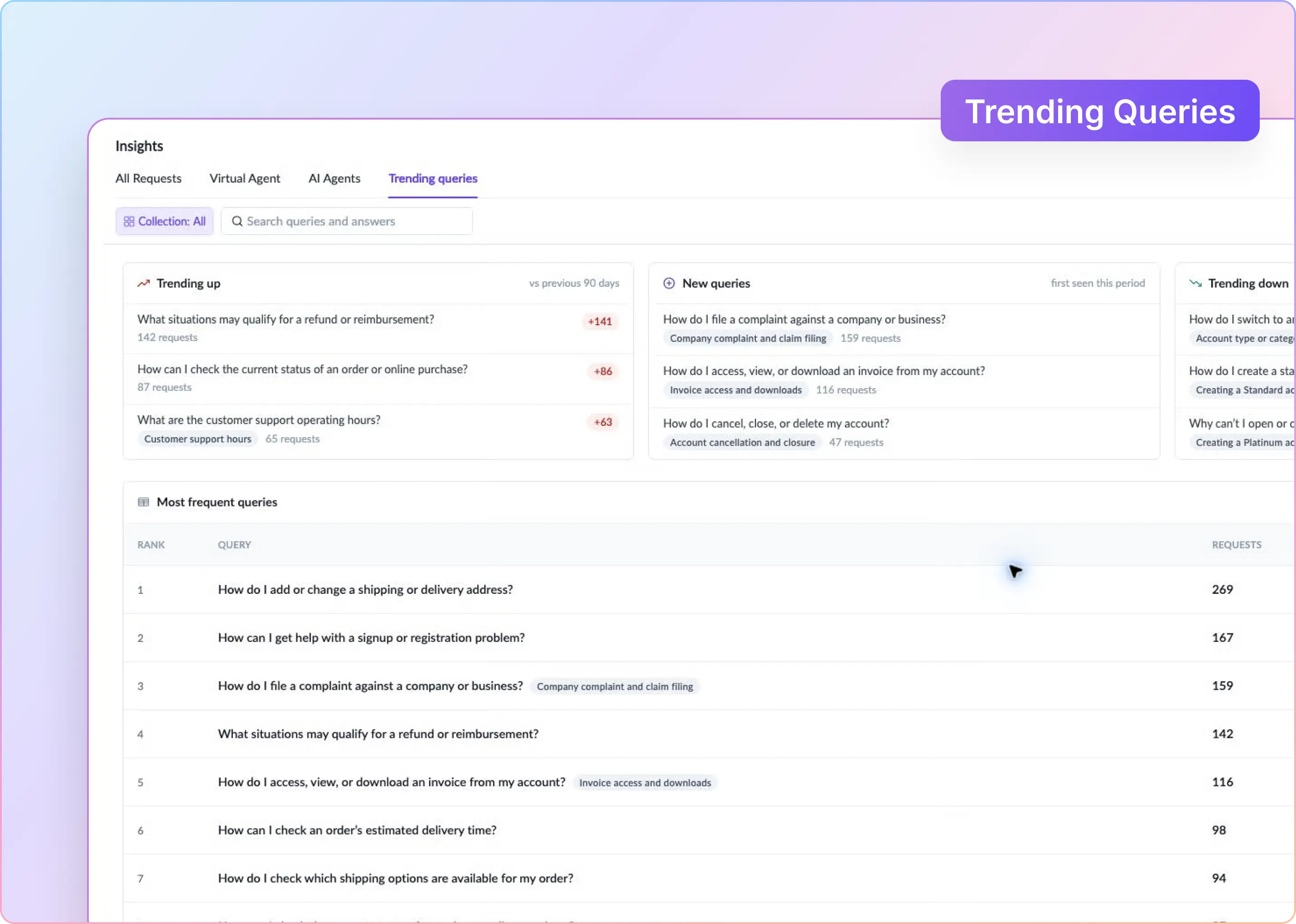
Customer success decisions play out over weeks and months. Reporting should show trends, not just individual Slack moments. Metrics like this require a system to track every conversation and related actions (whether AI Answers, or logging notes to HubSpot and more).
How ClearFeed Supports Slack CSM Workflows
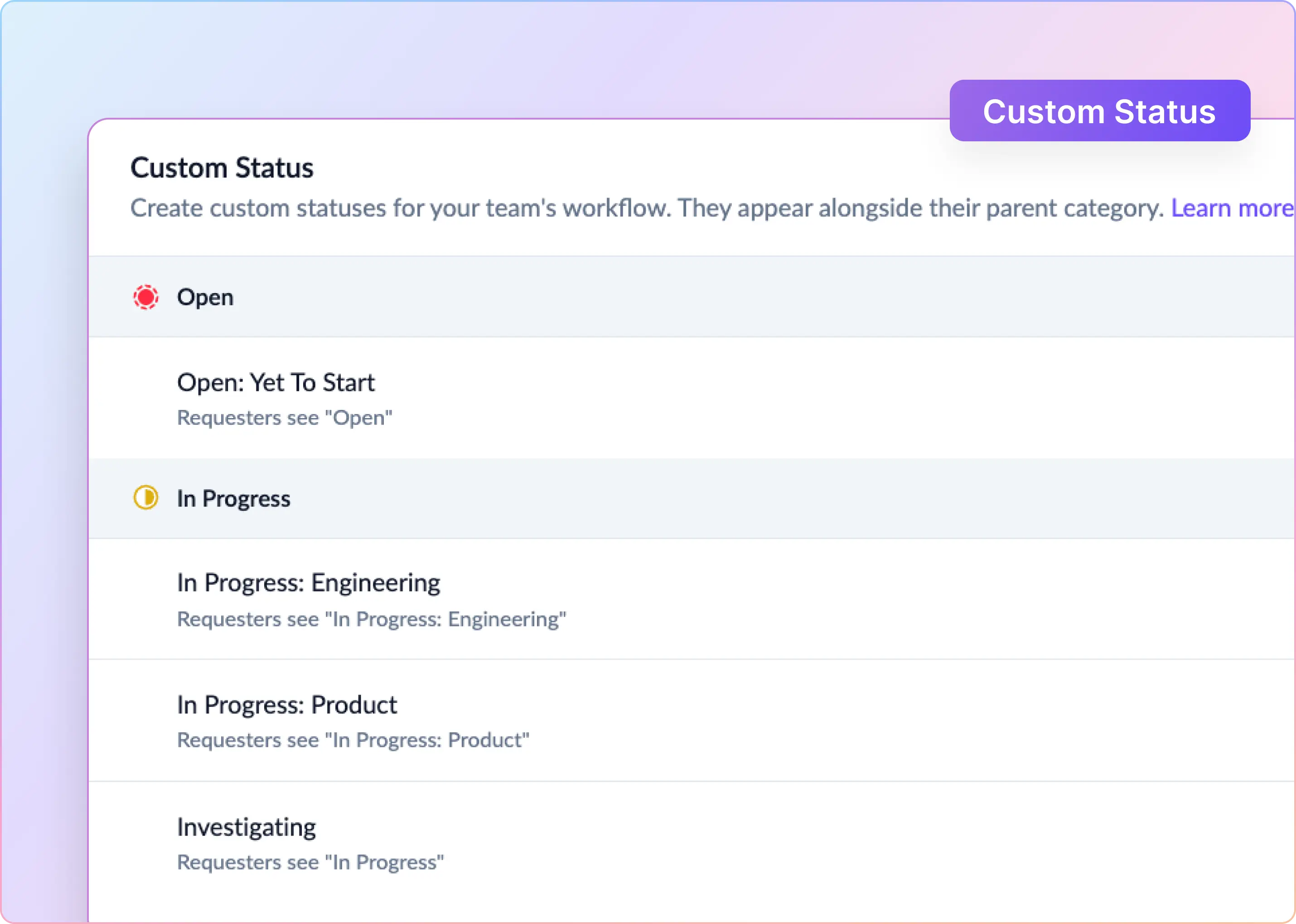
ClearFeed is a Slack-native platform for customer-facing teams that run their customer relationships through Slack Connect (and related systems like MS Teams). It keeps Slack as the customer-facing surface while giving CSMs the integrations, private views, automated tracking, ownership management, and metrics - to run an efficient and accountable customer success operation in Slack.
Here’s how ClearFeed helps each of the Slack CSM workflows that we earlier identified:
Scaling Customer Success Without Losing Context
Slack is where a lot of modern customer success actually happens. Users find it easier to reach out over Slack - where they are already working. They pay more attention to messages on Slack, compared to Email. If you are doing CSM and many of your customer conversations happen in Slack (and increasingly in MS Teams), it’s worth getting it right.
ClearFeed helps customer success teams manage Slack-based customer conversations, with built-in ownership, SLAs, triage, CRM context, AI assistance, and reporting. Start your 14-day free trial or book a personalized demo to see how ClearFeed can fit into your customer success workflow.