Table of Contents

When teams look at a Slack-HubSpot integration, the first question is simple: can HubSpot send alerts into Slack? Yes, it can.
But that’s not the real test.
The real question is what happens once account coordination, partner communication, escalations, and CRM updates start moving through Slack threads.
That’s where most evaluations get real. HubSpot’s native Slack integration works well for smaller teams. But when reps start working active deals in Slack, the system also has to preserve ownership, keep follow-ups on track, and capture the right CRM updates. Those are usually the first things to break.
TL;DR
HubSpot's native Slack integration handles notifications and lightweight CRM capture, but breaks down once real deal coordination starts happening in Slack threads.
The gist
- Native integration covers the basics: deal alerts, CRM record search, turning messages into tasks/notes, and workflow-triggered channel creation.
- Setup takes minutes; the real decision is whether Slack will be used for notifications only or for actual collaboration and CRM write-back.
- Six limitations emerge at scale: high-friction record logging, no ownership transfer, unreliable two-way sync, manual routing, lost decision context, and no triage logic.
- ClearFeed pulls HubSpot fields (ARR, lifecycle stage, deal status) directly into Slack conversations and automates write-back, so reps have context at the point of work.
Worth knowing: Workflow-based automations like custom Slack notifications and auto channel creation require a HubSpot Professional or Enterprise plan.
What Sales Teams Can Do With HubSpot's Native Slack Integration?
HubSpot's native Slack integration covers the core workflows most revenue teams reach for first: keeping reps informed and making sure CRM data doesn't get lost in someone's inbox.
- Get HubSpot notifications inside Slack: Reps get deal updates and task reminders piped directly into Slack, so they stay informed without keeping HubSpot open in a second tab all day. This matters most for fast-moving teams, where a missed notification about a hot lead can mean missing the follow-up window.
- Search and manage CRM records from Slack: When a rep is mid-conversation and needs to check a deal stage or log a quick update, they can do so in Slack while keeping track of the thread. Small friction reduction, but it compounds across a team.
- Turn Slack messages into HubSpot tasks and notes: This is one of the more genuinely useful native capabilities. Context that lives in Slack, a customer objection, a commitment made on a call, or a handoff detail, can be captured in the CRM before it disappears into chat history. No separate step required.
- Use HubSpot workflows to send alerts and create Slack channels: Workflows can trigger custom Slack notifications and automatically spin up deal-specific channels. That works well for routing updates at key deal stages or during onboarding handoffs, where a dedicated space is helpful. For straightforward use cases, this handles things without any third-party tooling.
- Use Breeze (HubSpot's built-in AI) inside Slack: Breeze can answer questions in a thread, summarize a conversation, or create a task directly from Slack. It works best as a quick shortcut when a rep needs something captured fast, rather than as the backbone of a workflow.
How To Connect Slack and HubSpot CRM?
Setup is straightforward; however, most sales teams get better results from tighter scoping than broader rollout. To get started,
- Connect Slack and HubSpot: Install the HubSpot Slack app and connect the correct HubSpot account. Or in HubSpot, go to Settings → Integrations → Connected Apps, find Slack, and approve the connection between the correct HubSpot portal and Slack workspace.
- Confirm user mapping and permissions: Make sure teammates are using matching work emails across Slack and HubSpot, and verify that the right users can search records, receive notifications, and take actions from Slack.
- Choose where HubSpot updates should appear in Slack: Set default channels for high-signal events such as deal stage changes, ticket activity, form submissions, or task reminders. If you need updates in private channels, add the HubSpot app there explicitly.
- Turn on only the workflows and notifications you need: Use HubSpot workflows to send Slack notifications for the events your team needs to act on. Start narrow so Slack stays useful instead of becoming noisy.
- Test HubSpot actions from Slack: Run a few real checks, such as searching for a contact, company, deal, or ticket, and confirm that alerts, ownership, and record access work as your team expects.
- Run one real end-to-end scenario before the broad rollout: Test the setup on a live motion, such as a deal handoff, a support escalation, or a shared customer channel, to confirm who gets notified, who owns the next step, and what should be written back into HubSpot.
The installation itself takes only a few minutes. The real work is deciding whether Slack is just for notifications or for collaboration, triage, and pushing structured updates back into HubSpot CRM.
What Are the Sales Use Cases for Slack-HubSpot CRM Integration?
The integration earns its keep in workflows where Slack is already the team's communication layer, but CRM history is still what gets reviewed in pipeline calls. Here's where it delivers the most consistent return.
- New lead alerts without inbox clutter: For inbound and SDR-led teams, routing high-value form submissions or ICP-fit leads into a dedicated Slack channel beats email alerts that get buried. Reps see new leads when they matter, which is rarely the moment someone checks their inbox.
- Deal stage changes are automatically pushed to the right channel: When a deal moves into a stage that requires cross-functional attention (legal review, SE involvement, executive sponsorship), an auto-created channel or Slack alert pulls the right people in without a manual loop. The deal doesn't stall waiting for a handoff that never got communicated.
- Follow-up reminders that reach reps: Routing and reminder workflows tend to deliver the fastest, most measurable return in this setup. A rep who knows what they owe next, and gets reminded in the tool they're already in, follows up more consistently. That alone closes real gaps in pipeline coverage.
- Handoff alerts that make transitions visible: SDR-to-AE and AE-to-CSM transitions are where deals go wrong if the receiving side doesn't know what happened. A Slack alert at handoff creates a clear signal that a CRM stage change alone rarely provides.
- CRM note capture from Slack conversations: Useful context lives in Slack: a pricing objection raised in a group thread, a decision from a deal review, a verbal commitment a rep made. Converting those messages into HubSpot notes keeps the record accurate without asking reps to reconstruct a conversation they already had.
What Are the Limitations of Native Slack-HubSpot Integration?
- Logging HubSpot records from Slack is high-friction: When creating or updating a HubSpot contact, deal, or ticket from Slack requires multiple steps, reps stop doing it. The CRM and queue drift out of date, which makes reporting less reliable. The workflow has too much friction for consistent adoption. It becomes completely unfeasible when tens of customer discussions are happening in Slack every day.
- Notifications come through, but ownership doesn't transfer: The native HubSpot-Slack integration can send alerts when a deal is updated or a ticket is opened, but it cannot assign ownership. Once multiple people start responding in Slack, there is often no clear record of who is responsible for the request. As a result, Slack activity and HubSpot status drift apart, accountability becomes unclear, and requests are more likely to go unresolved.
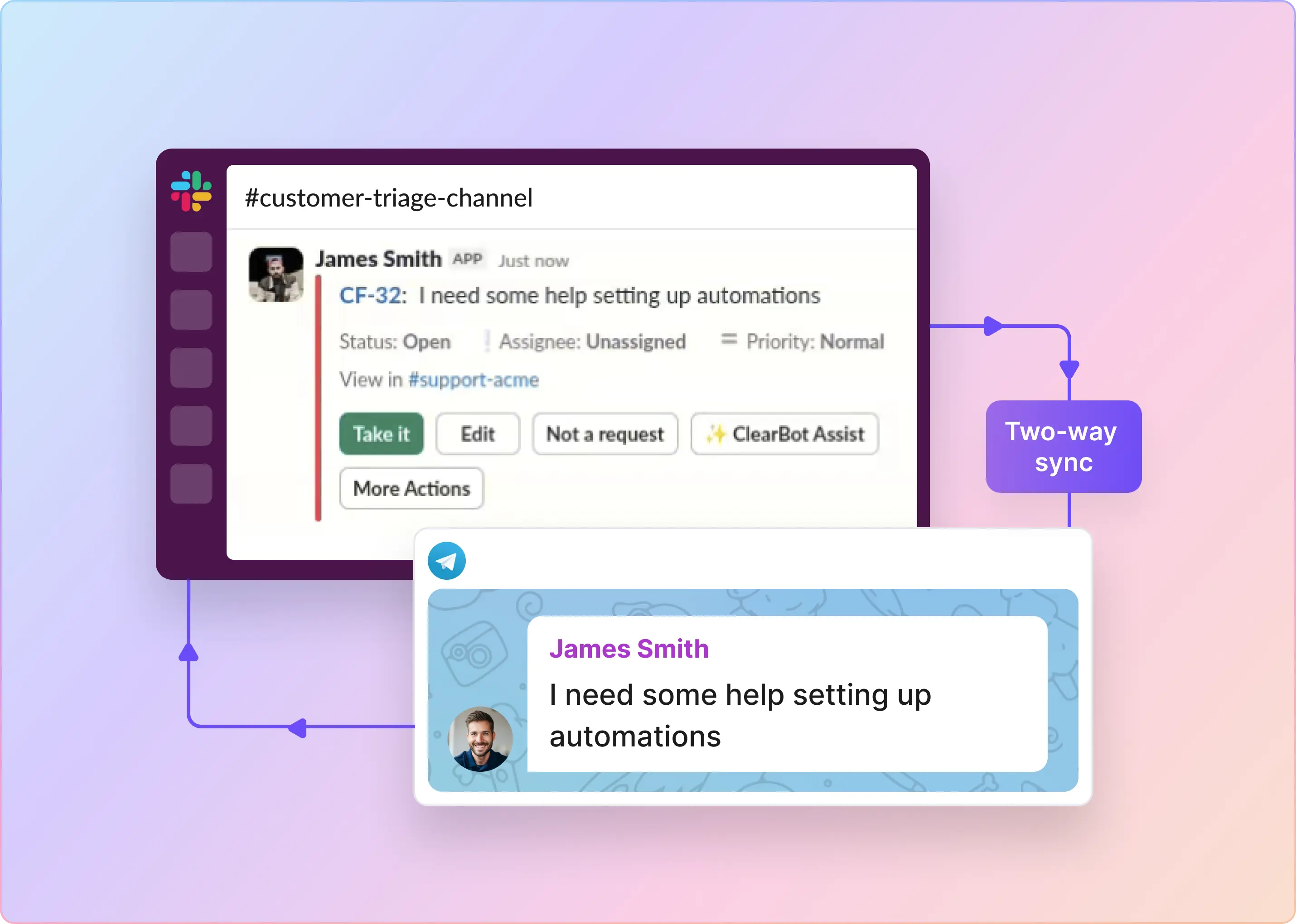
- Two-way sync is unreliable in practice: Attachments drop, comments land in the wrong place, and thread updates do not sync back to HubSpot reliably. Teams either spend time correcting records manually or end up with a CRM that no longer reflects reality. That creates extra work and weakens trust in the data used for reporting, forecasting, and handoffs.
- Routing logic has to live in someone's head: The native integration can send a message to Slack, but it cannot route it based on the account owner, customer tier, deal stage, or urgency. Teams still have to decide manually who should take the request. At scale, that turns routing into a bottleneck for support and sales.
- The decision-making context never reaches HubSpot: The real decision-making context often lives in Slack threads, but most of it never makes it into HubSpot. What gets logged is usually a summary, not the reasoning behind the resolution. Over time, that leaves important institutional knowledge buried in Slack instead of captured in the customer record.
- The result is two connected tools, not one working system: The native HubSpot-Slack integration moves information, but not consistently, and it does not provide the routing, ownership, triage, or collaborative workflow teams need to operate across both systems. As a result, teams rely on pinned messages, shared docs, and manual HubSpot updates to fill the gaps.
For teams that operate in a “Slack-first collaboration layer,” a tool like ClearFeed can be a valuable addition to the building blocks provided by the native Slack-HubSpot integration. It brings the two systems together seamlessly using the context implicit in Slack (namely, the customer around which discussions are happening, rather than just acting as a notification pipe between two systems.
Related Read: How To Integrate Slack With HubSpot Service Hub
What Is ClearFeed
ClearFeed is a Slack-native support platform for teams that communicate with their customers via Slack, MS Teams, Discord, email, and live chat. If you love working in Slack and communicating with customers and prospects all day, ClearFeed can help you organize chats, alert on pending responses, draft responses from conversation history, and link to enterprise ticketing, issue management, and CRM systems.
How Does ClearFeed Optimize Slack-HubSpot Integration?
ClearFeed takes a different approach to bridging Slack and HubSpot. Rather than alerting your team about changes in HubSpot, it pulls context directly into Slack, where you are having conversations with your customers, partners, and prospects. This feature is called CRM Sync, and the effect is straightforward: by the time a customer support or success person opens a request in Slack, they already know who they're talking to.
- Pulling Hubspot fields into Slack: CRM Sync pulls fields from HubSpot Company records and, optionally, deals into customer profiles in ClearFeed. That puts details like ARR, lifecycle stage, industry, and deal status directly into Slack conversations with customers. With that context visible at the point of work, teams can tailor responses, route requests correctly, and apply the right priority and SLA without leaving the workflow.
- Using HubSpot fields for routing & automation in Slack: Once HubSpot fields are available in the platform, teams can use them to triage, route, and prioritize work. Customer attributes can be used to filter requests, trigger automations, and send enterprise, churned, or renewal-risk accounts down different workflows. SLAs can also be tied to account type, so response expectations reflect the customer relationship. Broadcasts in Slack can be tailored by customer segment.
- Logging data back to Hubspot: While Hubspot’s native Slack integration provides a convenient way to log data, it is not automated and is high-friction.ClearFeed maintains a mapping between shared channels and HubSpot Company and Deal records, and makes it easy to log a note with one click. One can also set up automations to log all conversations automatically, without any human intervention.
- Automated and Safe Sync: ClearFeed syncs HubSpot data on a schedule, starting with a full company import and then pulling only records updated since the last sync. Matching is based on verified email domains, and records without a clean match are skipped rather than overwritten. When deal fields are included, ClearFeed applies them only when one active deal is clearly associated with the company; otherwise, it falls back to company-level data.
The native Slack-HubSpot integration gives teams visibility into customer data, but it stops there. What changes customer support and success operations is the ability to use that data in workflows and decision-making. ClearFeed helps teams make that shift. Explore the Slack-HubSpot CRM integration free for 14 days.
How To Evaluate Slack-HubSpot Integration Options?
If you're already comparing options, the real evaluation is less about whether Slack and HubSpot connect and more about which operating model fits your revenue motion.
The real evaluation questions are straightforward:
- Does this setup just notify us, or does it help us act?
- Can it support channel-based collaboration without becoming chaotic?
- Will it reduce CRM busywork?
- Can managers see what is stuck and who owns it?
- Will it still work when the number of channels, deals, or handoffs grows?
Frequently Asked Questions About Slack-HubSpot Integration
1. What Is the Slack-HubSpot Integration?
The Slack-HubSpot integration connects your HubSpot account with your Slack workspace so your team can receive HubSpot notifications, manage records, and take action without constantly switching tabs. For sales teams, that usually means faster visibility into lead activity, deal changes, task updates, and internal collaboration around pipeline movement
2. Can I Search HubSpot Contacts, Companies, and Deals Directly From Slack?
Yes. HubSpot lets users search records from Slack using shortcuts and slash commands. You can look up contacts, companies, deals, tickets, and tasks, then share the right record back into the channel when needed.
3. Can I Create HubSpot Tasks or Notes From Slack Messages?
Yes. One of the most useful features for sales teams is the ability to turn a Slack message into a HubSpot task, ticket, or note. That’s especially handy when a quick internal discussion turns into a follow-up action, and you do not want that context to get lost.
4. Can HubSpot send deal, lead, and activity notifications to Slack?
Yes. After the integration is connected, HubSpot can send notifications for users, conversations, calls, and notes to Slack. Once a company or deal is associated with a Slack channel, logged activities such as calls, notes, emails, tasks, and meetings can also trigger Slack updates.
5. Can I Link a HubSpot Deal or Company to a Slack Channel?
Yes. HubSpot lets you associate a company or deal with a Slack channel so that activity on that record appears in the right place. HubSpot also says multiple records can be associated with the same Slack channel, which is useful when several opportunities or accounts involve the same internal team.
6. Does the HubSpot-Slack Integration Work in Private Slack Channels?
Yes, but there is an extra step. To use the integration in a private channel, the HubSpot app has to be added to that channel first. Without that, notifications and some actions will not work there.
7. Can I Automate Slack Alerts From HubSpot Workflows?
Yes. HubSpot supports custom Slack notifications via workflows, and those messages can include action buttons to trigger tasks, log activities, and update record properties. HubSpot also supports workflow-based creation of Slack channels tied to CRM records.
8. Do I Need a Paid HubSpot Plan To Use the Slack Integration?
Basic Slack connection features, such as record management and notifications, are available across HubSpot plans, according to HubSpot’s documentation. However, workflow-based automations like custom Slack notifications and automatic Slack channel creation require a Professional or Enterprise subscription.