July 15, 2026

SLA Breach in Customer Support: How Your Team Can Handle It

WRITTEN BY
ClearFeed Team
SLA Breach in Customer Support: How Your Team Can Handle It
Table of Contents

A Service Level Agreement (SLA) is a critical contract that, if breached, can have significant negative impacts and lead to costly consequences. Its primary purpose is to ensure that service providers meet or exceed their obligations concerning service quality, capacity, performance, security, and response times, where applicable.

This article will explore SLA breaches in customer support and outline several straightforward yet effective strategies for prevention. Every member of a support team must be mindful of the SLA's existence and fully understand its implications. 

TL;DR

SLA breaches happen when support misses agreed-upon response or resolution commitments, and preventing them requires realistic SLAs, integrated workflows, reviews, and alerts.

The gist

  • Breaches can be customer-based, service-based, or multi-level depending on which agreement layer was missed.
  • Frequent breaches hurt operations, employee productivity, revenue, reputation, and customer trust.
  • First Response SLA breach rate = breached requests / total SLA-covered requests x 100.
  • Prevention starts with fewer tool silos, stronger breach reviews, internal OLAs, and measurable commitments.
  • ClearFeed tracks SLA metrics, business hours, priorities, customer-level breach rates, and real-time Slack alerts.

Worth knowing: SLAs should match real coverage. Promising 24/7 instant support when the team works 9-5 creates avoidable breaches.

What Is an SLA Breach? 

Service Level Agreements (SLAs) establish the standards and timeframes that support teams must adhere to. A breach occurs when these outlined obligations aren't met, damaging customer trust and loyalty.

SLA breaches can be categorized into several types:

Customer-Based SLA Non-compliance: This refers to situations in which a business fails to meet the individualized service levels agreed upon with a customer or group. These breaches occur when customer demands exceed the services specified in the SLA or the business fails to deliver on agreed service levels.

Service-Based SLA Non-compliance: This involves breaching a service provider's general commitments towards all customers, such as uptime guarantees or data storage practices. It occurs when the provider fails to meet contractually obligated standards.

Multi-Level SLA Non-compliance: This breach refers to non-adherence to tiered support agreements, which is typical in the IT sector. It happens when a provider breaches specific agreements at each level of support; for instance, by failing to meet enhanced response times or by not providing bespoke support for premium or VIP tiers.

What Happens When an SLA Is Breached?

The answer to this question is below:

  1. Business Disruption: When the service level defined in the SLA is not met, it could lead to hindrances in the normal operations of the business. For example, suppose the SLA specifies a 24-hour resolution time for a specific issue, and it's not resolved within that time. In that case, this delay might affect the workflow and cause business interruption, leading to a potential loss in productivity.
  2. Decrease in Employee Productivity: When an SLA breach occurs, the team might be required to allocate additional resources or prioritize tasks to fix the issue. This can deviate the team's focus from their regular tasks, thereby affecting their productivity.
  3. Customer Loss and Decreased Revenue: Frequent SLA breaches can diminish customer satisfaction levels, which may prompt some customers to reconsider their relationship with the business. These unhappy customers might discontinue services, leading to a drop in the company's revenue.
  4. Damaged Reputation: The reputation of a company plays an essential role in its growth and sustainability. When SLA violations occur frequently, they can tarnish the company's reputation, making it difficult to maintain existing customer relationships and attract new customers. This tarnish can lead to a loss in customer trust, further affecting business growth.

SLA Breach Penalties and Contractual Consequences

Operational disruption, lost productivity, and reputation damage are only part of the cost of an SLA breach. In B2B contracts, missed SLA targets can also trigger contractual and financial consequences.

Service credits: The most common penalty is a credit or refund, usually calculated as a percentage of the monthly fee or based on cumulative downtime.

Escalation obligations: Many SLAs require the vendor to notify customer leadership within a defined window after a breach, especially for high-priority incidents.

Termination-for-cause rights: Enterprise contracts may allow the customer to terminate without penalty if breach thresholds are crossed within a set period, such as three P1 resolution breaches in a quarter.

Renewal risk: Even when formal penalties do not apply, procurement teams often bring up SLA history during renewal. Repeated breaches can weaken pricing power, shorten contract terms, or put the renewal at risk.

Are SLAs legally binding? Usually, yes. If an SLA is included in or referenced by a signed master agreement, it becomes part of the contract. A standalone SLA may still create enforceable expectations in some cases, but that depends on the agreement and jurisdiction. The safest approach is to treat every SLA target you commit to as a contractual obligation.

What Does "SLA Breaching Soon" Mean? SLA States Explained

Most helpdesk and Slack-first support tools track four SLA states on every open ticket:

  1. On Track — the SLA timer is running well below the target. No action needed.
  2. Breaching Soon (Warning State) — the SLA timer is close to expiring but hasn't crossed the target yet. This is the last window where an agent can still respond or resolve without a breach. Modern tools fire a pre-breach alert here — typically at 75–80% of the SLA window. If your team only hears about breaches after they happen, that's when breaches are being silently manufactured.
  3. Breached — the SLA target has been missed. Priority now shifts from prevention to damage control: acknowledge, resolve, log the root cause, and apply any applicable contractual credit.
  4. Overdue — the ticket has been breached for a significant duration and requires escalation. "Overdue," "past SLA," and "over SLA" are used interchangeably.

The single highest-leverage change most teams can make is monitoring the "Breaching Soon" state — not the "Breached" state. By the time a ticket is breached, you're already writing the incident report.

How To Calculate SLA Breach?

The precise method for calculating an SLA breach may vary depending on the specifics of the SLA, including the scope of covered support services and the agreed-upon terms and conditions. Hence, the initial step in measuring an SLA breach should always be a careful review of the terms set out in the agreement.

For example, calculating the % of First Response SLA breaches involves determining how often the first response to a request or ticket exceeded the agreed-upon time frame specified in the SLA. Here's a step-by-step guide:

  1. Understand and write down the specific First Response SLA terms. This includes the agreed-upon time frame for providing the initial response to a request.
  2. Collect the necessary data to understand when requests were received and when the first response was provided. Filter this information to include only the requests or tickets that fall under the scope of the First Response SLA.
  3. For each request, determine if the first response was provided within the specified SLA time frame. If not, calculate the duration of the breach (i.e., the amount of time by which the response exceeded the SLA).
  4. Count the number of requests where the first response breached the SLA and the total number of requests that were subject to the First Response SLA. Now, divide the number of breaches by the total number of requests. Then, multiply by 100 to get the percentage. E.g., % of First Response SLA Breaches = (Number of Breaches / Total Requests) * 100

How To Avoid an SLA Breach?

Sometimes, support teams don’t have any control over SLA breaches. However, those situations are rare. In most cases, if your support team has a dedicated process to prevent SLA violations, you can easily avoid them. Below are some prevention strategies:

1. Develop an Omnichannel Customer Experience Strategy

An SLA breach often happens as support teams constantly switch between multiple applications, such as Slack for communication and Zendesk for ticket management. It can occur when these two platforms aren't integrated properly.

For instance, an agent might receive a crucial message on Slack regarding an urgent ticket but overlook it amidst the barrage of incoming messages. As a result, the ticket's response or resolution time exceeds the set SLA, leading to a breach. Thus, seamless integration between such platforms is critical for improving efficiency and adhering to SLAs.

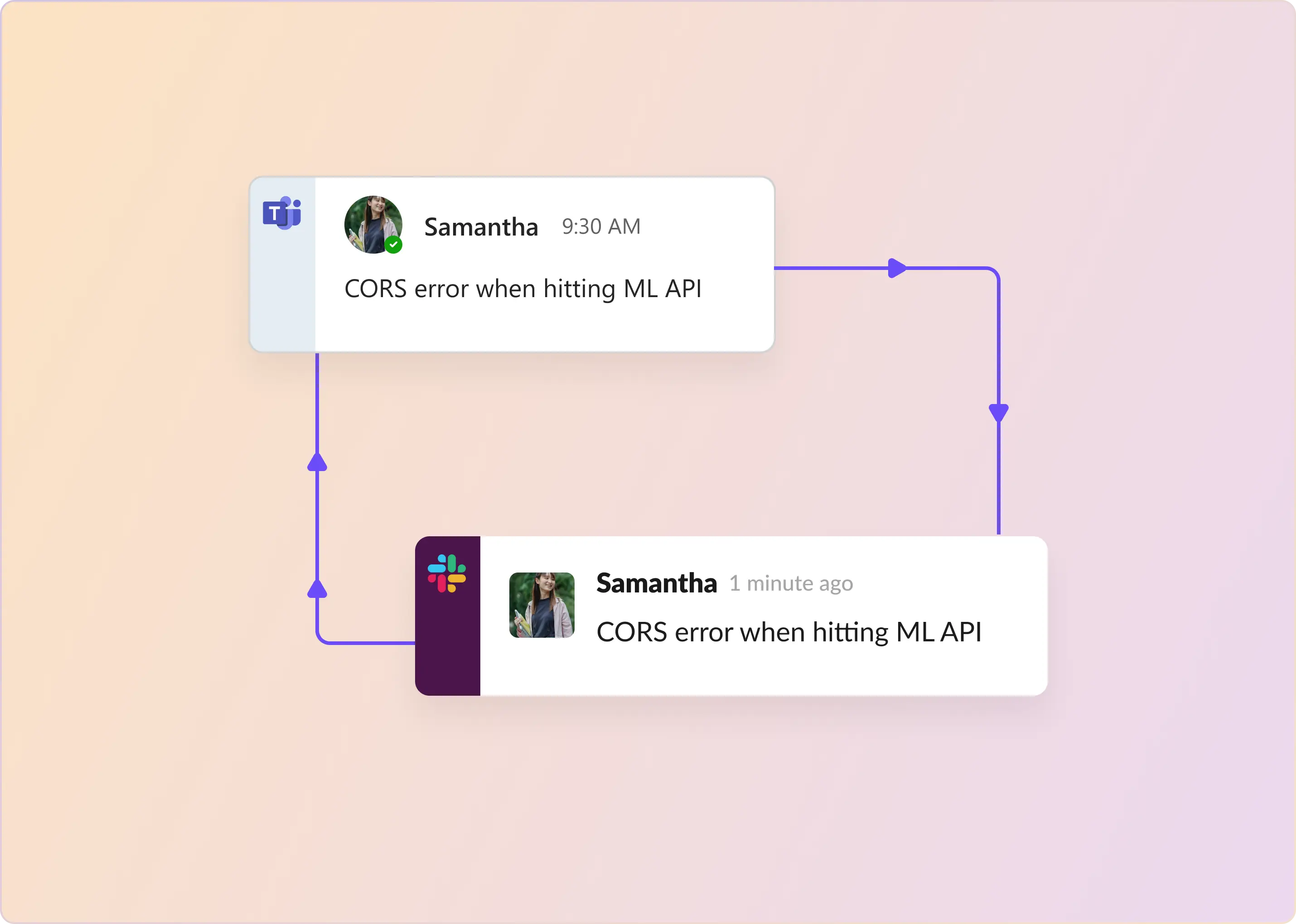
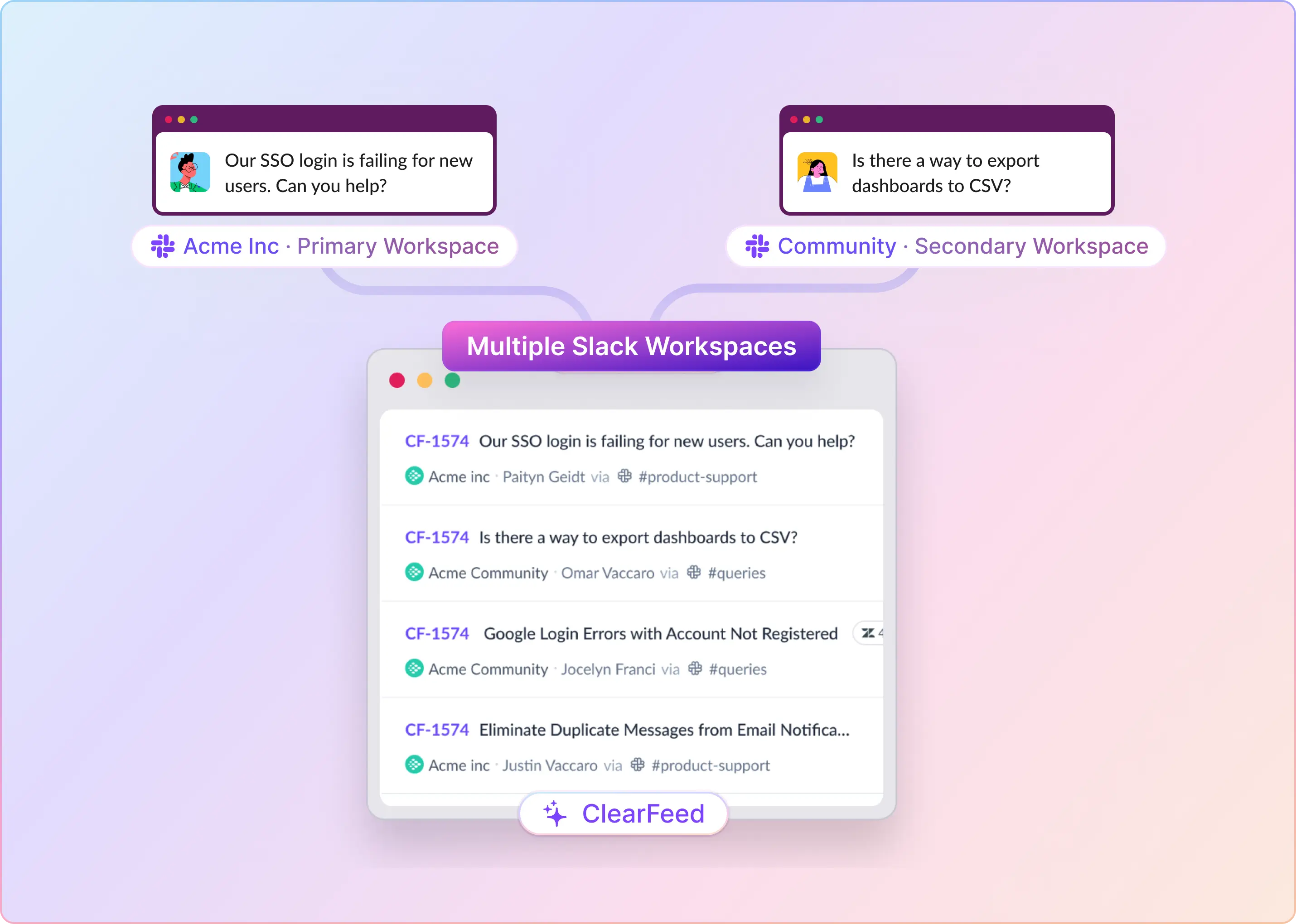
Sidenote: ClearFeed is a stronger fit here when Slack is the operating layer for support. It can bring requests from Slack, Slack Connect, email, Microsoft Teams, portal, web chat, and API into a shared triage queue, and connect Slack workflows to ticketing systems such as Zendesk and Freshdesk. This reduces context switching and keeps request status, priority, assignee, and SLA-sensitive work visible where agents are already responding.

2. Develop a Robust Review Process 

Conduct a comprehensive review of previous instances where your team failed to meet the SLAs. This could include delayed resolution times, failing to meet response times, or failing to meet the agreed-upon support quality. Analyzing the causes behind such breaches is critical. It could involve inadequate resources, communication gaps, technical glitches, or internal operational inefficiencies.

Use the insights from the previously analyzed SLA breaches to critically reassess and enhance your existing processes. You can identify and address areas of your process that slow workflow or cause delays. These could be manual tasks that could be automated or approval stages that may be redundant or can be expedited.

Further, by implementing time-saving tools, streamlining workflows, or adopting strategies that optimize resources and minimize effort, you can increase your operations' productivity, thereby reducing the likelihood of future SLA breaches.

3. Create Operational Level Agreements (OLAs)

Operational Level Agreements delineate the roles, responsibilities, and expectations of different internal teams. When one team's task depends on another team's output, OLAs become particularly crucial given internal dependencies. They define processes, timelines, and goals between internal teams, which can help prevent bottlenecks, that is, delays or interruptions in the workflow.

By clarifying what support teams can expect from each other, OLAs can indirectly help meet SLAs. They ensure smoother internal operations, allowing the organization to provide better external service as promised.

Note: ClearFeed now supports task escalation to Jira, Linear, GitHub, ClickUp, and Asana, while the original support request remains tracked in ClearFeed. If an engineering or product task blocks the customer-facing resolution, teams can mark it as a blocker so the ticket is not closed before the dependent work is complete.

4. Set Data-driven and Realistic SLAs

Create SLAs that benefit all parties involved. The terms set in the agreement must be feasible to execute. They should reflect what the service provider can realistically provide, given the available resources such as staff, technology, and time. For example, if the service team works 9 AM - 5 PM, guaranteeing 24/7 instant support would not be practical.

The SLA must be clear and easy to understand to avoid ambiguities and misunderstandings. All clauses, conditions, terminologies, and obligations should be spelled out. For instance, if the SLA mentions "response time," it should clarify whether this refers to the time taken to acknowledge a customer complaint or to resolve the issue completely.

Whatever metrics or standards are set in the agreement must be measurable. This allows the service performance to be tracked, monitored, and reported objectively. For example, if the SLA specifies a system uptime of 99.9%, uptime performance can be measured and compared with this benchmark to determine whether the provider is meeting the SLA.

How ClearFeed Helps Support Teams Prevent SLA Breaches

ClearFeed brings requests from Slack, Microsoft Teams, email, portals, web chat, and connected systems into a shared support workflow. Teams can triage requests, assign ownership, apply SLA policies, trigger escalations, and monitor performance without losing visibility across channels.

1. Configure SLA Policies

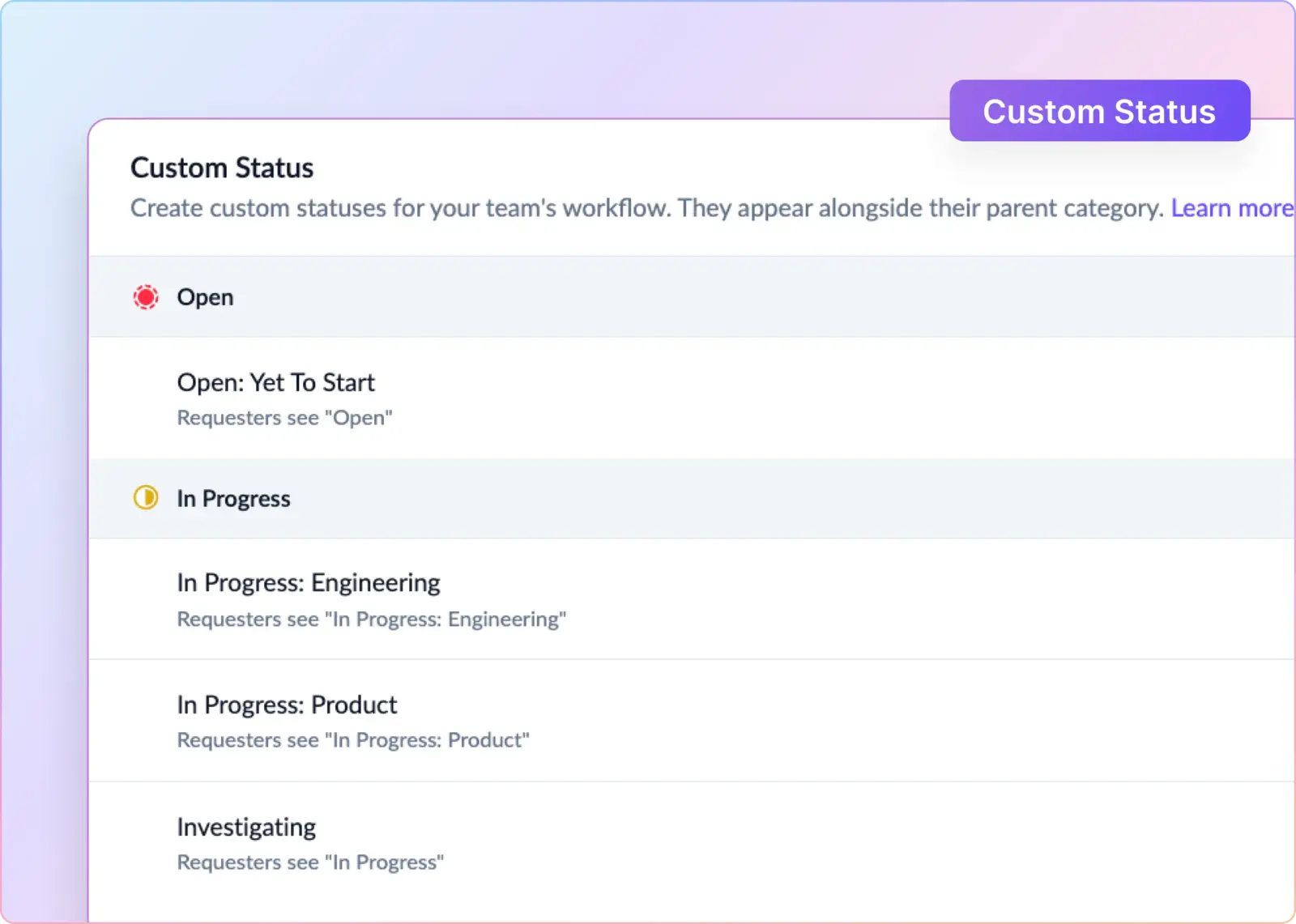
Teams can define business hours, holidays, first-response targets, resolution targets, and one-touch resolution targets for each collection. Policies can vary by priority, assignee, request type, customer segment, or other ticket fields, and targets are recalculated when those fields change.

Resolution timers can also pause while a ticket is pending or on hold, helping teams distinguish active handling time from time spent waiting on a customer, vendor, or internal dependency.

2. Route and Assign Requests

ClearFeed can assign requests to the first responder, distribute them through round-robin rotations, or route them to a designated customer owner. Availability-aware rules can skip teammates who are out of office, unavailable, or outside the active rotation.

Reassignment automations can also rerun these rules when ownership becomes stale or the current assignee is no longer available.

3. Prevent Breaches with Alerts and Escalations

Automations can notify assignees, triage channels, managers, or external stakeholders before an SLA expires. Teams can configure one-time or recurring reminders for pending responses, unresolved tickets, and customer updates during incidents.

ClearFeed can also detect unresolved follow-up commitments and create reminders based on the timeframe stated in the conversation.

4. Centralize Triage Across Systems

Agents can reply, update status, change priority, assign owners, edit fields, and create or link external tickets from a ClearFeed triage channel.

Requests can remain visible in ClearFeed while related work is created in systems such as Zendesk, Jira, Intercom, Salesforce, Linear, or GitHub. This preserves SLA reporting while support, engineering, and product teams work in their preferred tools.

5. Prioritize Requests with AI

ClearFeed can use AI to identify urgency, category, or other request attributes and write them to ticket fields. Those fields can update priority, trigger escalations, or apply stricter SLA targets without waiting for manual triage.

6. Measure and Review SLA Performance

ClearFeed Insights tracks first-response, resolution-time, and one-touch resolution breaches. Teams can analyze results by channel, collection, assignee, customer, owner, or custom field.

Overdue views, saved reports, scheduled exports, percentile metrics, and natural-language queries help support leaders identify at-risk tickets, recurring bottlenecks, and performance outliers.

Interested in learning more about how ClearFeed helps teams scale support while protecting response and resolution commitments? Book a demo with us.
A Service Level Agreement (SLA) is a critical contract that, if breached, can have significant negative impacts and lead to costly consequences. Its primary purpose is to ensure that service providers meet or exceed their obligations concerning service quality, capacity, performance, security, and response times, where applicable.

This article will explore SLA breaches in customer support and outline several straightforward yet effective strategies for prevention. Every member of a support team must be mindful of the SLA's existence and fully understand its implications. 

TL;DR

SLA breaches happen when support misses agreed-upon response or resolution commitments, and preventing them requires realistic SLAs, integrated workflows, reviews, and alerts.

The gist

  • Breaches can be customer-based, service-based, or multi-level depending on which agreement layer was missed.
  • Frequent breaches hurt operations, employee productivity, revenue, reputation, and customer trust.
  • First Response SLA breach rate = breached requests / total SLA-covered requests x 100.
  • Prevention starts with fewer tool silos, stronger breach reviews, internal OLAs, and measurable commitments.
  • ClearFeed tracks SLA metrics, business hours, priorities, customer-level breach rates, and real-time Slack alerts.

Worth knowing: SLAs should match real coverage. Promising 24/7 instant support when the team works 9-5 creates avoidable breaches.

What Is an SLA Breach? 

Service Level Agreements (SLAs) establish the standards and timeframes that support teams must adhere to. A breach occurs when these outlined obligations aren't met, damaging customer trust and loyalty.

SLA breaches can be categorized into several types:

Customer-Based SLA Non-compliance: This refers to situations in which a business fails to meet the individualized service levels agreed upon with a customer or group. These breaches occur when customer demands exceed the services specified in the SLA or the business fails to deliver on agreed service levels.

Service-Based SLA Non-compliance: This involves breaching a service provider's general commitments towards all customers, such as uptime guarantees or data storage practices. It occurs when the provider fails to meet contractually obligated standards.

Multi-Level SLA Non-compliance: This breach refers to non-adherence to tiered support agreements, which is typical in the IT sector. It happens when a provider breaches specific agreements at each level of support; for instance, by failing to meet enhanced response times or by not providing bespoke support for premium or VIP tiers.

What Happens When an SLA Is Breached?

The answer to this question is below:

  1. Business Disruption: When the service level defined in the SLA is not met, it could lead to hindrances in the normal operations of the business. For example, suppose the SLA specifies a 24-hour resolution time for a specific issue, and it's not resolved within that time. In that case, this delay might affect the workflow and cause business interruption, leading to a potential loss in productivity.
  2. Decrease in Employee Productivity: When an SLA breach occurs, the team might be required to allocate additional resources or prioritize tasks to fix the issue. This can deviate the team's focus from their regular tasks, thereby affecting their productivity.
  3. Customer Loss and Decreased Revenue: Frequent SLA breaches can diminish customer satisfaction levels, which may prompt some customers to reconsider their relationship with the business. These unhappy customers might discontinue services, leading to a drop in the company's revenue.
  4. Damaged Reputation: The reputation of a company plays an essential role in its growth and sustainability. When SLA violations occur frequently, they can tarnish the company's reputation, making it difficult to maintain existing customer relationships and attract new customers. This tarnish can lead to a loss in customer trust, further affecting business growth.

SLA Breach Penalties and Contractual Consequences

Operational disruption, lost productivity, and reputation damage are only part of the cost of an SLA breach. In B2B contracts, missed SLA targets can also trigger contractual and financial consequences.

Service credits: The most common penalty is a credit or refund, usually calculated as a percentage of the monthly fee or based on cumulative downtime.

Escalation obligations: Many SLAs require the vendor to notify customer leadership within a defined window after a breach, especially for high-priority incidents.

Termination-for-cause rights: Enterprise contracts may allow the customer to terminate without penalty if breach thresholds are crossed within a set period, such as three P1 resolution breaches in a quarter.

Renewal risk: Even when formal penalties do not apply, procurement teams often bring up SLA history during renewal. Repeated breaches can weaken pricing power, shorten contract terms, or put the renewal at risk.

Are SLAs legally binding? Usually, yes. If an SLA is included in or referenced by a signed master agreement, it becomes part of the contract. A standalone SLA may still create enforceable expectations in some cases, but that depends on the agreement and jurisdiction. The safest approach is to treat every SLA target you commit to as a contractual obligation.

What Does "SLA Breaching Soon" Mean? SLA States Explained

Most helpdesk and Slack-first support tools track four SLA states on every open ticket:

  1. On Track — the SLA timer is running well below the target. No action needed.
  2. Breaching Soon (Warning State) — the SLA timer is close to expiring but hasn't crossed the target yet. This is the last window where an agent can still respond or resolve without a breach. Modern tools fire a pre-breach alert here — typically at 75–80% of the SLA window. If your team only hears about breaches after they happen, that's when breaches are being silently manufactured.
  3. Breached — the SLA target has been missed. Priority now shifts from prevention to damage control: acknowledge, resolve, log the root cause, and apply any applicable contractual credit.
  4. Overdue — the ticket has been breached for a significant duration and requires escalation. "Overdue," "past SLA," and "over SLA" are used interchangeably.

The single highest-leverage change most teams can make is monitoring the "Breaching Soon" state — not the "Breached" state. By the time a ticket is breached, you're already writing the incident report.

How To Calculate SLA Breach?

The precise method for calculating an SLA breach may vary depending on the specifics of the SLA, including the scope of covered support services and the agreed-upon terms and conditions. Hence, the initial step in measuring an SLA breach should always be a careful review of the terms set out in the agreement.

For example, calculating the % of First Response SLA breaches involves determining how often the first response to a request or ticket exceeded the agreed-upon time frame specified in the SLA. Here's a step-by-step guide:

  1. Understand and write down the specific First Response SLA terms. This includes the agreed-upon time frame for providing the initial response to a request.
  2. Collect the necessary data to understand when requests were received and when the first response was provided. Filter this information to include only the requests or tickets that fall under the scope of the First Response SLA.
  3. For each request, determine if the first response was provided within the specified SLA time frame. If not, calculate the duration of the breach (i.e., the amount of time by which the response exceeded the SLA).
  4. Count the number of requests where the first response breached the SLA and the total number of requests that were subject to the First Response SLA. Now, divide the number of breaches by the total number of requests. Then, multiply by 100 to get the percentage. E.g., % of First Response SLA Breaches = (Number of Breaches / Total Requests) * 100

How To Avoid an SLA Breach?

Sometimes, support teams don’t have any control over SLA breaches. However, those situations are rare. In most cases, if your support team has a dedicated process to prevent SLA violations, you can easily avoid them. Below are some prevention strategies:

1. Develop an Omnichannel Customer Experience Strategy

An SLA breach often happens as support teams constantly switch between multiple applications, such as Slack for communication and Zendesk for ticket management. It can occur when these two platforms aren't integrated properly.

For instance, an agent might receive a crucial message on Slack regarding an urgent ticket but overlook it amidst the barrage of incoming messages. As a result, the ticket's response or resolution time exceeds the set SLA, leading to a breach. Thus, seamless integration between such platforms is critical for improving efficiency and adhering to SLAs.

Sidenote: ClearFeed is a stronger fit here when Slack is the operating layer for support. It can bring requests from Slack, Slack Connect, email, Microsoft Teams, portal, web chat, and API into a shared triage queue, and connect Slack workflows to ticketing systems such as Zendesk and Freshdesk. This reduces context switching and keeps request status, priority, assignee, and SLA-sensitive work visible where agents are already responding.

2. Develop a Robust Review Process 

Conduct a comprehensive review of previous instances where your team failed to meet the SLAs. This could include delayed resolution times, failing to meet response times, or failing to meet the agreed-upon support quality. Analyzing the causes behind such breaches is critical. It could involve inadequate resources, communication gaps, technical glitches, or internal operational inefficiencies.

Use the insights from the previously analyzed SLA breaches to critically reassess and enhance your existing processes. You can identify and address areas of your process that slow workflow or cause delays. These could be manual tasks that could be automated or approval stages that may be redundant or can be expedited.

Further, by implementing time-saving tools, streamlining workflows, or adopting strategies that optimize resources and minimize effort, you can increase your operations' productivity, thereby reducing the likelihood of future SLA breaches.

3. Create Operational Level Agreements (OLAs)

Operational Level Agreements delineate the roles, responsibilities, and expectations of different internal teams. When one team's task depends on another team's output, OLAs become particularly crucial given internal dependencies. They define processes, timelines, and goals between internal teams, which can help prevent bottlenecks, that is, delays or interruptions in the workflow.

By clarifying what support teams can expect from each other, OLAs can indirectly help meet SLAs. They ensure smoother internal operations, allowing the organization to provide better external service as promised.

Note: ClearFeed now supports task escalation to Jira, Linear, GitHub, ClickUp, and Asana, while the original support request remains tracked in ClearFeed. If an engineering or product task blocks the customer-facing resolution, teams can mark it as a blocker so the ticket is not closed before the dependent work is complete.

4. Set Data-driven and Realistic SLAs

Create SLAs that benefit all parties involved. The terms set in the agreement must be feasible to execute. They should reflect what the service provider can realistically provide, given the available resources such as staff, technology, and time. For example, if the service team works 9 AM - 5 PM, guaranteeing 24/7 instant support would not be practical.

The SLA must be clear and easy to understand to avoid ambiguities and misunderstandings. All clauses, conditions, terminologies, and obligations should be spelled out. For instance, if the SLA mentions "response time," it should clarify whether this refers to the time taken to acknowledge a customer complaint or to resolve the issue completely.

Whatever metrics or standards are set in the agreement must be measurable. This allows the service performance to be tracked, monitored, and reported objectively. For example, if the SLA specifies a system uptime of 99.9%, uptime performance can be measured and compared with this benchmark to determine whether the provider is meeting the SLA.

How ClearFeed Helps Support Teams Prevent SLA Breaches

ClearFeed brings requests from Slack, Microsoft Teams, email, portals, web chat, and connected systems into a shared support workflow. Teams can triage requests, assign ownership, apply SLA policies, trigger escalations, and monitor performance without losing visibility across channels.

1. Configure SLA Policies

Teams can define business hours, holidays, first-response targets, resolution targets, and one-touch resolution targets for each collection. Policies can vary by priority, assignee, request type, customer segment, or other ticket fields, and targets are recalculated when those fields change.

Resolution timers can also pause while a ticket is pending or on hold, helping teams distinguish active handling time from time spent waiting on a customer, vendor, or internal dependency.

2. Route and Assign Requests

ClearFeed can assign requests to the first responder, distribute them through round-robin rotations, or route them to a designated customer owner. Availability-aware rules can skip teammates who are out of office, unavailable, or outside the active rotation.

Reassignment automations can also rerun these rules when ownership becomes stale or the current assignee is no longer available.

3. Prevent Breaches with Alerts and Escalations

Automations can notify assignees, triage channels, managers, or external stakeholders before an SLA expires. Teams can configure one-time or recurring reminders for pending responses, unresolved tickets, and customer updates during incidents.

ClearFeed can also detect unresolved follow-up commitments and create reminders based on the timeframe stated in the conversation.

4. Centralize Triage Across Systems

Agents can reply, update status, change priority, assign owners, edit fields, and create or link external tickets from a ClearFeed triage channel.

Requests can remain visible in ClearFeed while related work is created in systems such as Zendesk, Jira, Intercom, Salesforce, Linear, or GitHub. This preserves SLA reporting while support, engineering, and product teams work in their preferred tools.

5. Prioritize Requests with AI

ClearFeed can use AI to identify urgency, category, or other request attributes and write them to ticket fields. Those fields can update priority, trigger escalations, or apply stricter SLA targets without waiting for manual triage.

6. Measure and Review SLA Performance

ClearFeed Insights tracks first-response, resolution-time, and one-touch resolution breaches. Teams can analyze results by channel, collection, assignee, customer, owner, or custom field.

Overdue views, saved reports, scheduled exports, percentile metrics, and natural-language queries help support leaders identify at-risk tickets, recurring bottlenecks, and performance outliers.

Interested in learning more about how ClearFeed helps teams scale support while protecting response and resolution commitments? Book a demo with us.
Related Blogs

See all Blog Posts
TOC heading
Text LinkText Link Active
Get a Free consultation with a Support Expert
Learn how fast growing companies like Teleport, Chronosphere and Acryl Data have scaled Support processes with ClearFeed
Thank you for contacting us. Our team will reach out to you shortly.
Oops! Something went wrong while submitting the form.