Table of Contents

You’re sitting in a meeting, watching someone type “JSM ticket #12345” into the board for the tenth time this week—yet again because the workflow broke down, the queue got muddled, or the system simply refused to do what it should. You sigh. You shake your head. And you realise this tool you invested in is draining time, not boosting it.
That’s no exaggeration: one sysadmin wrote, “Jira is a terrible helpdesk system. … it’s slow, annoying and just not suited for that task at all.”
Another put it bluntly: “The problem with Jira is the mindset any ticketing system engenders: To reduce your job to a list of unassociated atomic tasks, with no real effort putting into turning your product … into a cohesive whole.”
If your team is at the point where JSM feels more like a burden than a benefit—if you’re wrestling with mis‑configured queues, convoluted automations, or surprise cost layers—it might be time to look around for what else is out there.
In this blog, we’ll do exactly that: we’ll explore solid alternatives to JSM. Tools that make sense for support teams who don’t want to fight the system just to help people.
TL;DR
A roundup of 8 JSM alternatives, framed around real sysadmin frustrations with Jira, with ClearFeed as the Slack-native pick and seven others spanning the spectrum from lightweight startups tools to enterprise ITSM platforms.
The gist
- The five buying criteria the post establishes are: integration quality (Slack, AD, asset tools), UX for both agents and end users, feature completeness without JSM's complexity, pricing transparency, and vendor support quality. All five are pain points JSM is commonly criticised for.
- The 8 tools break down roughly into three tiers: Slack-native/lightweight (ClearFeed, incident.io, Linear), mid-market helpdesks (Freshservice, Zendesk, HubSpot Service Hub), and enterprise ITSM (ServiceNow, ManageEngine ServiceDesk Plus).
- Freshservice is the most direct JSM replacement for traditional IT teams, with full ITIL support, asset management, and Freddy AI, starting at $19/agent/month. Zendesk is the pick for customer-facing omnichannel support. ServiceNow and ManageEngine are for large enterprises willing to absorb implementation complexity.
- Linear is positioned specifically for software/startup teams that found JSM too heavy, not as a general helpdesk. incident.io is for engineering-first incident response, not everyday IT ticketing.
- ClearFeed has bi-directional Jira sync (engineering stays in Jira, support works in Slack) and usage-based pricing as an alternative to per-agent fees.
What To Look For in a Jira Service Management Alternative?
If you're considering a switch from Jira Service Management, you're probably not just looking for something different. You want something better—something that works with your team, not against it. Based on real-world pain points shared by IT pros and sysadmins, here’s what to look for in a smarter, saner alternative:
1. Integration and Flexibility
Your support tool shouldn't be the weakest link in your stack. Look for platforms that integrate smoothly with tools like Slack, Active Directory (AD), and asset tracking systems—without constant duct-tape fixes. One sysadmin put it bluntly:
“Integrations were fragile. Slack, AD, asset tracking… they all needed workarounds and constant fixes.”
Also, assess how much you can customize the system to match your actual workflows. JSM is often knocked for missing core helpdesk basics—don’t settle for the same in your next platform.
2. User Experience
A powerful tool is useless if your team avoids it. Prioritize simplicity and ease of use—for agents and end users. One comment summed it up perfectly:
“End users hated the interface, so tickets piled up.”
For smaller teams, a lightweight, less bloated system might be a better fit. As one startup team said:
“We switched to Linear. We found Jira had way too many features for our startup.”
3. Features and Capabilities
Don’t trade complexity for limitations. Make sure the alternative covers the basics and adds value—think ticketing, workflows, approvals, automations, and reporting. A popular pick?
“ClearFeed. Affordable and more features than them all and easy to use.”
Bonus points if the reporting doesn’t require exporting to Excel just to make sense of what’s happening.
4. Cost and Pricing
Jira’s pricing can be a dealbreaker—especially for on-prem setups, which can run over $17K a year. Choose a tool that fits your budget now and as you grow. Look closely at pricing models, hidden fees, and user limits to avoid unpleasant surprises.
5. Support and Documentation
If something breaks, you want real help—not a vague help center article from 2017. Investigate the quality of vendor support and whether the documentation actually helps you get stuff done. A common complaint?
“They have poor support.”
Best Jira Service Management Alternatives at a Glance
Top 8 Jira Service Management Alternatives
Finding the right IT support and customer experience software for your business doesn’t have to be complicated. We've compiled the top Jira Service Management alternatives for 2026:
1. ClearFeed
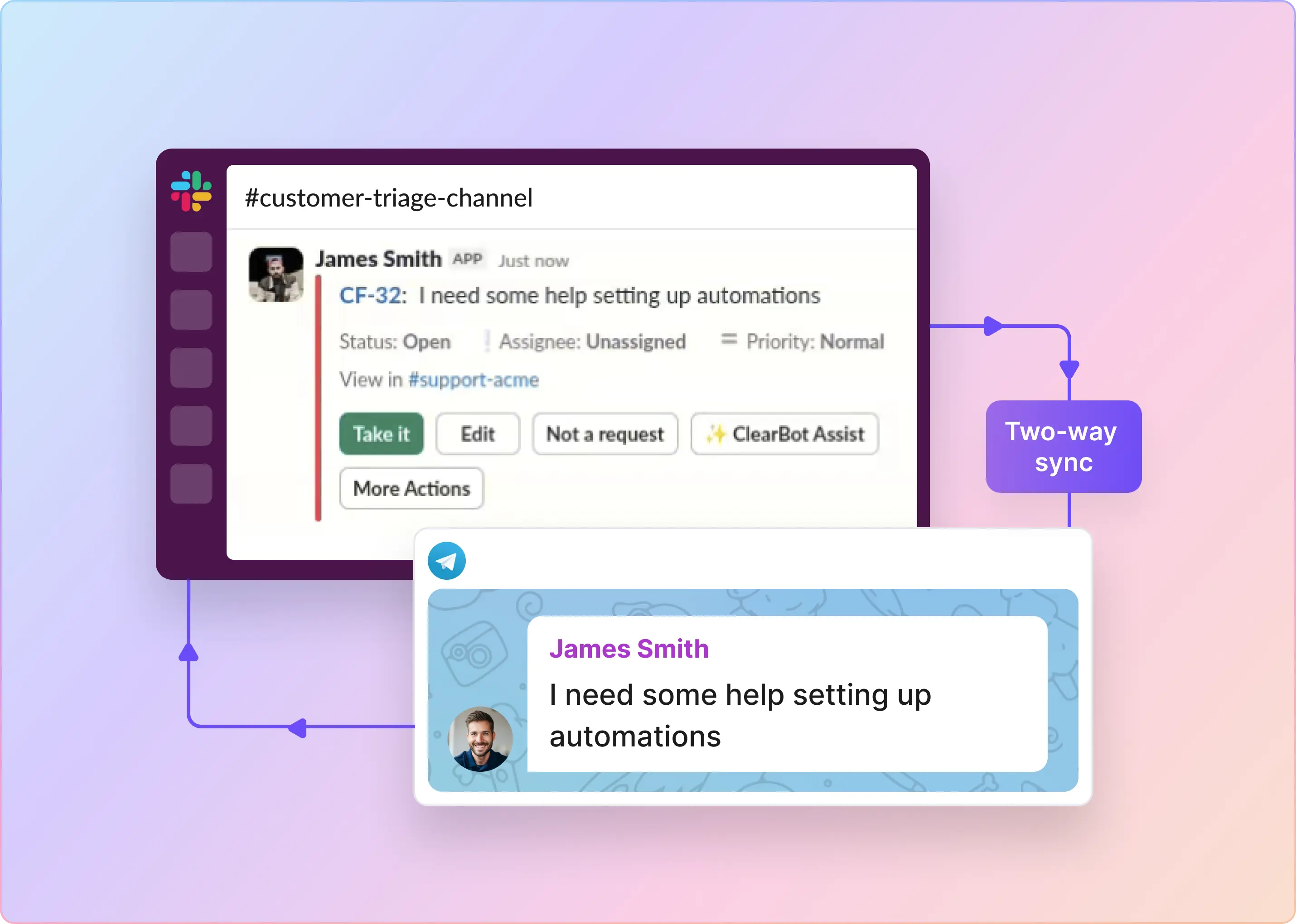
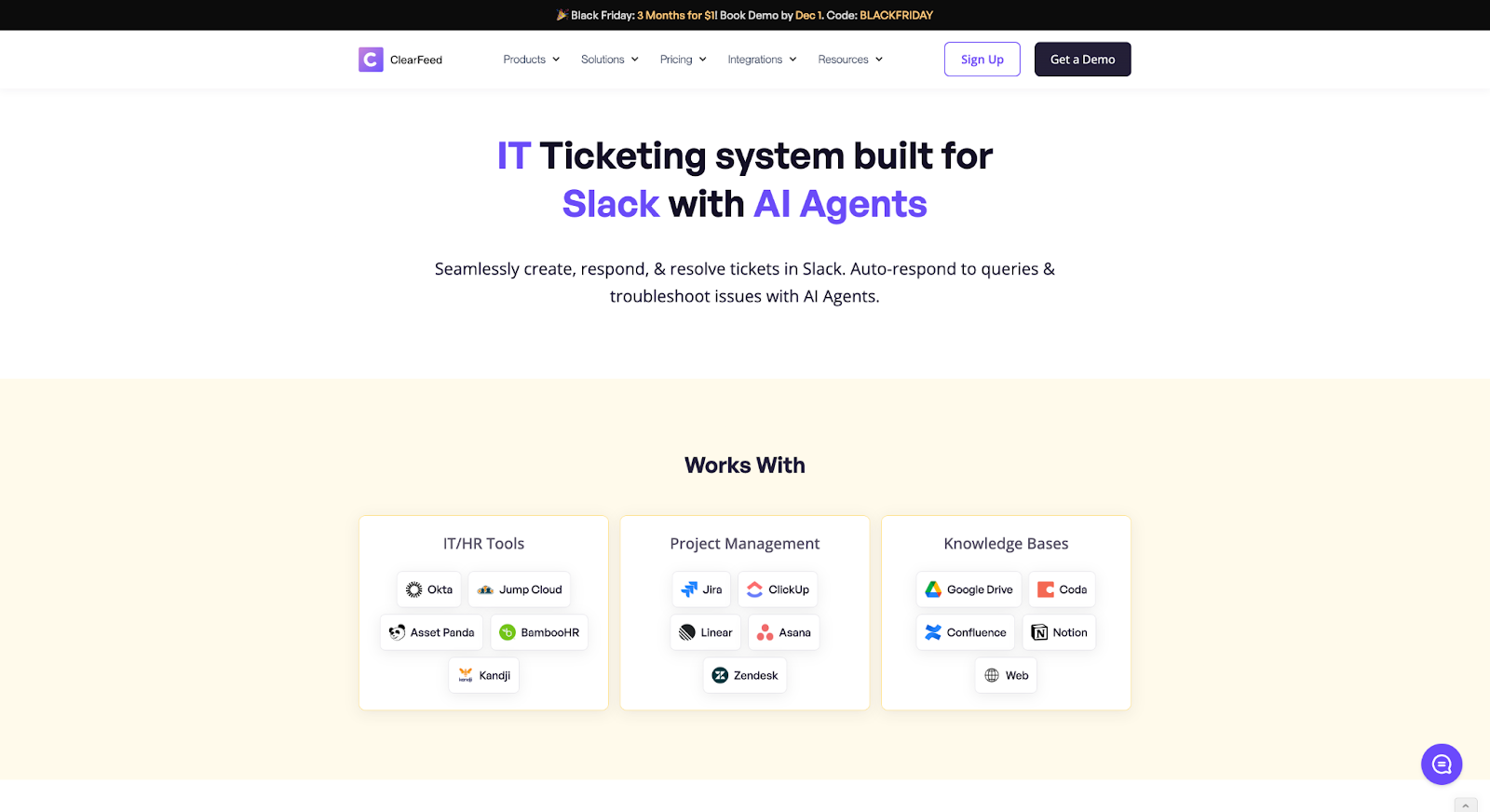
ClearFeed is a Slack-native support and ticketing platform designed for internal helpdesks, customer success teams, and client-facing support. It allows teams to manage tickets, workflows, and SLAs directly inside Slack (and email), reducing context switching and improving response times.
Key Features
- Slack-Native Ticketing: Create, manage, and update tickets directly within Slack channels and direct messages.
- Portal-Free Support Experience: Allow users to raise and track tickets without leaving their primary workspace.
- Real-Time Workflow Management: Handle status changes, approvals, and triage processes inside Slack.
- Robust Integrations: Connect seamlessly with tools like Email, Zendesk, Salesforce, Linear, ClickUp, Asana, Notion, and Google Drive.
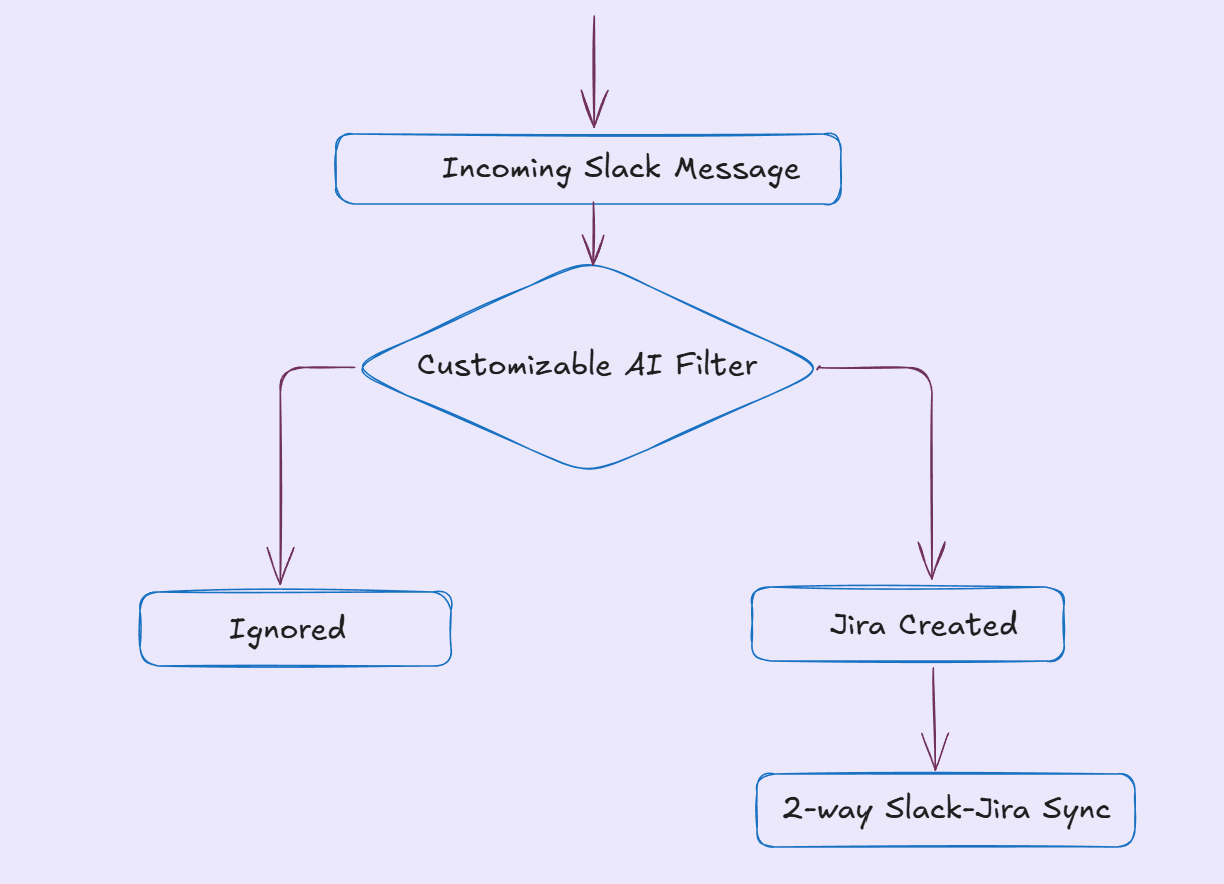
- Bi-Directional Jira Sync: Maintain alignment with Jira for backend teams while supporting users in Slack.
- AI-Powered Automation: Automate ticket routing, SLA alerts, and responses using intelligent workflows.
- Custom Ticket Forms: Design tailored intake forms with unlimited fields to match your workflows.
- Agent-Centric Design: Let support agents manage tickets and conversations in one streamlined interface.
- Fast, Easy Setup: Get started quickly without complex configuration or heavy admin lift.
- Lightweight and Scalable: Ideal for growing teams that need efficiency without enterprise-level overhead.
Pricing
ClearFeed offers two flexible pricing models, depending on how your team works.
- Agent-Based Pricing: Perfect for internal or external support teams using agents to handle tickets.
- Starter Plan – $24 per agent/month
- Professional Plan – $49 per agent/month
- Enterprise Plan – Custom pricing with extras like SSO, custom apps, and volume discounts.
You can also add the AI Pack for $20/month to get automation (100 credits included).
- Usage-Based Pricing: Ideal for external helpdesks where pricing scales with activity—not headcount.
- Billed by number of Slack channels or ticket volume
- If you go over your plan limits, you’re simply bumped up to the next slab
And yep—annual billing gets you 15% off. Start your 14-day free trial — no credit card required.
2. Freshservice
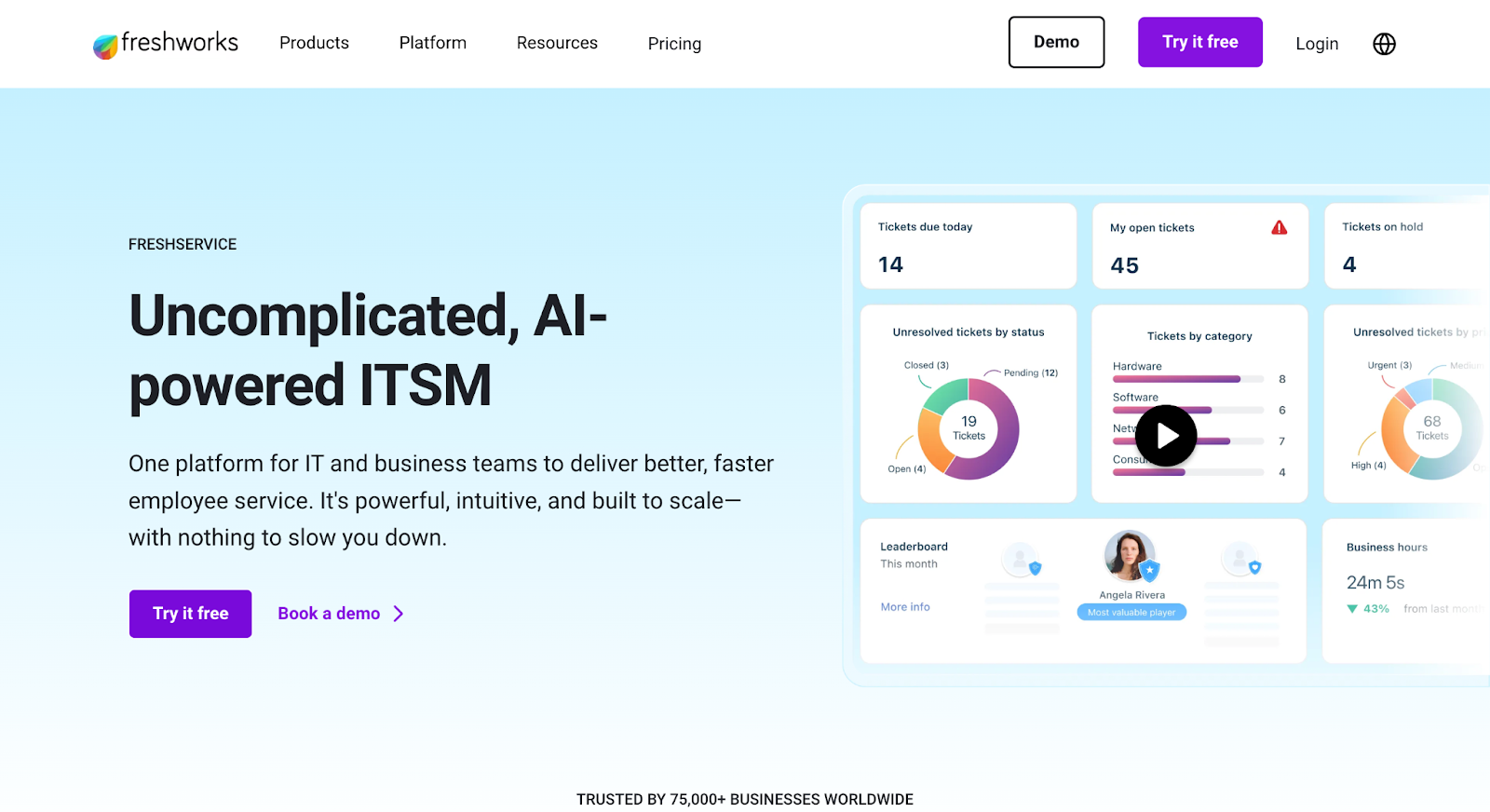
Freshservice is a cloud-based IT service management solution that modernizes IT delivery with integrated support channels and AI capabilities. It streamlines IT operations, enhances service delivery, and improves overall efficiency.
Key Features
- Incident Management: Automates ticket creation, routing, and resolution.
- IT Asset Management: Real-time tracking and governance of hardware, software, and cloud assets.
- Workflow Automation: No-code, drag-and-drop setup for routine process automation.
- Service Catalog & Self-Service Portal: Empowers users to find/request services easily.
- Knowledge Management: Centralized, searchable knowledge base.
- Freddy AI: Conversational AI for support, insights, and proactive issue resolution.
- Change, Problem, and Release Management: For controlled IT operations.
- Project Management: Integrated tools for planning and tracking IT projects.
Pros
- User-friendly, intuitive design
- Robust automation and integrations
- Scalable for various business sizes
Cons
- Customization can be limited
- Reporting depth may not suit everyone
- Mobile app is less functional
G2 Ratings
4.6 out of 5 stars from 1,304+ reviews
Pricing
IT & Employee Service (Annual Billing)
- Starter: $19/agent/mo – Basic ITSM help desk
- Growth: $49/agent/mo – Adds more formal IT service processes
- Pro: $99/agent/mo – Advanced service management and workflows
- Enterprise: Custom – Full suite + AI for mature organisations
MSP
- Core: $49/agent/mo – MSP-focused ITSM with client management
Business Teams
- Pro: $49/agent/mo – Service management for HR/Business teams
3. Linear
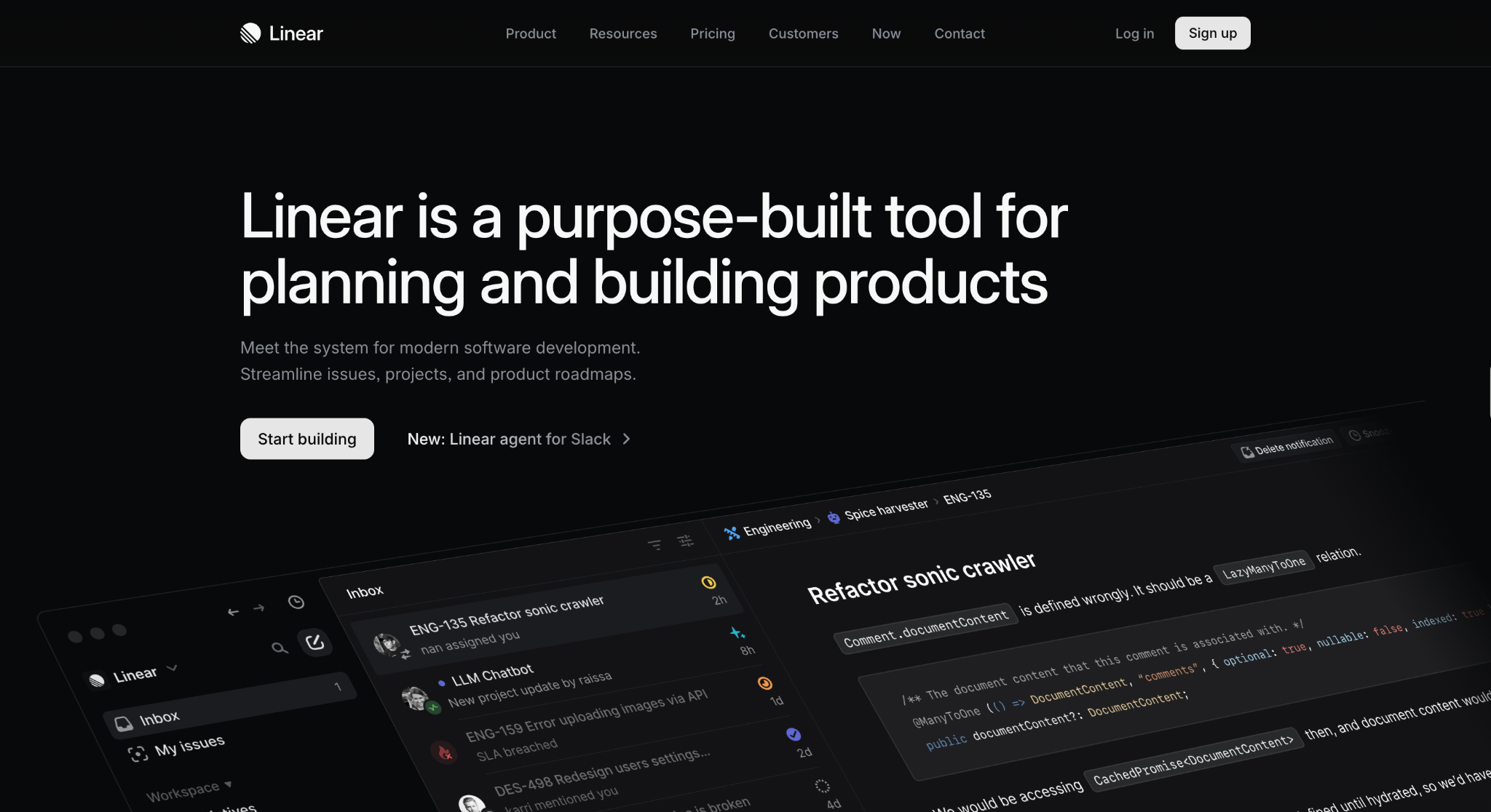
Linear is a modern project management tool designed for software teams to streamline issue tracking, coordinate projects, and build product roadmaps efficiently. It powers high-impact teams with simplicity and speed.
Key Features
- Issue Tracking: Organize, assign, and prioritize tasks using labels, milestones, and cycles.
- Cycles: Time-boxed iterations (sprints) for focused work.
- Product Roadmaps: Visual tools to manage and track initiatives.
- Project Management: Consolidate specs, tasks, and documentation into a single place.
- Real-Time Collaboration: Updates, comments, and notifications keep everyone aligned.
- AI-Powered Tools: Automatic issue summarization, backlog prioritization, and sprint reports.
- Integrations: Native connections to GitHub, Slack, Zendesk, Intercom, and more.
Pros
- Intuitive, easy-to-use UI
- Real-time collaboration
- Fast and responsive
- Seamless integration (GitHub, Slack, etc.)
Cons
- Limited customization
- Some missing advanced features
- May not suit complex enterprise needs
- Higher pricing at some tiers
G2 Ratings
4.5 out of 5 stars (52 reviews)
Pricing
- Free: Unlimited members, 2 teams, 250 issues, GitHub/Slack/API access.
- Basic: $10/user/month, 5 teams, unlimited issues, admin roles.
- Business: $16/user/month, unlimited teams, analytics, guest access, support for Zendesk/Intercom.
- Enterprise: Custom, includes advanced security, migration, onboarding, and SAML/SCIM.
4. Zendesk
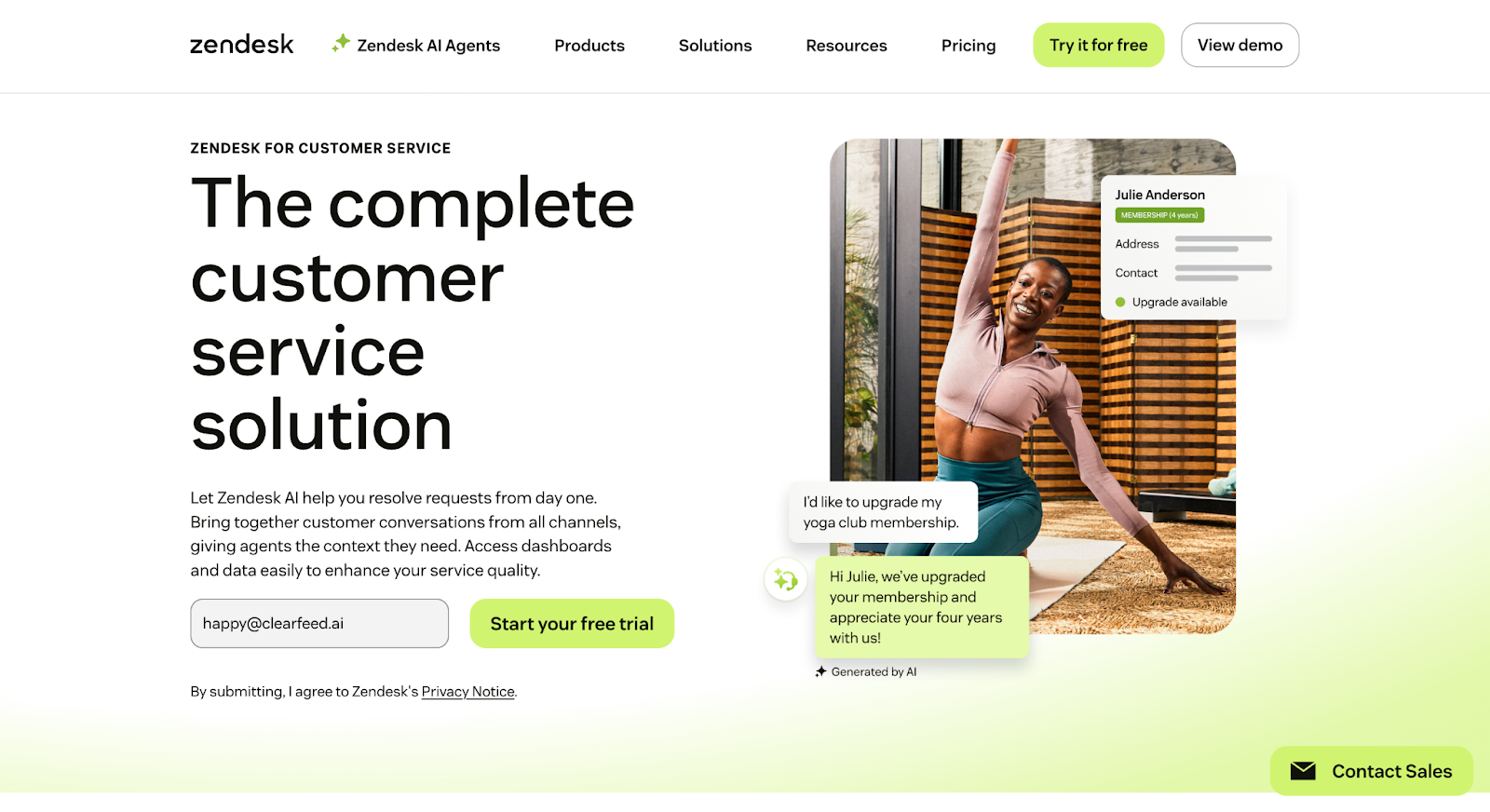
Zendesk is an AI-powered customer service platform that unifies conversations, tickets, automation, and analytics across web, email, chat, voice, and social channels. It’s designed for fast setup, ease of use, and scalable support for teams of any size.
Key Features
- AI Agents: Automate standard customer inquiries using intelligent bots.
- Omnichannel Support: Manage tickets from email, chat, phone, SMS, web, and social media from a single interface.
- Help Center: Build a branded, multilingual self-service portal with knowledge base articles and FAQs.
- Workflow Automation: Set up powerful automations, macros, triggers, and SLAs without developer resources.
- Reporting & Analytics: Real-time dashboards, custom reports, and advanced analytics to monitor performance.
- Customization & Integrations: Access hundreds of apps, APIs, and customizable agent workspaces.
- Workforce & Quality Management: AI QA and workforce optimization features for agent evaluation and scheduling.
- Security & Compliance: Role-based permissions, SSO, HIPAA compliance (on Pro+ tiers), and robust audit trails.
Pros
- Easy, intuitive user experience
- True omnichannel and unified workspace
- Strong analytics and automation
Cons
- Advanced features on costlier plans
- Learning curve for customization
- Some performance issues with integrations
G2 Ratings
4.3 out of 5 stars from 6,644+ reviews
Pricing
- Support Team: $19/user/mo – Basic ticketing, email, and ticket routing
- Suite Team/Professional/Enterprise: $55–$169/user/mo – Omnichannel, automation, self-service, advanced analytics
5. ServiceNow
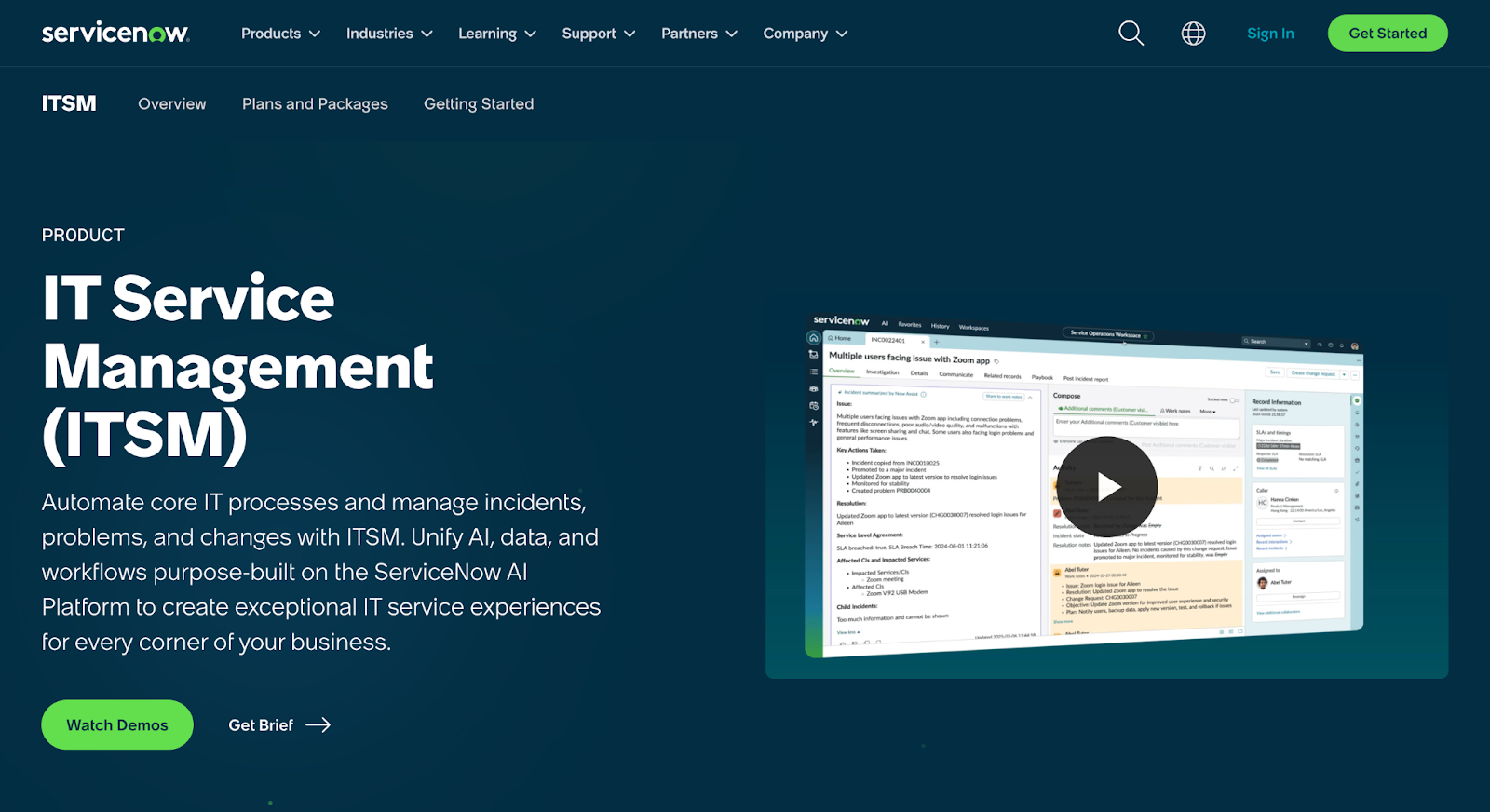
ServiceNow is a cloud-based IT service management platform that uses AI and automation to streamline IT operations, automate workflows, and enhance service delivery across the enterprise. It's popular among larger organizations for its scalability and integration capabilities.
Key Features
- Incident, Problem, and Change Management: Centralized ticketing and robust process automation for ITIL practices.
- AI-Powered Automation: Streamlines repetitive tasks, uses AI agents, and virtual agents to accelerate incident resolution.
- Workflow Automation: Automates business and IT workflows across departments, improving consistency and delivery speed.
- Service Catalog: User-friendly portal for IT, HR, and facility requests with automated fulfillment.
- Virtual Agent: Conversational AI chatbots for end-user support and self-service.
- Performance Analytics: Real-time dashboards, KPIs, and reports to drive data-driven decision-making.
- Integration Hub: Connects with third-party apps and enterprise systems for seamless workflow orchestration.
Pros
- Comprehensive ITSM and workflow automation
- Robust AI and analytics for service improvement
- Scales well for large enterprises and integrations
Cons
- Complex and time-consuming implementation
- High licensing costs
- Steep learning curve
Ratings
4.4 out of 5 stars from 1,100+ reviews
Pricing
Tiered, enterprise-focused pricing—generally available through custom quotes (e.g., ITSM Pro, Pro Plus Bundle with enhanced automation and analytics).
6. ManageEngine ServiceDesk Plus
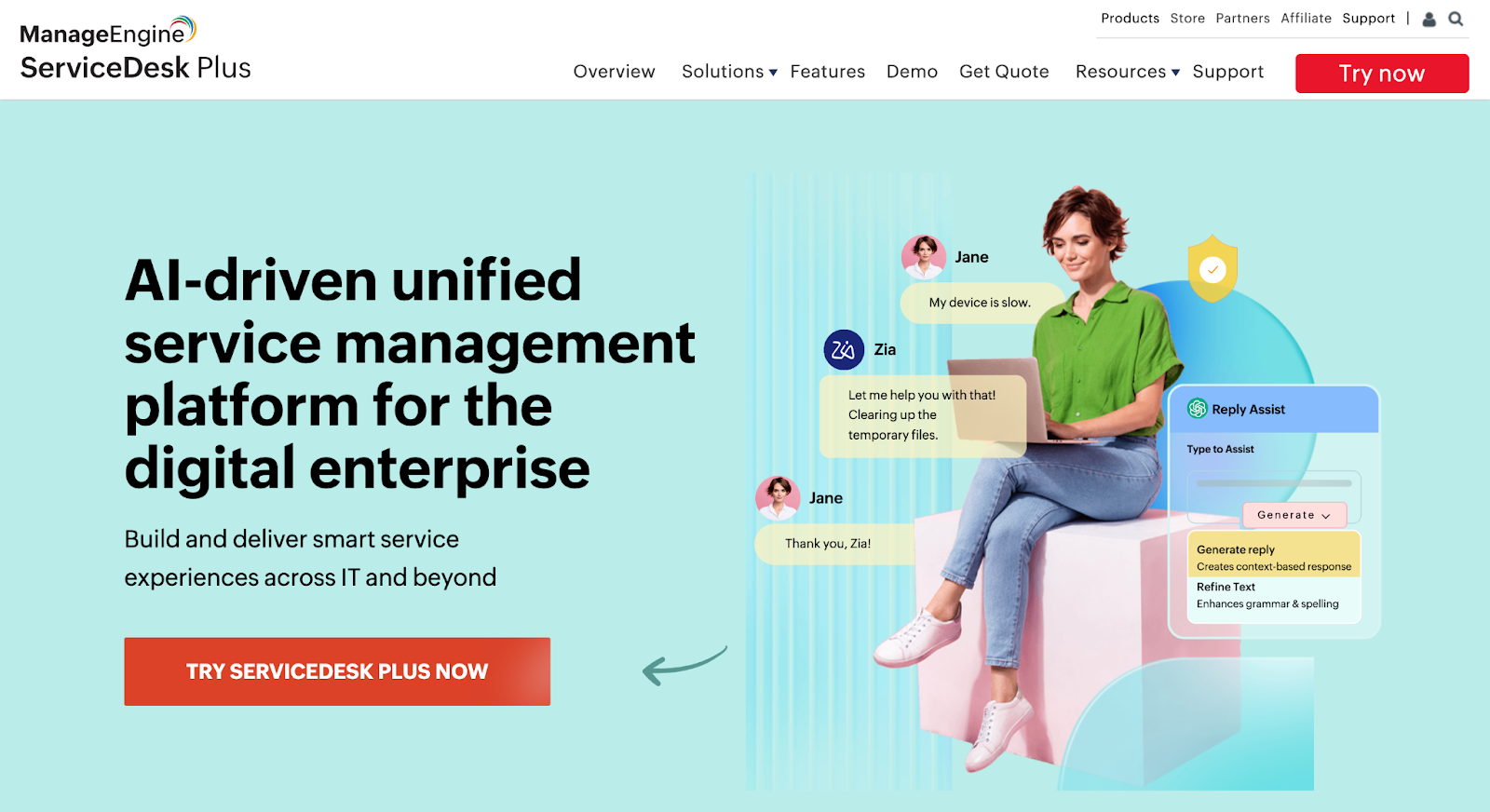
ServiceDesk Plus is an ITIL-ready IT service management solution with integrated help desk, asset, and project management capabilities. It’s designed to streamline IT support operations, automate workflows, and enhance service delivery for organizations of all sizes.
Key Features
- Incident Management: Centralized ticketing, automatic dispatch, workflow automation, and SLA management for fast resolution.
- Problem & Change Management: Root cause analysis, risk mitigation, structured change processes, and Change Advisory Board workflows.
- Asset Management: Discovery, inventory, and compliance tracking for software/hardware assets; license management.
- IT Project Management: Track projects, tasks, milestones, resources, and progress with Gantt charts.
- Self-Service Portal: User-friendly portal with a knowledge base, ticket status tracking, and service announcements.
- Service Catalog: Central interface for requesting and managing IT services, customized workflows, and approvals.
- CMDB: Visual mapping of IT infrastructure, relationships, and impact analysis for better decision-making.
- Reports & Analytics: 150+ built-in, custom, and real-time dashboard reports for actionable insights.
- Integrations: Tight integration with other ManageEngine products and key IT/enterprise tools.
Pros
- Comprehensive ITSM with automation
- Rich asset and project management
- Flexible self-service and reporting options
Cons
- Initial configuration and setup complexity
- Limited third-party integrations
- Support and interface could be improved
G2 Ratings
4.2 out of 5 stars from 240+ reviews
Pricing
Customized quotes per business needs
7. HubSpot Service Hub
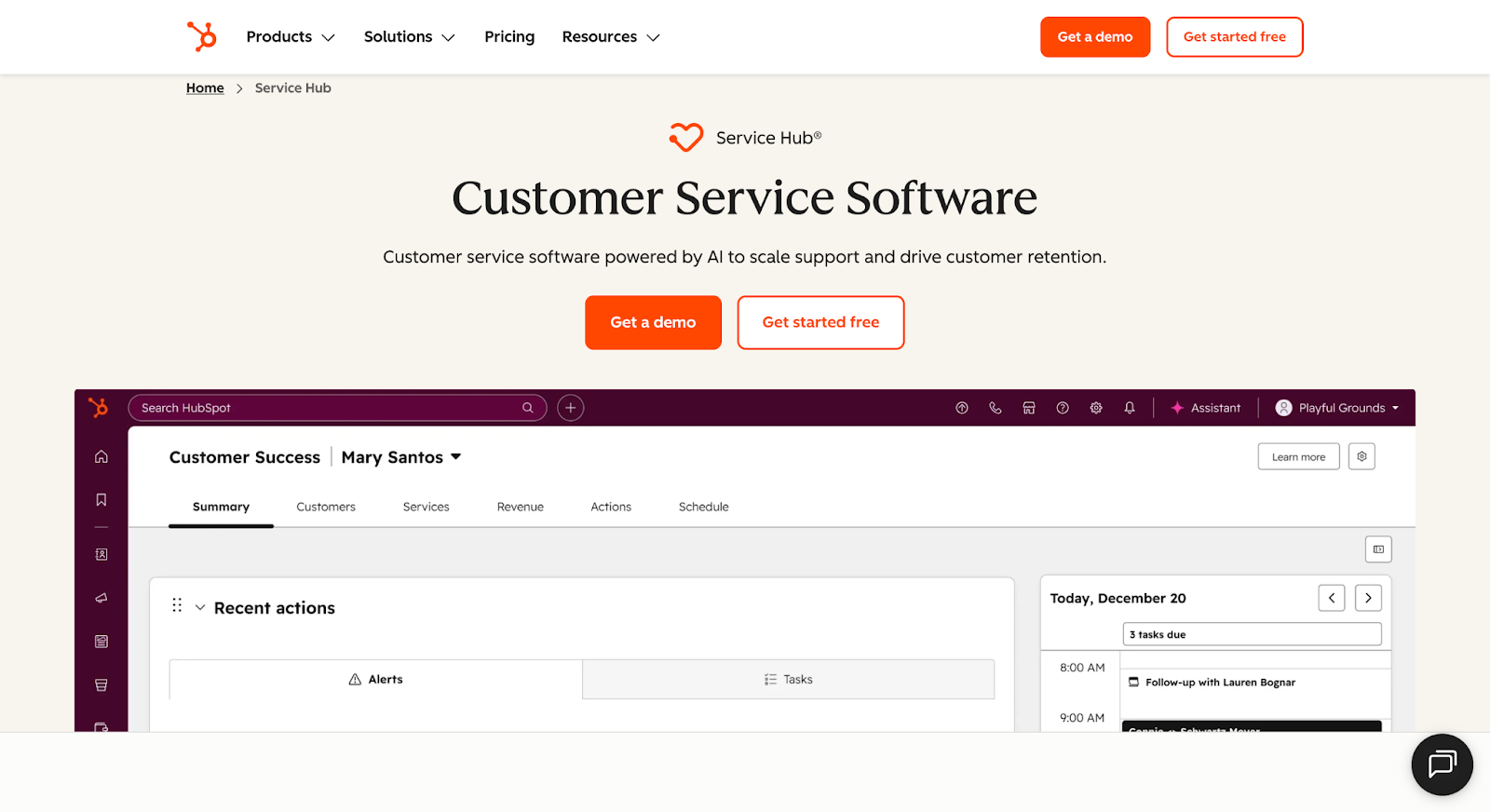
HubSpot Service Hub is an AI-powered customer service platform that centralizes support, automates workflows, and provides unified customer insights. It integrates seamlessly with HubSpot CRM to deliver efficient, scalable support and actionable analytics.
Key Features
- Help Desk & Ticketing: Centralizes inquiries and support tickets from all channels.
- Knowledge Base: Lets you build self-service resources for customers.
- Live Chat & Chatbots: Real-time engagement plus automation via AI-powered bots.
- Customer Feedback & Surveys: Collection and analysis of customer sentiment.
- Customer Portal: Secure, personalized portal for customers to manage requests.
- Automation & Workflows: Automates ticket routing and repetitive tasks.
- Agent Collision Detection & SLAs: Avoids duplicate efforts and ensures priority handling.
- Reporting & Dashboards: Efficiency reporting and customer health insights.
Pros
- Unified platform with CRM integration
- Robust automation and self-service
- Rich reporting and analytics
Cons
- Advanced features cost extra
- Customization can be limited
- Initial setup may have a learning curve
G2 Ratings
4.4 out of 5 stars from 2,865+ reviews
Pricing
- Free: $0/month – Basic ticketing, live chat, shared inbox
- Starter: $9/seat/mo – Adds canned snippets, routing, shared inbox
- Professional: $90/seat/mo – Knowledge base, customer feedback surveys, customer portal
- Enterprise: $150/seat/mo – Conditional SLAs, skill-based routing, customer journey analytics
8. incident.io
incident.io is an all-in-one incident management platform designed to help tech-led organizations handle every stage of incident response— from on-call alerting to coordination, status pages, and postmortems. It integrates seamlessly via Slack, streamlining communication and enabling automation throughout the process.
Key Features
- On-call scheduling and alerting
- Slack-native incident response and real-time coordination
- Automated status page updates to communicate with stakeholders
- AI-powered workflows, insights, and post-incident analysis
- Integrations with popular tools (e.g., PagerDuty, Jira)
- Policies and advanced access control for enterprise needs
Pros
- Seamless Slack integration
- Powerful automation & AI workflows
- Excellent customer support
- Simple, intuitive UI
Cons
- Missing some advanced features
- Limited customization options
- Minor confusion in early use
- Feature requests take time to implement
G2 Ratings
4.8 out of 5 stars from 178 reviews
Pricing
- Basic: Free for up to 5 users
- Team: Starting at $15/user/month (adds more features)
- Pro: Starting at $25/user/month (for advanced automation, policies)
- Enterprise: Custom pricing for greater control, environments, and support
Find the Right Jira Service Management Alternative
Picking the right service desk tool is all about finding a system that fits how your team actually works and grows. Many teams use Jira Service Management for ticketing, but it's not your only choice. You might want something more straightforward to use, faster to set up, or with smarter automation. You may be looking for a tool that offers better customer support.
The good news is, there are many great options out there now. Don't be afraid to look at them. Take your time to test them out. Remember, the best tool for you is the one that helps your team do its best work, not just get by. If ClearFeed catches your eye, you can try it free for 14 days with no strings attached.
Frequently Asked Questions
1. Why Should Businesses Look for Jira Service Management Alternatives?
Businesses should look for Jira Service Management alternatives to reduce setup complexity, lower total cost of ownership, improve usability for non-technical users, and speed up onboarding. Many teams prefer tools with easier interfaces and stronger customer-facing portals.
2. What Features Should I Look for in a Jira Service Management Alternative?
Look for SLA tracking, ticket automation, a self-service knowledge base or chatbot, multi-channel support, CRM, and engineering integrations, reporting, and AI-powered ticket classification. These features improve resolution speed, user experience, and scalability in Jira Service Management alternatives.
3. Is Jira Service Management Suitable for Small Teams or Startups?
Jira Service Management may be too complex and costly for small teams or startups. Teams under 50 people often prefer simpler, more agile tools with fast setup, lower pricing, and built-in chat-based workflows better suited for lean operations.
4. Are There More Affordable Jira Service Management Alternatives?
Yes. More affordable Jira Service Management alternatives include tools with flexible pricing, such as pay-per-agent or usage-based models. These solutions work well for small teams or internal support and help reduce costs while maintaining essential features.
5. Can I Replace Jira Service Management and Still Integrate With Jira Software?
Yes. You can replace Jira Service Management and still integrate with Jira Software using ClearFeed, which supports bi-directional syncing. This allows engineering to stay in Jira while other teams use separate helpdesk tools or chat interfaces to manage support workflows.
6. Do Jira Service Management Alternatives Offer AI or Automation Features?
Yes. Many Jira Service Management alternatives, including ClearFeed, offer AI-powered tagging, ticket summarization, auto-triage in Slack or Teams, response suggestions, and automated routing by priority, sentiment, or SLA risk. These features reduce manual work and speed up resolution.
7. What Are the Limitations of Jira Service Management in 2026?
In 2026, Jira Service Management’s limitations include a steep learning curve, limited support for chat-based workflows, reliance on multiple tools for full functionality, usage-based pricing increases, and complex workflow configurations that slow down setup and scaling.
8. How Do I Choose the Right Jira Service Management Alternative?
Choose the right Jira Service Management alternative by matching tools to your use case. For customer support, prioritize chat and AI triage. For IT helpdesks, look for SLAs and asset management. Internal teams need form automation, while small teams need easy setup and flexible pricing.
9. How Difficult Is It To Migrate Away From Jira Service Management?
Migrating away from Jira Service Management is manageable with most tools offering migration guides, API syncing, or CSV imports. For teams using Jira issues heavily, choose a solution with two-way Jira integration to simplify adoption and maintain continuity.